Rootless Docker runs the daemon and containers under an unprivileged user account instead of a root-owned daemon. That reduces the privilege of the daemon process, but it also changes socket paths, networking behavior, storage location, and service management.
Docker's rootless setup expects Linux user-session support, subordinate UID and GID ranges, and the rootless extras package or equivalent installation files. On systemd hosts, the user service normally runs under systemctl –user.
Install rootless mode as the user who will run containers. Do not run the setup through sudo su or a shared production account, and keep the regular rootful Docker context separate until the rootless context has passed a test run.
Related: How to create a Docker context
Related: How to run a Docker container
Steps to install Docker rootless mode:
- Install the rootless prerequisites and extras package on the Linux host.
$ sudo apt-get update
$ sudo apt-get install --assume-yes uidmap dbus-user-session docker-ce-rootless-extras
- Confirm that the user has subordinate ID ranges.
$ grep "^$USER:" /etc/subuid /etc/subgid
/etc/subuid:deploy:100000:65536
/etc/subgid:deploy:100000:65536
Rootless containers need these ranges for user namespace mapping.
- Run the rootless setup as the target user.
$ dockerd-rootless-setuptool.sh install
[INFO] Creating /home/deploy/.config/systemd/user/docker.service
[INFO] Installed docker.service successfully.
[INFO] Created CLI context "rootless"
- Enable lingering when the user service should start without an interactive login.
$ sudo loginctl enable-linger "$USER"
- Start the rootless Docker user service.
$ systemctl --user enable --now docker
Created symlink /home/deploy/.config/systemd/user/default.target.wants/docker.service -> /home/deploy/.config/systemd/user/docker.service.
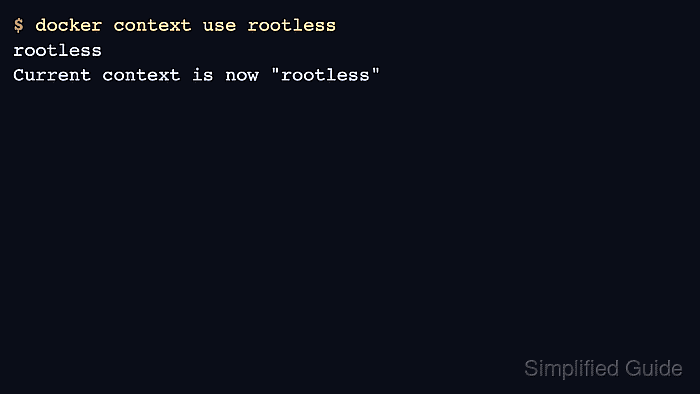
- Switch the Docker CLI to the rootless context.
$ docker context use rootless
rootless
Current context is now "rootless"
- Run a small container through the rootless daemon.
$ docker run --rm hello-world
Hello from Docker!
Published low ports, host networking, and storage paths can differ from a rootful Docker Engine. Test the real workload before replacing an existing daemon.

Mohd Shakir Zakaria is a cloud architect with deep roots in software development and open-source advocacy. Certified in AWS, Red Hat, VMware, ITIL, and Linux, he specializes in designing and managing robust cloud and on-premises infrastructures.


