Stopping a Docker container ends the running process, while removing the container deletes the stopped container record. Keeping those actions separate prevents accidental removal of a container that still needs logs, exit status, or filesystem inspection.
docker stop sends the configured stop signal and waits before forcing the process to exit. docker rm removes only a stopped container unless --force is used, and it does not delete named volumes by default.
Check whether the container owns data before removal. If the workload uses bind mounts or named volumes, removing the container leaves that storage behind, but deleting anonymous volumes or pruning later can still remove data that another recovery step expected.
Related: How to run a Docker container
Related: How to back up and restore a Docker volume
Steps to stop and remove a Docker container:
- Identify the container name and current state.
$ docker ps --all --filter name=app-worker
CONTAINER ID   IMAGE                                  COMMAND     CREATED       STATUS       PORTS     NAMES
8e0de02db6f2   registry.example.com/team/worker:1.0   "worker"    3 hours ago   Up 3 hours             app-worker
- Stop the running container.
$ docker stop app-worker
app-worker
Add --timeout when the application needs a longer graceful shutdown window.
- Confirm that the container is stopped before removing it.
$ docker ps --all --filter name=app-worker
CONTAINER ID   IMAGE                                  COMMAND     CREATED       STATUS                     PORTS     NAMES
8e0de02db6f2   registry.example.com/team/worker:1.0   "worker"    3 hours ago   Exited (0) 4 seconds ago             app-worker
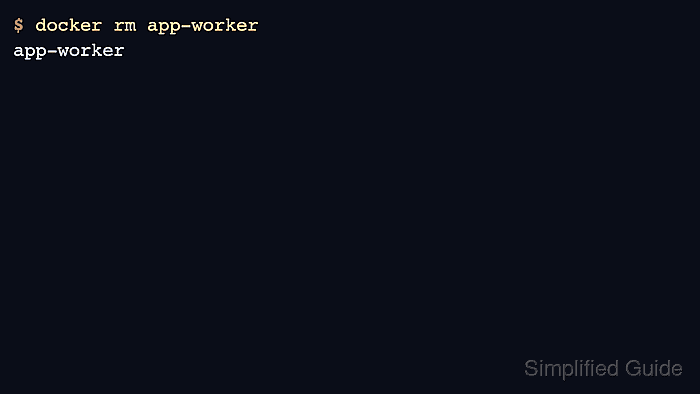
- Remove the stopped container.
$ docker rm app-worker
app-worker
Do not add --volumes unless anonymous volumes attached to this container should be deleted too.
- Verify that the container record no longer exists.
$ docker ps --all --filter name=app-worker
CONTAINER ID   IMAGE     COMMAND   CREATED   STATUS    PORTS     NAMES

Mohd Shakir Zakaria is a cloud architect with deep roots in software development and open-source advocacy. Certified in AWS, Red Hat, VMware, ITIL, and Linux, he specializes in designing and managing robust cloud and on-premises infrastructures.


