Secrets copied into environment variables are easy to leak through logs, shell history, and process inspection. Docker Compose secrets mount sensitive values as files inside only the services that request them, which keeps the Compose model explicit and avoids placing the secret value directly in the YAML.
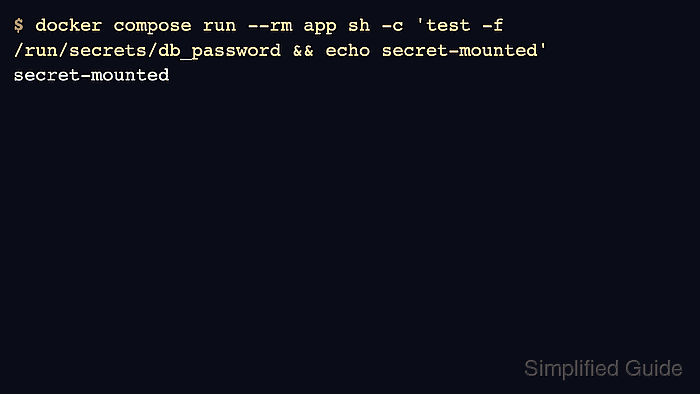
Compose uses a top-level secrets section to define the source and a service-level secrets list to grant access. Inside a Linux container, the default mount path is /run/secrets/<secret_name>.
This pattern still depends on safe handling of the source file or external secret provider. Keep local secret files out of version control, restrict filesystem permissions, and test by checking for the mounted file rather than printing the secret value.
Related: How to use an env file with Docker Compose
Related: How to manage Docker Swarm secrets
Steps to use Docker Compose secrets:
- Create the secret file outside the committed application source.
$ install -m 600 /dev/null /srv/example-stack/secrets/db_password.txt
$ printf '%s
' "$DB_PASSWORD" > /srv/example-stack/secrets/db_password.txt
Do not paste real secret values into tickets, command transcripts, or shared examples.
- Define the secret and grant it to the service.
- /srv/example-stack/compose.yaml
services:
  app:
    image: registry.example.com/team/app:1.0
    secrets:
      - db_password
secrets:
  db_password:
    file: ./secrets/db_password.txt
- Validate the Compose file before starting the service.
$ docker compose config --quiet
- Start the service that consumes the secret.
$ docker compose up --detach app
 Container example-stack-app-1 Started
- Confirm that the secret is mounted without printing its contents.
$ docker compose exec app sh -c 'test -f /run/secrets/db_password && echo secret-mounted'
secret-mounted
- Inspect the service definition when the file does not appear in the container.
$ docker compose config --services
app
Check both the top-level secrets declaration and the service-level secrets list. Defining the secret alone does not grant it to a container.

Mohd Shakir Zakaria is a cloud architect with deep roots in software development and open-source advocacy. Certified in AWS, Red Hat, VMware, ITIL, and Linux, he specializes in designing and managing robust cloud and on-premises infrastructures.


