Removing an APT repository on Debian means removing the source definition that points APT at that repository, then refreshing package metadata so future installs and upgrades use only the remaining enabled sources. A clean removal leaves no matching entry under /etc/apt/sources.list.d/ and no stale keyring that is used only by the removed repository.
Current Debian systems commonly keep third-party repositories in deb822 *.sources files under /etc/apt/sources.list.d/. Older entries may use *.list files instead, so search the source directory first and remove the exact file that owns the repository URI.
A retired third-party repository usually has both a source definition and a dedicated keyring. Replace the URI, source file, and keyring path with the repository being retired, and keep any package removal or downgrade as a separate decision after the repository itself has been disabled.
Related: How to add an APT repository on Debian
Related: How to install a package on Debian with apt
Related: How to pin a Debian package version
Steps to remove an APT repository on Debian:
- Find the source file that contains the repository URI.
$ grep -R --line-number --fixed-strings "packages.example.net" /etc/apt/sources.list.d/
/etc/apt/sources.list.d/examplecorp.sources:2:URIs: https://packages.example.net/debian
Use a distinctive part of the repository URL. If more than one file matches, inspect each match before removing anything.
- Review the source file before changing it.
$ sudo sed -n '1,120p' /etc/apt/sources.list.d/examplecorp.sources
Types: deb
URIs: https://packages.example.net/debian
Suites: trixie
Components: stable
Signed-By: /etc/apt/keyrings/examplecorp.gpg
The Signed-By line identifies the dedicated keyring that may also need cleanup after the source is removed.
- Back up the source file outside the active APT source directory.
$ sudo cp /etc/apt/sources.list.d/examplecorp.sources /root/examplecorp.sources.backup
A backup makes it easy to restore the exact repository definition if the wrong source is removed.
- Remove the repository source file.
$ sudo rm /etc/apt/sources.list.d/examplecorp.sources
Remove only the matching repository file. Do not delete the main Debian source file or unrelated vendor entries.
- Confirm that no active source file still references the repository URI.
$ grep -R --line-number --fixed-strings "packages.example.net" /etc/apt/sources.list.d/
No output means the repository URI is no longer present in the active source directory.
- Remove the repository keyring if no other source uses it.
$ grep -R --line-number --fixed-strings "/etc/apt/keyrings/examplecorp.gpg" /etc/apt/sources.list /etc/apt/sources.list.d/ 2>/dev/null
$ sudo rm /etc/apt/keyrings/examplecorp.gpg
Skip the removal when another source file still references the same keyring.
- Refresh APT metadata after the repository is removed.
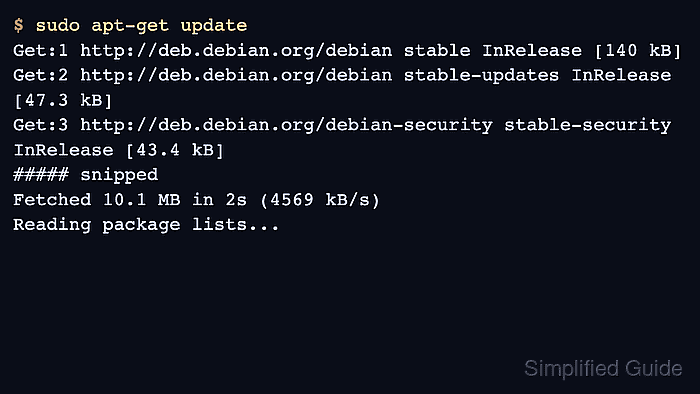
$ sudo apt update
Get:1 http://deb.debian.org/debian stable InRelease [140 kB]
Get:2 http://deb.debian.org/debian stable-updates InRelease [47.3 kB]
Get:3 http://deb.debian.org/debian-security stable-security InRelease [43.4 kB]
##### snipped #####
Reading package lists... Done
The removed repository should not appear in the update output, and the remaining Debian repositories should update without signature or release-file errors.
- Check any package that previously came from the removed repository before making package changes.
$ apt-cache policy example-agent
example-agent:
  Installed: 2.4.1-1
  Candidate: 2.4.1-1
  Version table:
 *** 2.4.1-1 100
        100 /var/lib/dpkg/status
A package can remain installed after its repository is removed. Decide separately whether to keep, replace, downgrade, or purge that package.

Mohd Shakir Zakaria is a cloud architect with deep roots in software development and open-source advocacy. Certified in AWS, Red Hat, VMware, ITIL, and Linux, he specializes in designing and managing robust cloud and on-premises infrastructures.


