Repository-specific instructions keep Codex from guessing how a project should be built, tested, reviewed, and changed. A small AGENTS.md file gives each new session the same project conventions before work starts, so repeated reminders become durable repository guidance.
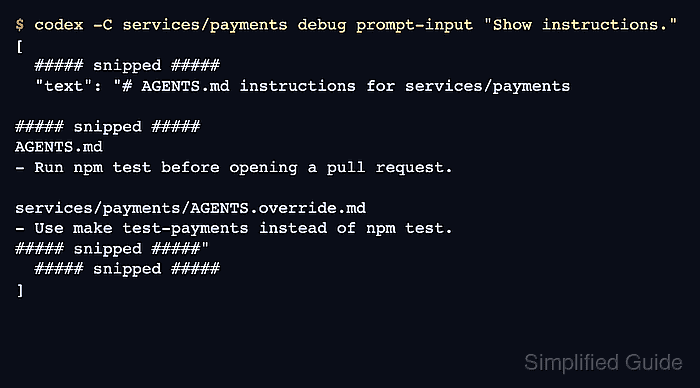
Codex loads project instructions when a session starts. Guidance at the repository root applies to work across the project, while instructions closer to the working directory can refine it. An existing conversation does not automatically pick up a later file edit.
The CLI must already have a working model provider, with authentication when that provider requires it. Instruction files become part of the model's context, so they must stay free of secrets and private service details.
Folder trust allows project settings to run code and lets Codex access project files under your permission settings. Approval is appropriate only for a repository whose files you trust.
Steps to create an AGENTS.md file for Codex:
- Open the repository-root AGENTS.md file in a text editor.
$ nano AGENTS.md
The terminal must be at your repository root for this relative path. An existing file keeps its current instructions; a missing file becomes a new AGENTS.md when saved. If a nonempty AGENTS.override.md already exists at the same level, it takes precedence, so that is the active project instruction file to edit instead.
Related: How to set the working directory for Codex - Append this rule on its own line at the end of the project instructions.
- Reply in French.
The line starts at the left margin, with no indentation. Existing rules stay in place; the language rule needs only one copy.
- Save the instruction file in the editor.
The saved file must contain the new rule before Codex starts.
- Close the editor.
In nano, Ctrl+X returns to the shell.
- Start a fresh interactive Codex session from the repository root.
$ codex
A fresh session loads the saved instructions; resuming an old conversation may retain the earlier instructions.
Related: How to start a Codex interactive session - Approve folder access if Codex asks about a repository you trust.
The folder prompt labels this choice Trust and continue.
- Submit this prompt at the Codex prompt.
Briefly introduce yourself.
- Confirm Codex introduces itself in French.
The prompt does not specify a language, so a French reply demonstrates the saved rule taking effect. The wording can vary. If the reply is in English, the rule is not being followed. Possible causes include the wrong instruction file, an old session, or a model that does not follow the loaded guidance.