YARN log aggregation copies container logs from NodeManager local disks into a filesystem location where they can be retrieved after an application finishes. Without it, finished job logs may disappear when local retention cleanup runs.
The feature is controlled by yarn-site.xml and usually stores logs in HDFS. Configure the remote directory, retention period, and NodeManager setting before restarting YARN daemons.
Choose retention that matches incident and audit requirements. Very long retention on busy clusters can consume significant HDFS capacity.
Steps to enable YARN log aggregation:
- Create the remote log directory in HDFS.
$ hdfs dfs -mkdir -p /tmp/logs
- Set ownership and permissions for the remote log path.
$ hdfs dfs -chown yarn:hadoop /tmp/logs
- Enable log aggregation in yarn-site.xml.
- yarn-site.xml
<property>
  <name>yarn.log-aggregation-enable</name>
  <value>true</value>
</property>
<property>
  <name>yarn.nodemanager.remote-app-log-dir</name>
  <value>/tmp/logs</value>
</property>
<property>
  <name>yarn.log-aggregation.retain-seconds</name>
  <value>604800</value>
</property>
- Distribute the updated YARN configuration to NodeManagers.
$ rsync -a $HADOOP_CONF_DIR/yarn-site.xml worker01.example.net:$HADOOP_CONF_DIR/yarn-site.xml
yarn-site.xml
- Restart YARN daemons.
$ stop-yarn.sh
Stopping resourcemanager
Stopping nodemanagers
Related: How to restart Hadoop services
- Run or wait for an application to finish.
$ yarn application -list -appStates FINISHED
Total number of applications (application-types: [] and states: [FINISHED]):1
Application-Id                  Application-Name State     Final-State
application_1720000000000_0042  daily-etl        FINISHED  SUCCEEDED
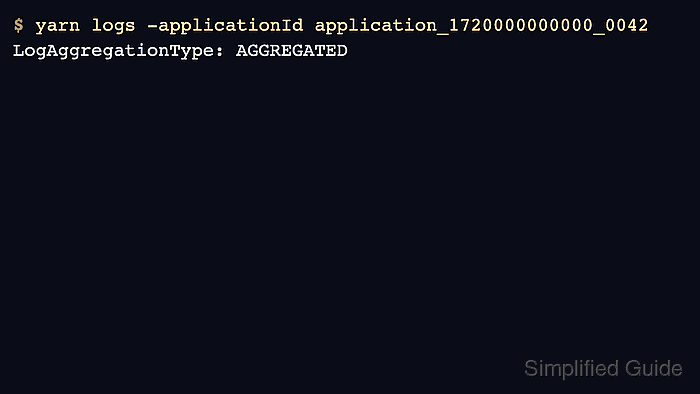
- Verify aggregated logs can be retrieved.
$ yarn logs -applicationId application_1720000000000_0042
Container: container_1720000000000_0042_01_000001 on worker01.example.net:8041
LogAggregationType: AGGREGATED
LogType: syslog
##### snipped #####
Related: How to view YARN application logs

Author: Mohd
Shakir Zakaria
Mohd Shakir Zakaria is a cloud architect with deep roots in software development and open-source advocacy. Certified in AWS, Red Hat, VMware, ITIL, and Linux, he specializes in designing and managing robust cloud and on-premises infrastructures.


Mohd Shakir Zakaria is a cloud architect with deep roots in software development and open-source advocacy. Certified in AWS, Red Hat, VMware, ITIL, and Linux, he specializes in designing and managing robust cloud and on-premises infrastructures.