A NameNode checkpoint merges the fsimage and edit logs into a newer namespace image. It reduces edit-log replay time and creates a recent metadata image that can support recovery planning.
In non-HA clusters, the SecondaryNameNode usually performs checkpoints. In HA clusters, checkpoint behavior belongs to standby NameNodes, so do not apply the same operational assumptions blindly.
A checkpoint is metadata protection, not a complete data backup. HDFS block replicas still live on DataNodes and need separate cluster backup or replication planning.
Steps to create a Hadoop NameNode checkpoint:
- Confirm the checkpoint role configured for the cluster.
$ hdfs getconf -secondaryNameNodes
secondary01.example.net
- Check HDFS health before forcing a namespace save.
$ hdfs fsck /
Status: HEALTHY
 Total blocks (validated): 42
Related: How to check HDFS cluster health
- Enter safe mode before a manual namespace save when required by the operating procedure.
$ hdfs dfsadmin -safemode enter
Safe mode is ON
Related: How to manage HDFS safe mode
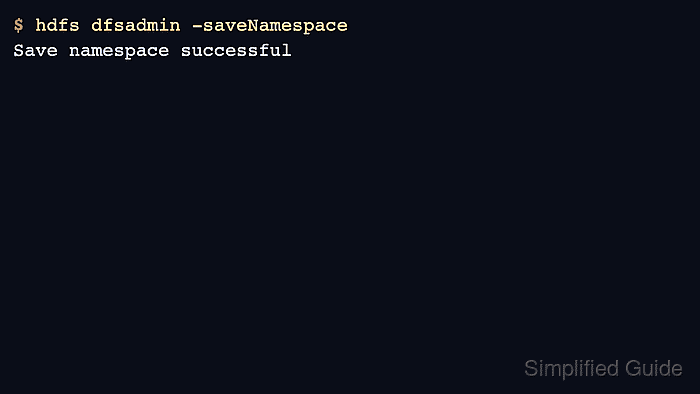
- Save the namespace.
$ hdfs dfsadmin -saveNamespace
Save namespace successful
- Leave safe mode after the save completes.
$ hdfs dfsadmin -safemode leave
Safe mode is OFF
- Verify a recent fsimage exists in the NameNode directory.
$ ls -lh /data/hadoop/hdfs/name/current
-rw-r--r-- 1 hdfs hadoop  24M Jun 17 03:42 fsimage_0000000000000012842
-rw-r--r-- 1 hdfs hadoop   62 Jun 17 03:42 fsimage_0000000000000012842.md5

Author: Mohd
Shakir Zakaria
Mohd Shakir Zakaria is a cloud architect with deep roots in software development and open-source advocacy. Certified in AWS, Red Hat, VMware, ITIL, and Linux, he specializes in designing and managing robust cloud and on-premises infrastructures.


Mohd Shakir Zakaria is a cloud architect with deep roots in software development and open-source advocacy. Certified in AWS, Red Hat, VMware, ITIL, and Linux, he specializes in designing and managing robust cloud and on-premises infrastructures.