HDFS safe mode protects the namespace while the NameNode waits for enough block reports. Operators often meet it when writes fail even though the NameNode daemon is running.
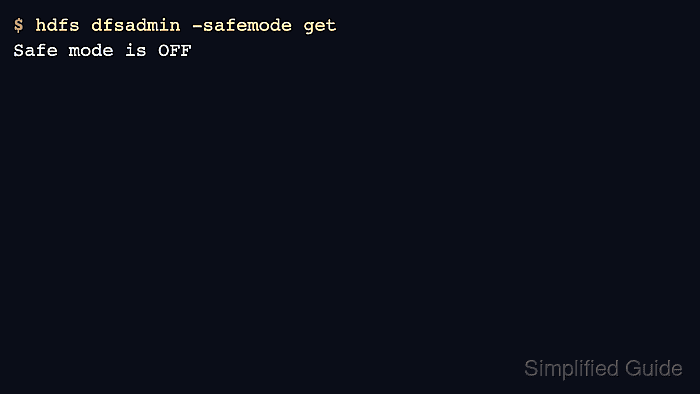
Checking safe mode is read-only. Leaving safe mode manually is a state-changing action and should happen only after block reports and cluster health explain why the NameNode is still waiting.
Do not force safe mode off to hide missing-block or under-replication problems. Confirm DataNodes are live and the health report is acceptable first.
Steps to check and leave HDFS safe mode:
- Check the current safe mode state.
$ hdfs dfsadmin -safemode get
Safe mode is ON
- Review DataNode and block report status.
$ hdfs dfsadmin -report
Live datanodes (3):
Dead datanodes (0):
Under replicated blocks: 0
Blocks with corrupt replicas: 0
Missing blocks: 0
Related: How to check HDFS cluster health
- Wait for automatic exit when DataNodes are still reporting blocks.
$ hdfs dfsadmin -safemode get
Safe mode is ON
- Leave safe mode after health checks show the namespace is ready.
$ hdfs dfsadmin -safemode leave
Safe mode is OFF
Leaving safe mode early can allow writes while the cluster still has missing or under-replicated blocks.
- Verify write access with a small test directory.
$ hdfs dfs -mkdir -p /tmp/safemode-check
- Remove the test directory.
$ hdfs dfs -rmdir /tmp/safemode-check

Author: Mohd
Shakir Zakaria
Mohd Shakir Zakaria is a cloud architect with deep roots in software development and open-source advocacy. Certified in AWS, Red Hat, VMware, ITIL, and Linux, he specializes in designing and managing robust cloud and on-premises infrastructures.


Mohd Shakir Zakaria is a cloud architect with deep roots in software development and open-source advocacy. Certified in AWS, Red Hat, VMware, ITIL, and Linux, he specializes in designing and managing robust cloud and on-premises infrastructures.