On SUSE Linux, Hadoop installation starts with Java and the Apache binary distribution. Keeping the Hadoop tree under /opt and configuration under a dedicated path makes upgrades and cluster configuration easier to audit.
Use zypper for Java and base utilities, then unpack the current Hadoop archive as a dedicated Hadoop user. The commands below prepare the runtime used by later HDFS and YARN configuration steps.
Hadoop 3.5 server daemons require Java 17. Verify Java before setting Hadoop environment variables so later daemon failures do not look like Hadoop configuration errors.
Steps to install Apache Hadoop on SUSE Linux:
- Refresh repositories and install Java 17.
$ sudo zypper refresh
All repositories have been refreshed.
- Install Java and archive tools.
$ sudo zypper install --no-confirm java-17-openjdk-headless tar curl
Installing: java-17-openjdk-headless tar curl
- Create the Hadoop user.
$ sudo useradd --system --home-dir /var/lib/hadoop --create-home --shell /bin/bash hadoop
- Download the Apache Hadoop binary archive.
$ curl -fLO https://downloads.apache.org/hadoop/common/hadoop-3.5.0/hadoop-3.5.0.tar.gz
- Unpack Hadoop under /opt.
$ sudo tar -xzf hadoop-3.5.0.tar.gz -C /opt
- Create the stable install symlink.
$ sudo ln -sfn /opt/hadoop-3.5.0 /opt/hadoop
- Set the environment for login shells.
- /etc/profile.d/hadoop.sh
export JAVA_HOME=/usr/lib64/jvm/java-17-openjdk-17
export HADOOP_HOME=/opt/hadoop
export PATH=$HADOOP_HOME/bin:$HADOOP_HOME/sbin:$PATH
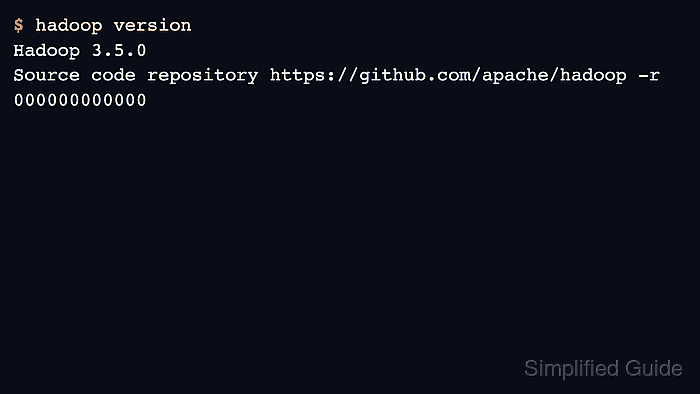
- Verify Hadoop from the install path.
$ /opt/hadoop/bin/hadoop version
Hadoop 3.5.0
Source code repository https://github.com/apache/hadoop -r 000000000000

Author: Mohd
Shakir Zakaria
Mohd Shakir Zakaria is a cloud architect with deep roots in software development and open-source advocacy. Certified in AWS, Red Hat, VMware, ITIL, and Linux, he specializes in designing and managing robust cloud and on-premises infrastructures.


Mohd Shakir Zakaria is a cloud architect with deep roots in software development and open-source advocacy. Certified in AWS, Red Hat, VMware, ITIL, and Linux, he specializes in designing and managing robust cloud and on-premises infrastructures.