A macOS Hadoop install is usually a client or local lab setup, not a production cluster host. The installation needs a supported Java runtime, Hadoop binaries, and shell environment variables that point commands at the unpacked distribution.
Hadoop 3.5 requires Java 17 for server-side daemons. On macOS, install Java first, unpack the Apache Hadoop binary archive under a predictable path, and set HADOOP_HOME plus PATH for the user shell.
Use this setup for local filesystem commands, client tools, and single-node experiments. For multi-node services, prefer Linux hosts that match the production operating system.
Steps to install Apache Hadoop on macOS:
- Install Java 17 with Homebrew.
$ brew install openjdk@17
openjdk@17 17.0.15 is already installed and up-to-date.
- Confirm the Java runtime.
$ /opt/homebrew/opt/openjdk@17/bin/java -version
openjdk version "17.0.15" 2026-04-15
OpenJDK Runtime Environment Homebrew
OpenJDK 64-Bit Server VM Homebrew
- Download the Hadoop binary archive from an Apache mirror.
$ curl -fLO https://downloads.apache.org/hadoop/common/hadoop-3.5.0/hadoop-3.5.0.tar.gz
- Unpack Hadoop under /opt or another managed tools path.
$ sudo tar -xzf hadoop-3.5.0.tar.gz -C /opt
- Set the shell environment for Hadoop commands.
- ~/.zshrc
export JAVA_HOME=/opt/homebrew/opt/openjdk@17
export HADOOP_HOME=/opt/hadoop-3.5.0
export PATH="$HADOOP_HOME/bin:$HADOOP_HOME/sbin:$PATH"
- Open a new shell and verify Hadoop.
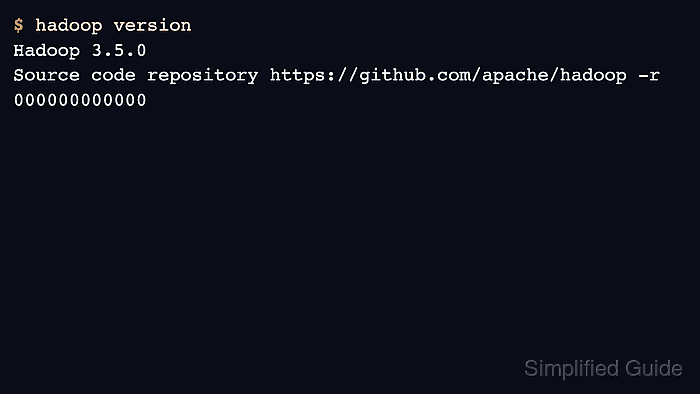
$ hadoop version
Hadoop 3.5.0
Source code repository https://github.com/apache/hadoop -r 000000000000
Compiled by builder on 2026-04-03T00:00Z

Author: Mohd
Shakir Zakaria
Mohd Shakir Zakaria is a cloud architect with deep roots in software development and open-source advocacy. Certified in AWS, Red Hat, VMware, ITIL, and Linux, he specializes in designing and managing robust cloud and on-premises infrastructures.


Mohd Shakir Zakaria is a cloud architect with deep roots in software development and open-source advocacy. Certified in AWS, Red Hat, VMware, ITIL, and Linux, he specializes in designing and managing robust cloud and on-premises infrastructures.