Removing a DataNode without decommissioning can reduce replication and create missing-block alerts. HDFS decommissioning marks the node as leaving service and gives the NameNode time to copy its blocks elsewhere before the host is shut down.
The include and exclude files define which DataNodes may serve the cluster. The procedure updates the exclude file, refreshes NameNode node state, waits for the node to reach Decommissioned, and only then stops the daemon.
Decommissioning needs enough remaining capacity to absorb the blocks from the host. Check cluster health before starting and avoid changing several large nodes at once unless the capacity plan already covers the movement.
Steps to decommission a Hadoop DataNode:
- Check HDFS health before removing the node.
$ hdfs fsck / -blocks -locations
Status: HEALTHY
 Total size: 184320000 B
 Total blocks (validated): 42
Related: How to check HDFS cluster health
- Add the DataNode hostname to the exclude file.
- dfs.exclude
worker02.example.net
- Confirm the active exclude path from Hadoop configuration.
$ hdfs getconf -confKey dfs.hosts.exclude
/etc/hadoop/dfs.exclude
- Refresh the NameNode node list.
$ hdfs dfsadmin -refreshNodes
Refresh nodes successful
- Watch the decommission state from the NameNode report.
$ hdfs dfsadmin -report
Name: worker02.example.net:9866
Decommission Status : Decommission in progress
Configured Capacity: 107374182400 (100 GB)
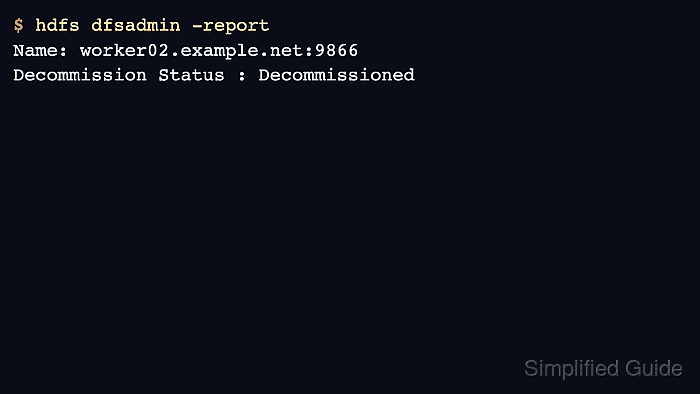
- Wait until the node reports Decommissioned.
$ hdfs dfsadmin -report
Name: worker02.example.net:9866
Decommission Status : Decommissioned
Under replicated blocks: 0
- Stop the DataNode daemon on the removed host.
$ hdfs --daemon stop datanode
Stopping datanode
Related: How to restart Hadoop services

Mohd Shakir Zakaria is a cloud architect with deep roots in software development and open-source advocacy. Certified in AWS, Red Hat, VMware, ITIL, and Linux, he specializes in designing and managing robust cloud and on-premises infrastructures.


