How to reexecute the systemd manager
Reexecuting the systemd manager replaces the running PID 1 process image without rebooting the host. This is mainly useful after a systemd package upgrade or when debugging manager-level behavior that a normal unit-file reload does not fully cover.
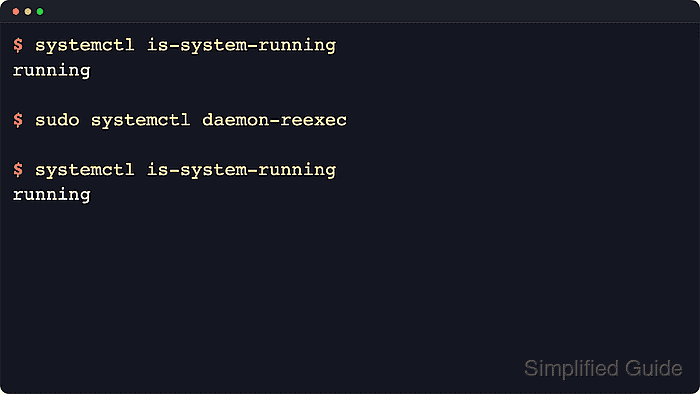
Current upstream systemctl documentation describes daemon-reexec as a heavier form of daemon-reload. The manager serializes its state, executes the systemd binary again, restores the saved state, and then resumes serving control requests.
Running services keep their current processes until they are restarted or reloaded separately, so this is a manager maintenance action rather than a service restart. Keep console or out-of-band access available on critical hosts, and prefer daemon-reload when a normal unit-file refresh is enough.
Steps to reexecute the systemd manager:
- Check the current manager state before the handoff.
$ systemctl is-system-running
running
running is the cleanest starting point. A state such as degraded or maintenance does not block daemon-reexec, but it means the host already has failed units or pending recovery work.
- Reexecute the systemd manager.
$ sudo systemctl daemon-reexec
daemon-reexec serializes the manager state, replaces the running systemd process image, and restores the state afterward. It can pick up pending unit-definition changes during that handoff, but it does not restart running services or reread an application's own configuration file. Use systemctl daemon-reload instead when only a normal unit-file reload is needed. Related: How to reload the systemd manager configuration
- Confirm that the manager is accepting requests again.
$ systemctl is-system-running
running
If the command hangs, returns a D-Bus error, or the remote session drops, stop retrying from the same shell and move to a local console or other out-of-band access path before making more manager changes.
- Review the current boot journal for the reexecution request.
$ sudo journalctl -b --no-pager --grep=Reexecut
Apr 21 21:51:12 server systemd[1]: Reexecuting requested from client PID 156 ('systemctl') (unit init.scope)...
Apr 21 21:51:12 server systemd[1]: Reexecuting.
These log entries confirm that PID 1 accepted the request during the current boot. The client PID helps identify which command initiated the reexecution when several administrators are working on the same host. Related: How to view system logs using journalctl