How to check the default boot target in systemd
Checking the default boot target in systemd shows what a normal boot is configured to reach. That is useful before changing boot mode, confirming why a host stops at a text login, or verifying whether a machine should start a graphical session.
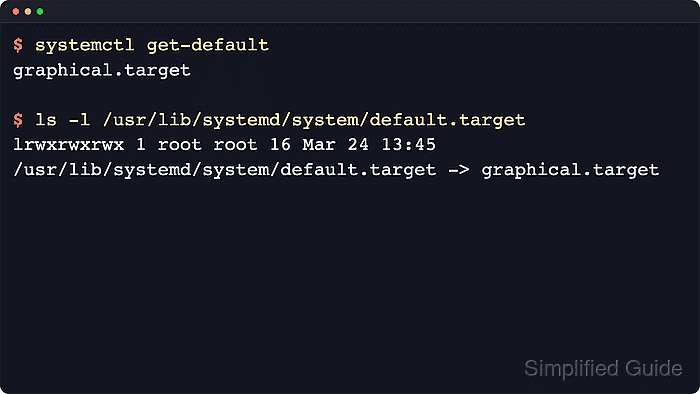
In the system instance, systemd starts default.target during boot. Upstream systemctl get-default returns the target unit name that default.target is aliased to, which is usually multi-user.target for a non-graphical boot or graphical.target for a graphical login.
The saved default is not always the same as the target that is active right now. A temporary kernel option such as systemd.unit=rescue.target or a later systemctl isolate can move the current session into another target without changing the next normal boot, and systemctl --user get-default checks the per-user service manager instead of the system boot target.
Related: How to set the default boot target in systemd
Related: How to list systemd targets
Steps to check the default boot target in systemd:
- Open a terminal on the Linux host that uses systemd.
This check is read-only and normally does not require sudo.
- Print the saved default boot target.
$ systemctl get-default
graphical.target
Common results are graphical.target for a graphical login and multi-user.target for a non-graphical multi-user boot. If the saved target is not the intended one, use How to set the default boot target in systemd to change it for the next normal boot.
- List the common boot-related target unit files when the target name needs a quick sanity check.
$ systemctl list-unit-files default.target graphical.target multi-user.target rescue.target --no-pager --no-legend
default.target    alias  -
graphical.target  static -
multi-user.target static -
rescue.target     static -
default.target is an alias rather than a standalone target file. rescue.target is a recovery target, not a normal day-to-day default.
Related: How to list systemd targets