How to clear cached sudo credentials
Cached sudo credentials can keep a terminal able to run privileged commands after a shared shell, jump-host session, or handoff should stop trusting the last password entry. Clearing the timestamp makes the next sudo command authenticate again instead of quietly reusing a recent approval.
The sudoers policy stores authentication timestamps per terminal by default for a short period, commonly five minutes. Use sudo -k to invalidate the current session's timestamp, or use sudo -K to remove every cached credential for the invoking user when other terminals or parent processes should stop reusing the same approval.
Clearing the cache does not remove sudo privileges, end running privileged commands, or override passwordless sudoers rules. It only expires the saved authentication timestamp, so sudo -n -v should refuse to proceed when fresh authentication is required.
Related: Change the sudo password timeout
Related: Configure passwordless sudo for a user
Related: Remove sudo access from a user
Steps to clear cached sudo credentials:
- Check whether the current session already has cached sudo credentials.
$ sudo -n -v
No output means the current session can validate sudo without prompting. A password-required error means there is no usable cached timestamp for this session.
- Clear the cached timestamp for the current terminal or parent process.
$ sudo -k
sudo -k does not require a password. With the default sudoers timestamp behavior, it affects the current terminal session instead of other open terminals.
- Verify that the current session now requires fresh authentication.
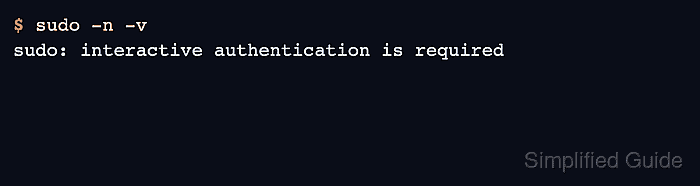
$ sudo -n -v
sudo: interactive authentication is required
The -n option prevents an interactive prompt, so this password-required error is the expected result after the timestamp has been cleared.
- Clear all cached sudo credentials for the current user when other sessions should stop reusing previous authentication.
$ sudo -K
sudo -K removes every cached credential for the invoking user and must be run by itself, not combined with another sudo command.
- Verify that no cached credential remains available to non-interactive sudo validation.
$ sudo -n -v
sudo: interactive authentication is required
If this command succeeds with no output, the account may have a passwordless sudoers rule or a different authentication policy.
Related: List sudo privileges for a user
- Authenticate again only when you need to continue privileged work.
$ sudo -v
[sudo] password for user:
sudo -v refreshes the timestamp without running a command. Leave this step out when the goal is to end the session without rebuilding the cache.