How to control snap services
Snap service control starts, stops, restarts, enables, or disables daemon processes shipped inside installed snaps. It is the snapd-level control surface for services that a snap owns, and it keeps service state tied to the snap package rather than to a hand-edited systemd unit.
Service names use the <snap>.<app> form when a snap contains multiple service apps. The snap start, snap stop, and snap restart commands can target all services in a snap or one named service, and --enable or --disable changes startup behavior.
A completed service action should be visible in snap services and, for running services, should leave log output that matches the expected restart or stop. Use the application health check as the final proof when the service supports clients.
Related: How to check a snap service status
Related: How to view snap service logs
Related: How to check snap changes and tasks
Steps to control snap services:
- List the services provided by the snap.
$ snap services lxd
Service          Startup  Current   Notes
lxd.activate     enabled  inactive  -
lxd.daemon       enabled  active    socket-activated
lxd.user-daemon  enabled  inactive  socket-activated
Use the full service name, such as lxd.daemon, when only one service should be changed.
- Restart the service.
$ sudo snap restart lxd.daemon
Restarted.
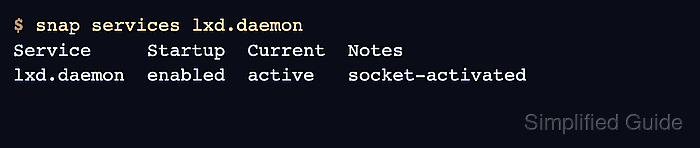
- Confirm that the service is active again.
$ snap services lxd.daemon
Service     Startup  Current  Notes
lxd.daemon  enabled  active   socket-activated
- Stop the service for maintenance.
$ sudo snap stop lxd.daemon
Stopped.
Stopping a snap service can interrupt clients that depend on that daemon.
- Disable startup when the service should stay stopped after reboot.
$ sudo snap stop --disable lxd.daemon
Stopped.
- Re-enable and start the service.
$ sudo snap start --enable lxd.daemon
Started.
- Check recent service logs after the control action.
$ sudo snap logs lxd.daemon
2026-06-24T09:41:18+08:00 lxd.daemon[1482]: => LXD is ready
Related: How to view snap service logs