How to focus a region in Screen
A split Screen display can keep a log, editor, and shell visible at the same time, but only one region receives keyboard input. Focus the target region before typing so commands land in the visible area you intend to use instead of another shell.
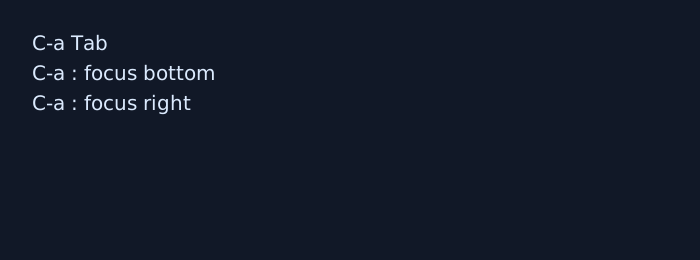
The default C-a Tab binding runs Screen's focus command with no option, which defaults to next and cycles through visible regions. The command prompt can also run focus prev, focus top, focus bottom, or a directional focus command when a split layout needs a specific target.
Focusing a region does not create a new window, select another session, or stop commands already running elsewhere. If the focused region is blank, create a window or select an existing one there before expecting shell output.
Steps to focus a Screen region:
- Start from a Screen display with at least two visible regions.
Use a split guide first if the session still has only one region. If the target region is blank, focus it and create or select a window there before typing shell commands.
- Move focus to the next visible region.
C-a Tab
C-a Tab cycles through regions. After the bottom-right region, Screen returns to the top-left region.
- Move focus backward when the cycle passed the target region.
C-a : focus prev
focus prev cycles in the opposite order from C-a Tab.
- Jump directly to an edge region when cycling would take too many steps.
C-a : focus bottom
focus bottom moves to the bottom-right region. Use C-a : focus top to return to the first region in the upper-left of the display.
- Move focus toward a neighboring region in a directional split.
C-a : focus right
Replace right with left, up, or down. Screen leaves focus where it is when no region exists in that direction.
- Verify input lands in the intended region before running a state-changing command.
$ printf 'region focus check\n'
region focus check
The output should appear in the selected region. If it appears elsewhere, change focus again before continuing.