How to reload the Screen config
A live Screen session keeps running with the settings it already loaded, so edits to ~/.screenrc do not affect existing windows by themselves. Reloading the file lets an attached or detached session pick up new bindings, title rules, status-line settings, and other screenrc commands without closing the shells inside it.
Screen reads startup commands from $SCREENRC, then ~/.screenrc, unless the session was started with screen -c and a different file. The source command can read a screenrc file again later, and the remote -X source form sends that command to a named session from a normal shell.
Use one small, visible setting as the reload marker before relying on broader changes. title changes the current window immediately and can be checked with screen -Q title, while default settings for future windows only affect windows created after the file is sourced. Screen warns about unintelligible lines and ignores them, and termcap, terminfo, and termcapinfo changes still need startup or reattach time, so verify the behavior that each changed line is supposed to control.
Related: How to change the Screen prefix key
Related: How to customize the Screen status line
Related: How to enable mouse support in Screen
Steps to reload the Screen config:
- Confirm the target session name before reloading it.
$ screen -ls
There is a screen on:
        12345.work      (Detached)
1 Socket in /run/screen/S-user.
The -S work examples below target the session named work. Use the name shown by screen -ls when your session uses a different name.
- Open the screenrc file used by that session.
$ vi ~/.screenrc
Most personal sessions read $SCREENRC when it is set, otherwise ~/.screenrc. Use the file passed to screen -c when the session was started with an alternate config.
- Add or change a setting that is easy to verify after the reload.
title config-reloaded
title renames the current Screen window, which makes it a useful temporary marker while testing the reload path. Remove the marker after testing if it is not part of the wanted config.
- Source the file into the running Screen session.
$ screen -S work -X source ~/.screenrc
The -X source command asks the selected session to read and execute commands from the screenrc file. An attached display may show warnings for lines that Screen cannot parse.
- Query the changed value from the live session.
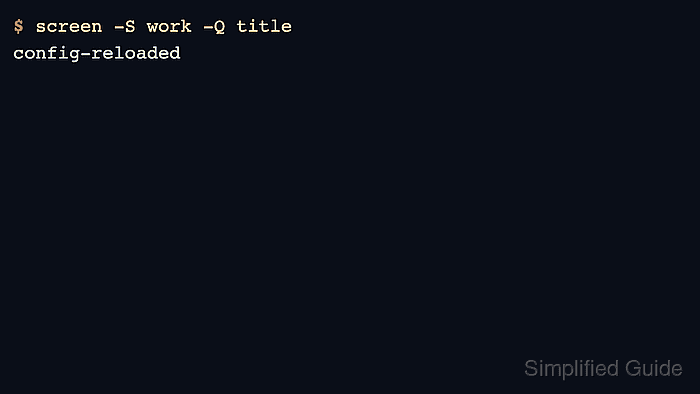
$ screen -S work -Q title
config-reloaded
No output from the source command plus the expected -Q title value confirms that the running session accepted the screenrc change.
- Fix any screenrc warning or unchanged behavior and source the file again.
$ screen -S work -X source ~/.screenrc
Screen can ignore an unintelligible command and continue processing later lines. If the changed line is termcap, terminfo, or termcapinfo, detach and reattach or restart the session instead of treating source as the final proof.