How to set concurrent requests in Scrapy
Setting concurrent requests in Scrapy controls how many downloads can stay active at the same time, which affects crawl speed, memory use, and how much pressure the crawler puts on each target site.
Scrapy applies concurrency per downloader slot, which is usually per domain unless the project customizes slot assignment. CONCURRENT_REQUESTS caps total in-flight downloads for the crawler, while CONCURRENT_REQUESTS_PER_DOMAIN limits how many of those downloads can run against one domain at once.
Current projects created with scrapy startproject already include CONCURRENT_REQUESTS_PER_DOMAIN = 1 and DOWNLOAD_DELAY = 1 in settings.py, so tuning usually means changing that existing per-domain line and adding a crawler-wide cap only when the project needs more total parallelism. If an older project still sets CONCURRENT_REQUESTS_PER_IP to a non-zero value, clear it before tuning because Scrapy 2.15 deprecates that setting and it overrides the per-domain limit.
Related: How to set a download delay in Scrapy
Related: How to enable AutoThrottle in Scrapy
Steps to set concurrent requests in Scrapy:
- Open the Scrapy project settings file.
$ vi simplifiedguide/settings.py
In a default project layout, the file is usually <project_name>/settings.py.
- Change the per-domain limit and add a crawler-wide cap when the project needs more total parallel downloads.
CONCURRENT_REQUESTS = 8
CONCURRENT_REQUESTS_PER_DOMAIN = 4
Current Scrapy project templates already include CONCURRENT_REQUESTS_PER_DOMAIN = 1, so replace that existing line instead of adding a duplicate entry.
If a legacy project still has CONCURRENT_REQUESTS_PER_IP set to a non-zero value, remove it or set it to 0 before relying on the per-domain limit.
- Check the crawler-wide concurrency value that the project is loading.
$ scrapy settings --get CONCURRENT_REQUESTS
8
Run scrapy settings from the project root that contains scrapy.cfg so Scrapy loads the intended settings module. If CONCURRENT_REQUESTS is unset, the current global default is 16.
- Check the per-domain limit that the project is loading.
$ scrapy settings --get CONCURRENT_REQUESTS_PER_DOMAIN
4
Current projects created with scrapy startproject begin at 1 until that line is changed in settings.py.
- Check the current download delay before testing the new concurrency values.
$ scrapy settings --get DOWNLOAD_DELAY
1
If DOWNLOAD_DELAY prints 1, very fast targets can behave closer to one active request per domain until that delay is reduced or response latency overlaps more naturally.
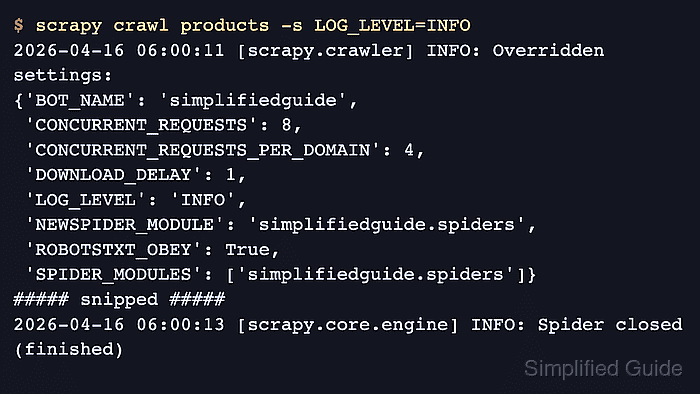
- Run the spider and confirm the crawl log reports the intended concurrency values under Overridden settings.
$ scrapy crawl products -s LOG_LEVEL=INFO
2026-04-16 06:00:11 [scrapy.crawler] INFO: Overridden settings:
{'BOT_NAME': 'simplifiedguide',
 'CONCURRENT_REQUESTS': 8,
 'CONCURRENT_REQUESTS_PER_DOMAIN': 4,
 'DOWNLOAD_DELAY': 1,
 'LOG_LEVEL': 'INFO',
 'NEWSPIDER_MODULE': 'simplifiedguide.spiders',
 'ROBOTSTXT_OBEY': True,
 'SPIDER_MODULES': ['simplifiedguide.spiders']}
##### snipped #####
2026-04-16 06:00:13 [scrapy.core.engine] INFO: Spider closed (finished)
Seeing both concurrency keys in Overridden settings confirms that the crawl loaded the project values before the spider started.
If the crawl still uses older values, check for spider custom_settings or command-line -s overrides because those settings take precedence over settings.py.