How to set a random seed in PyTorch
Randomized initialization and sampling can hide whether a code change or a different random draw caused an experiment to move. A shared seed gives repeated runs the same starting random streams, which makes small comparisons and regression checks easier to interpret.
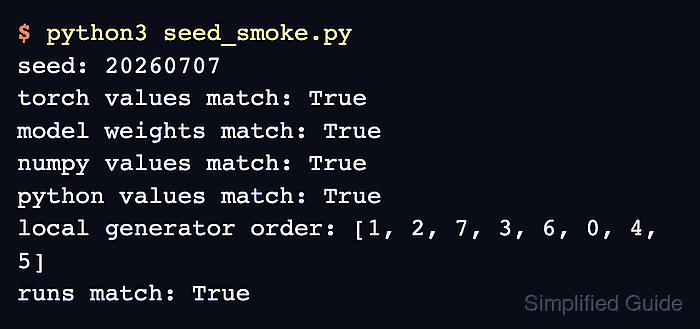
The random-number generators in PyTorch, Python, and NumPy keep independent state. The torch.manual_seed() call covers PyTorch random generation on all devices, while random.seed() and np.random.seed() cover Python's standard generator and NumPy's legacy global generator.
A seed does not guarantee identical results across PyTorch releases, platforms, or nondeterministic kernels. Code that creates np.random.default_rng() instances must seed each instance separately, and an operation that needs an isolated PyTorch stream can receive its own seeded torch.Generator.
Steps to set a random seed in PyTorch:
- Create seed_check.py with one seed helper for the random generators used by the program.
- seed_check.py
import random

import numpy as np
import torch


SEED = 20260717


def seed_everything(seed):
    random.seed(seed)
    np.random.seed(seed)
    torch.manual_seed(seed)
- Append a sampling function below the seed helper to reset the generators before randomized work.
- seed_check.py
def draw_values():
    seed_everything(SEED)

    model = torch.nn.Linear(3, 2)
    return {
        "weights": model.weight.detach().clone(),
        "torch": torch.rand(3),
        "numpy": np.random.random(3),
        "python": [random.random() for _ in range(3)],
    }
Random choices consumed before the helper call are not rewound by later reseeding.
- Append equality checks below the sampling function to compare two resets of every random stream.
- seed_check.py
first = draw_values()
second = draw_values()

print(f"model weights match: {torch.equal(first['weights'], second['weights'])}")
print(f"PyTorch samples match: {torch.equal(first['torch'], second['torch'])}")
print(f"NumPy samples match: {np.array_equal(first['numpy'], second['numpy'])}")
print(f"Python samples match: {first['python'] == second['python']}")
- Run the completed seed check script.
$ python3 seed_check.py
model weights match: True
PyTorch samples match: True
NumPy samples match: True
Python samples match: True
A False line means the corresponding generator was not reset before that random operation or another source of randomness still affects the path.