How to enable two-factor authentication in phpMyAdmin
A password alone leaves a database administration session dependent on one reusable secret. phpMyAdmin can require a time-based one-time password (TOTP) from an authenticator app after the database password is accepted, adding a per-user second factor to cookie-authentication logins.
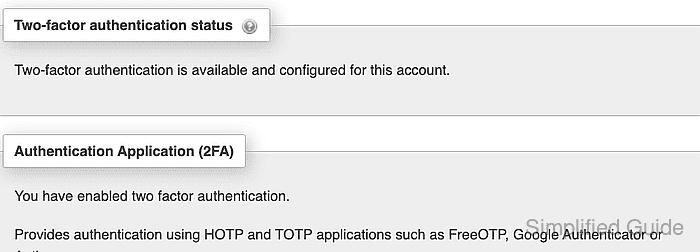
phpMyAdmin stores each user's two-factor preference in configuration storage. Configuration storage must already be enabled, and enrollment must begin in the account being protected; the setting does not enable two-factor authentication for other phpMyAdmin users.
The enrollment QR code and displayed seed contain the same reusable secret. A separate administrator or tested recovery path should be available in case the enrolled authenticator device is lost.
Steps to enable two-factor authentication in phpMyAdmin:
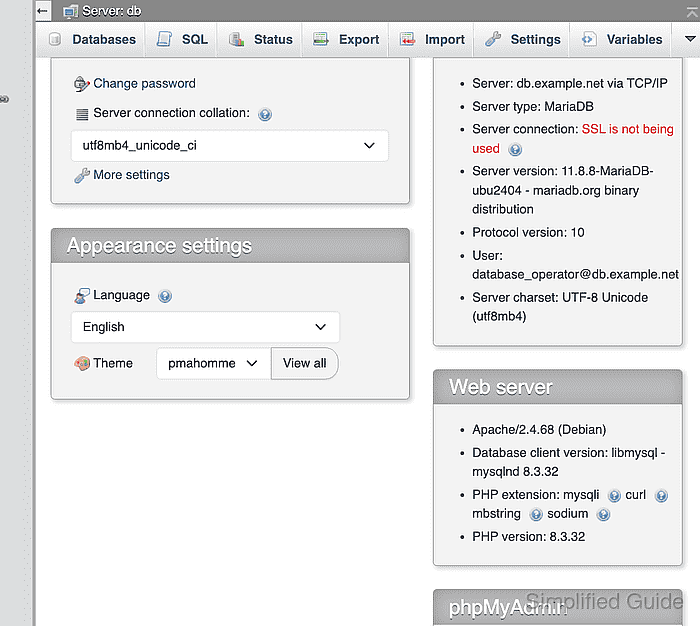
- Open Settings from the phpMyAdmin server menu.
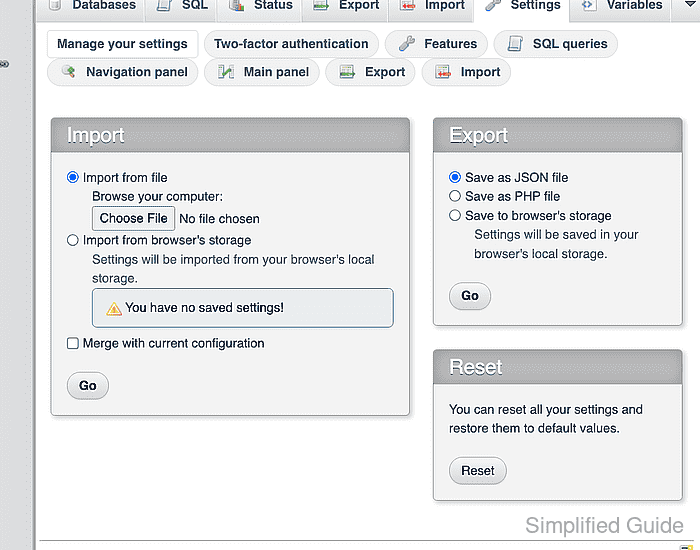
- Open Two-factor authentication in the settings menu.
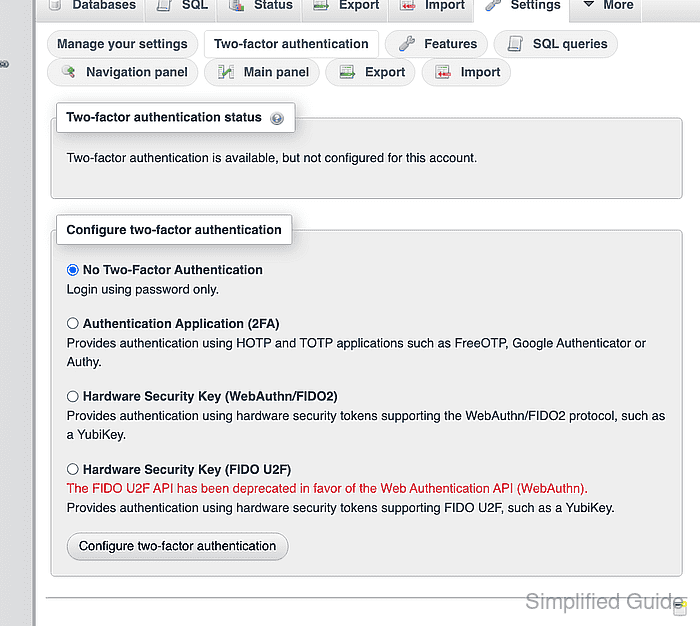
- Select Authentication Application (2FA).
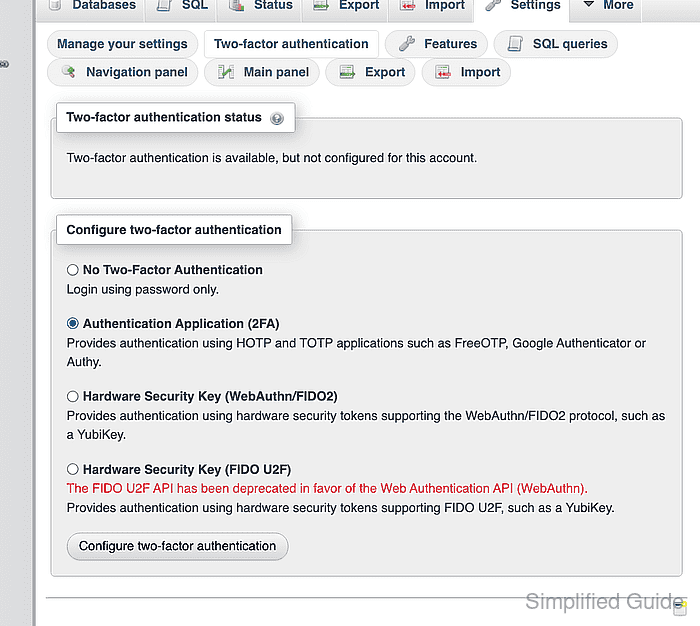
- Click Configure two-factor authentication.
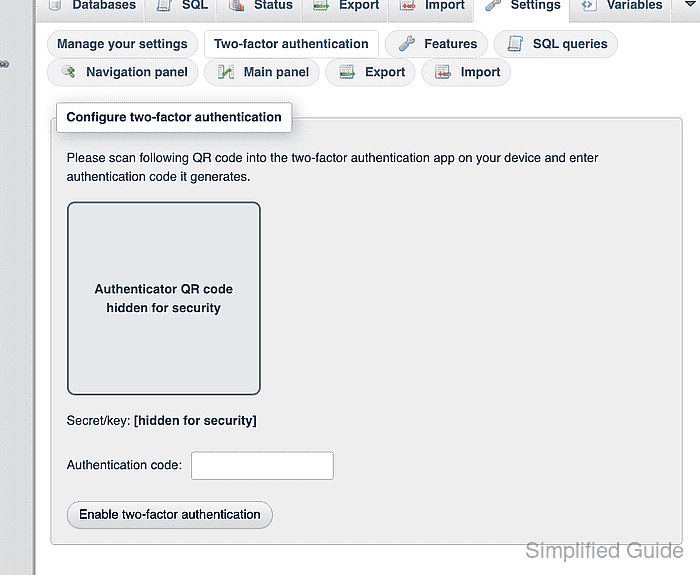
- Scan the enrollment QR code with the intended authenticator app.
The QR code and Secret/key value provision the same reusable factor; screenshots, tickets, and chat messages are unsafe storage for either value.
- Enter the current six-digit app code in Authentication code.
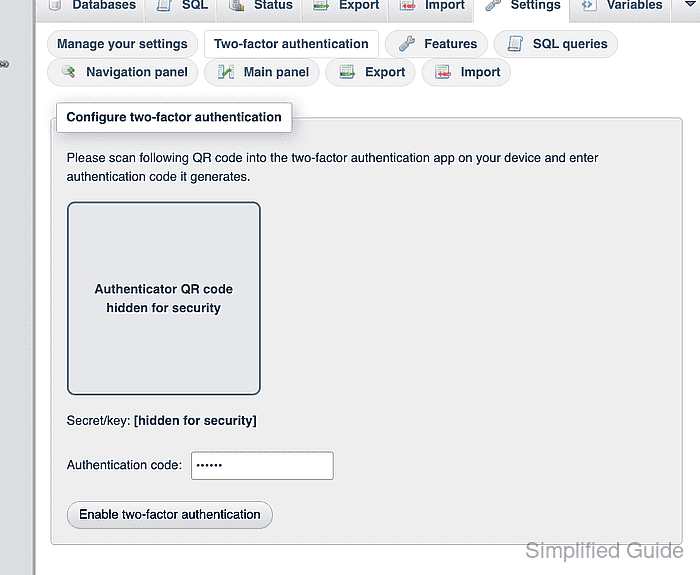
- Click Enable two-factor authentication.
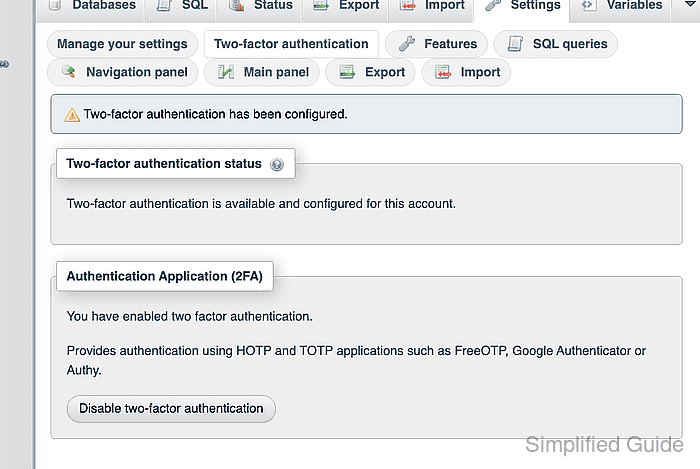
- Log out of phpMyAdmin.
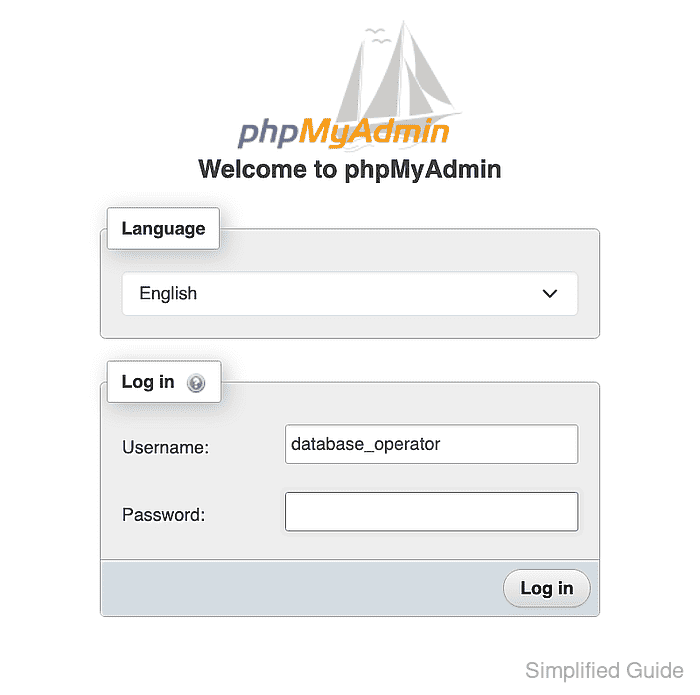
- Confirm Username identifies the enrolled database account.
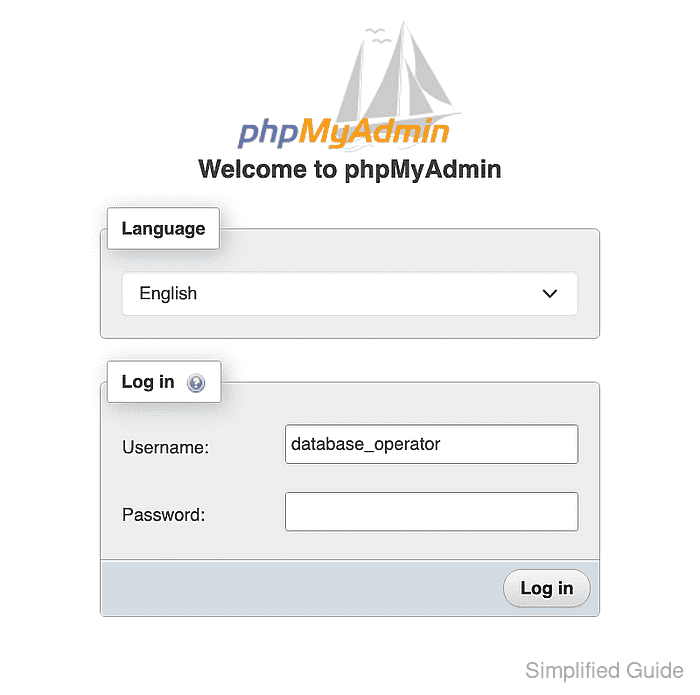
- Enter the database account password in Password.
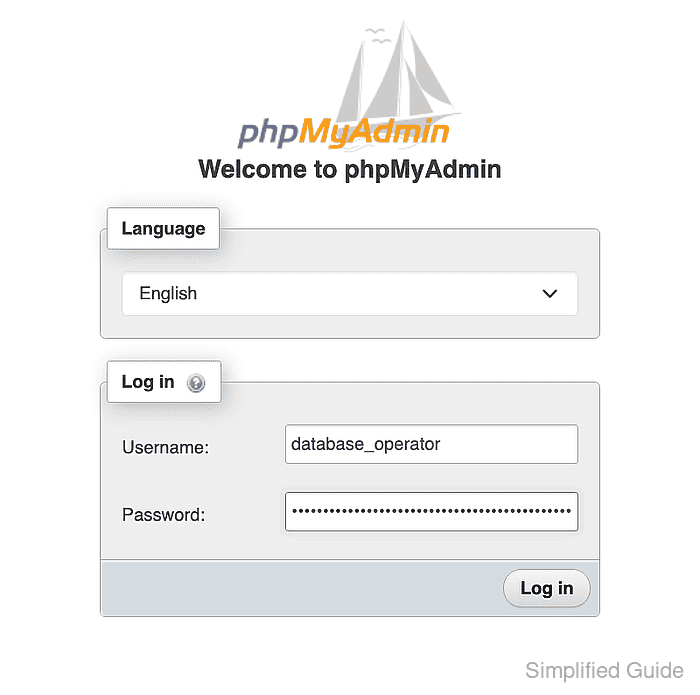
- Click Log in.
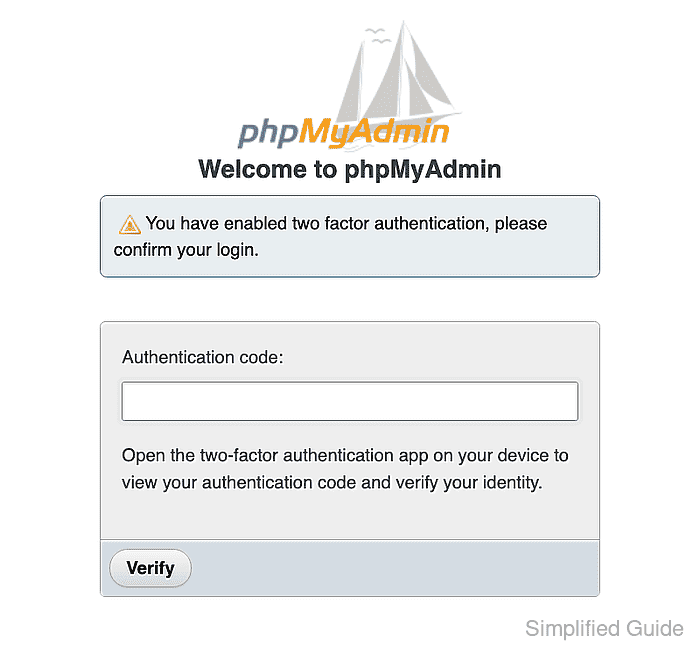
- Enter a six-digit code in Authentication code that differs from the authenticator app's current code.
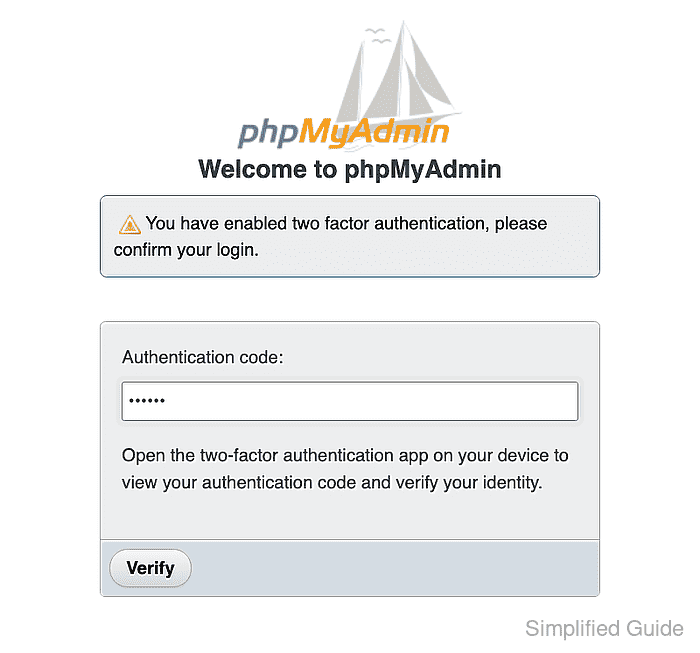
- Click Verify to confirm phpMyAdmin rejects the invalid code.
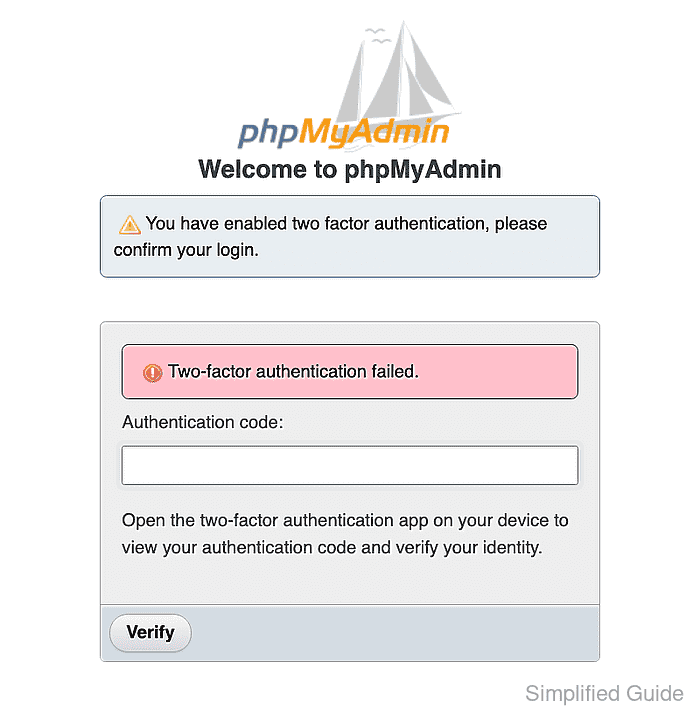
- Enter the current authenticator code in Authentication code.
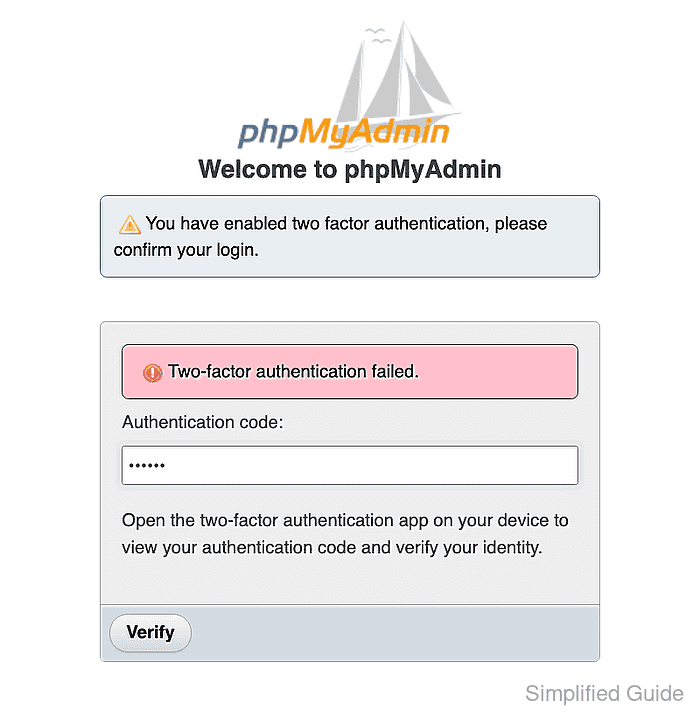
- Click Verify to open a new phpMyAdmin session.