How to grant database privileges in phpMyAdmin
Database permissions determine what an account can read or change after it connects to MySQL or MariaDB. phpMyAdmin exposes the server's grant controls in the browser, but the database server enforces the resulting privilege for each matching user-and-host account.
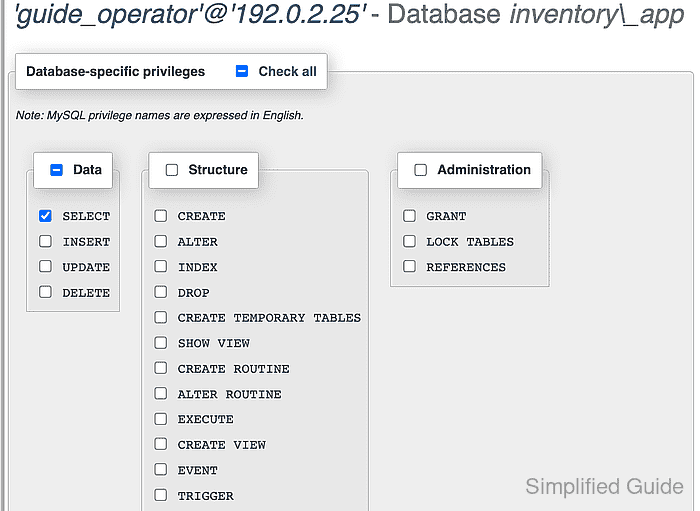
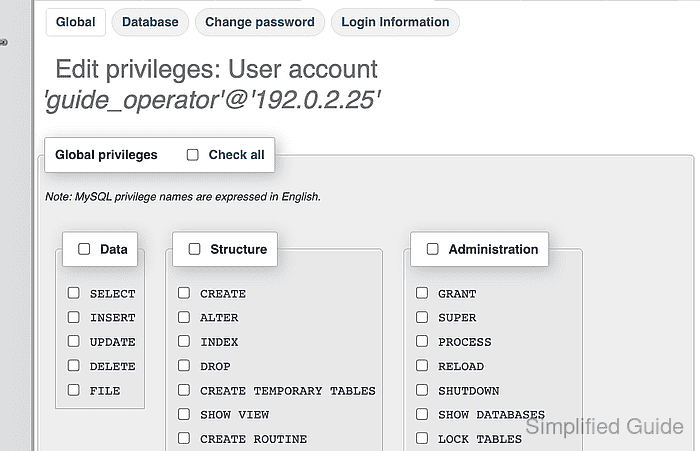
Use the account row whose Host name matches phpMyAdmin's connection origin; the browser's own address does not identify the MySQL or MariaDB account. The administrator must be allowed to grant SELECT, while guide_operator can begin with USAGE and no global privileges.
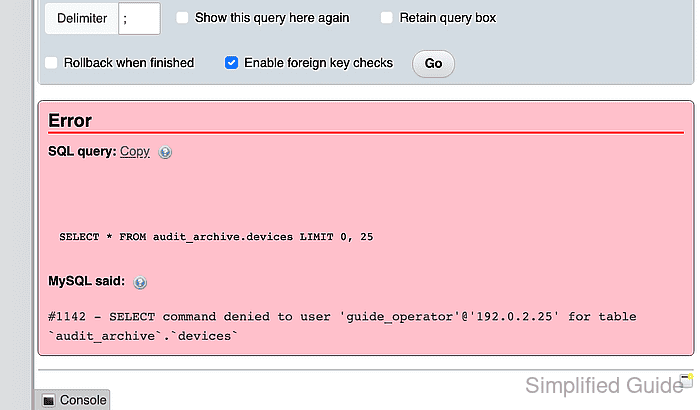
A database-level SELECT privilege covers every table and view in inventory_app, including objects created later. The account should read inventory_app.devices successfully while an equivalent query against audit_archive.devices fails with error 1142.
Steps to grant database privileges in phpMyAdmin:
- Open the User accounts tab from the phpMyAdmin server page.
- Open Edit privileges for the guide_operator row whose Host name matches phpMyAdmin's database connection.
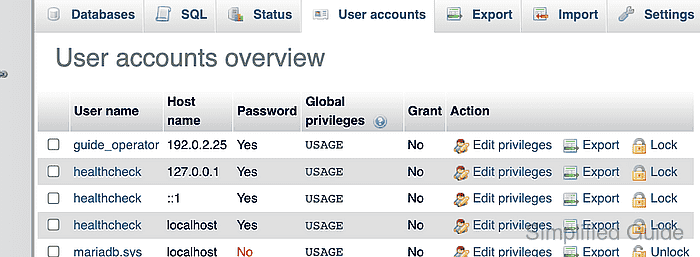
- Select the Database tab for guide_operator.
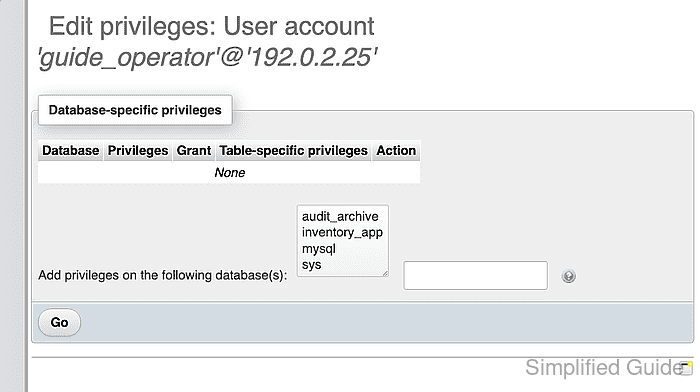
- Select inventory_app from the database list.
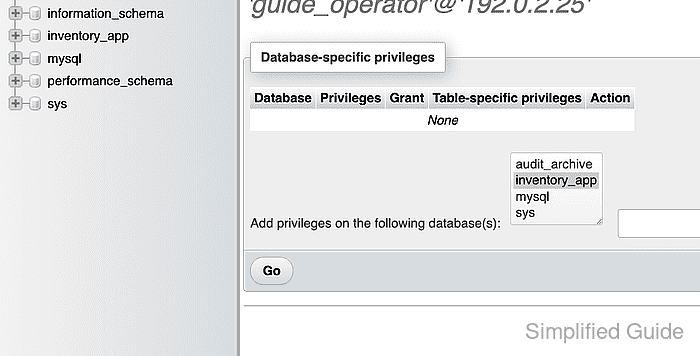
- Submit the selected database with Go.
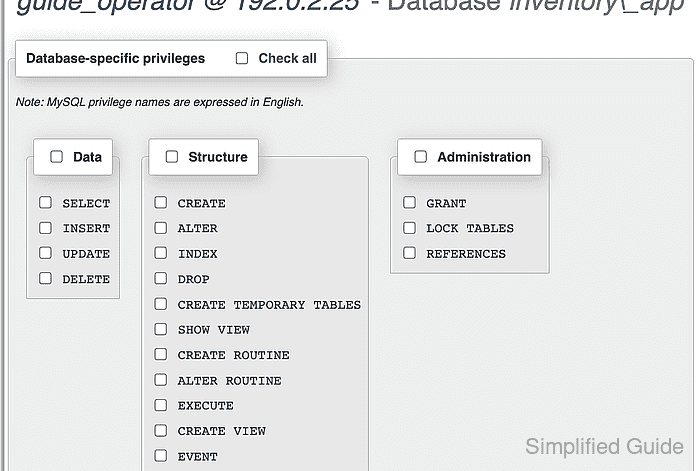
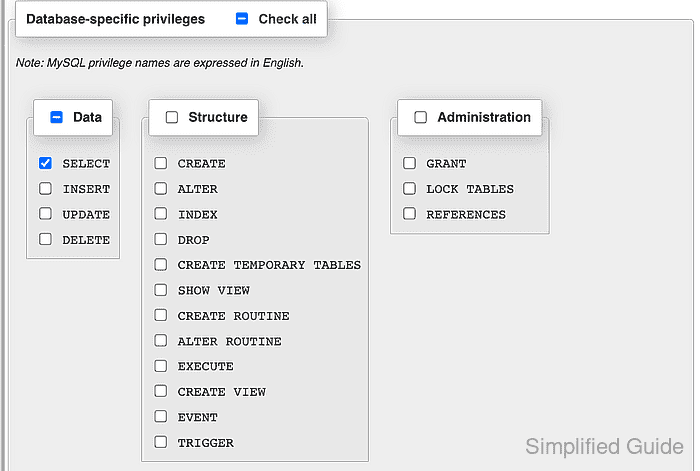
- Enable SELECT under Data for inventory_app.
Database-level SELECT permits reads from every current and future table or view in inventory_app. Delegating this access requires GRANT, which is outside this account's scope.
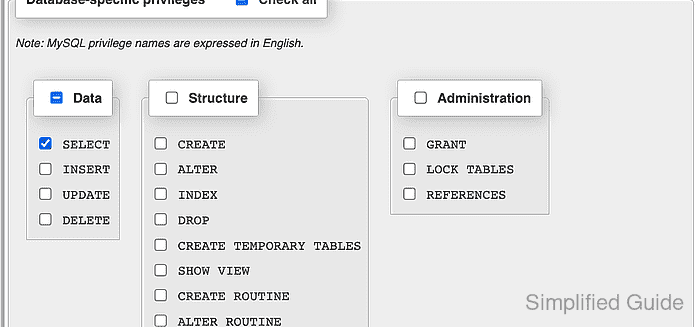
- Save the database-specific SELECT privilege with Go.
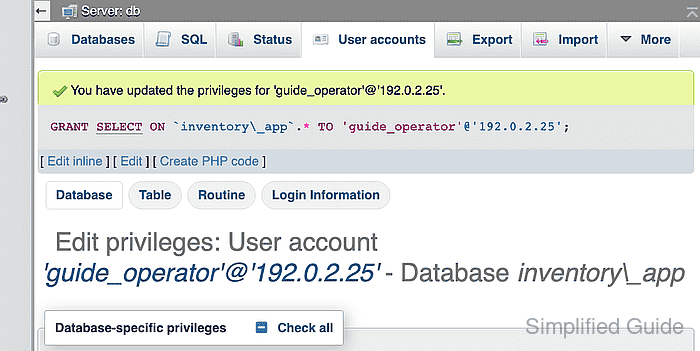
- Inspect the saved inventory_app privileges for SELECT enabled and GRANT disabled.
- Open the phpMyAdmin login page in a separate private browser window.
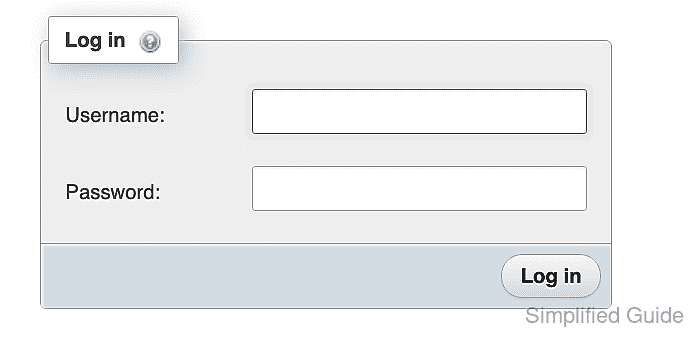
- Enter guide_operator in the Username field.
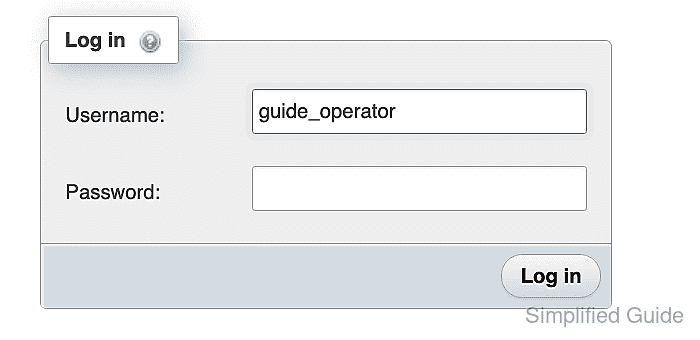
- Enter the guide_operator account password in the Password field.
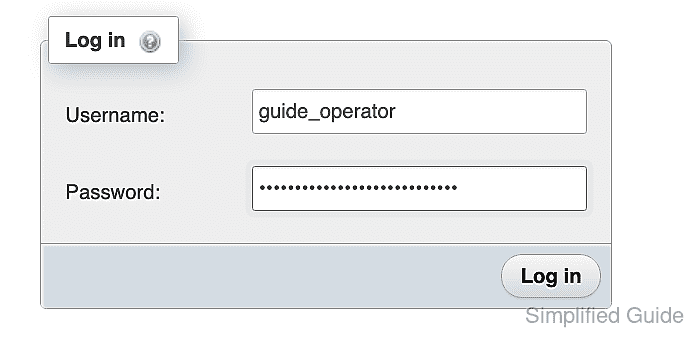
- Submit the login form with Log in.
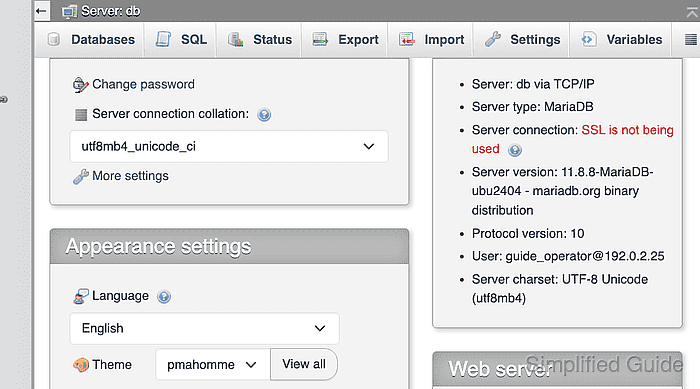
- Confirm the Database server panel identifies the expected guide_operator account and host.
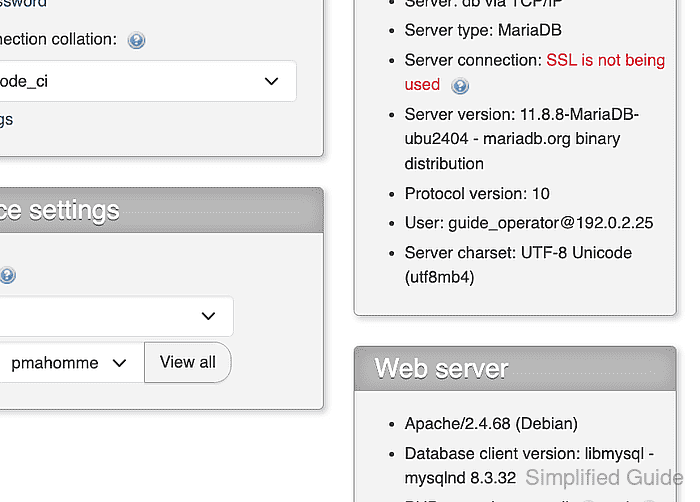
- Select inventory_app from the navigation tree.
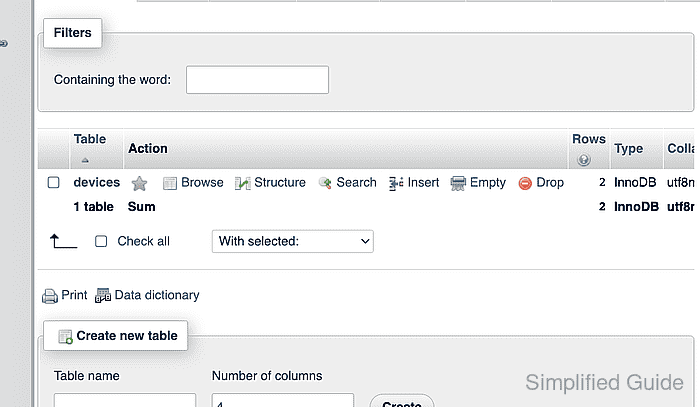
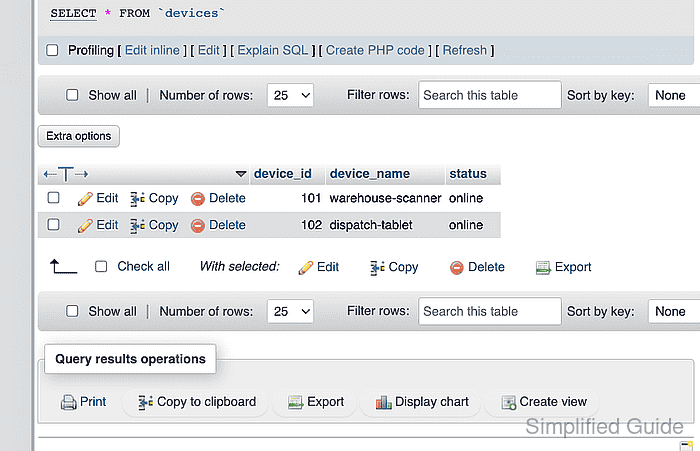
- Browse the devices table to confirm its rows are readable.
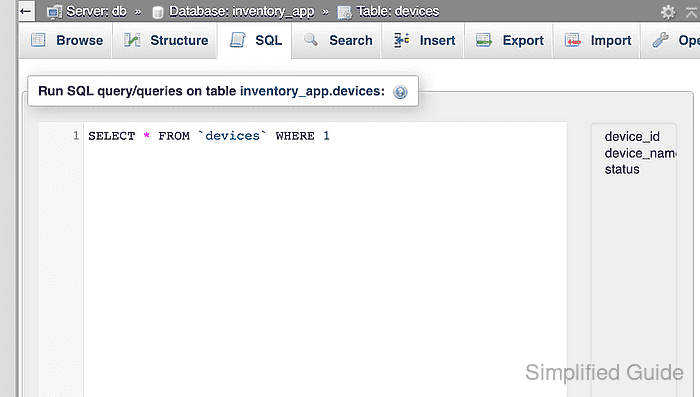
- Open the SQL tab for the devices table.
- Enter a read query for audit_archive.devices in the SQL editor.
SELECT * FROM audit_archive.devices;
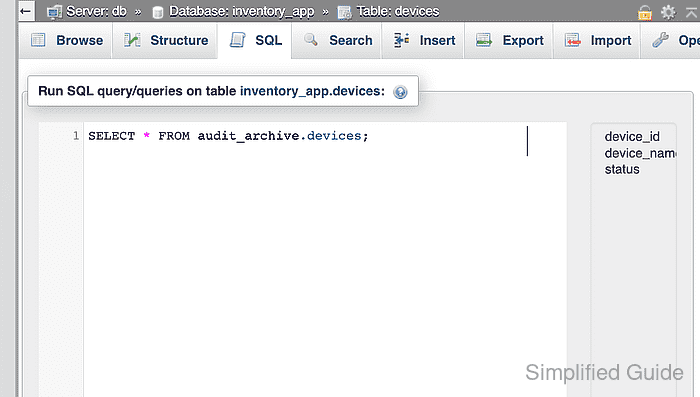
- Run the query with Go to confirm MariaDB denies SELECT on audit_archive.