A database login combines a user name with the client host from which MySQL or MariaDB accepts it. A separate account in phpMyAdmin keeps routine connections away from an administrative identity.

The phpMyAdmin interface forwards account changes to the database server, so the signed-in administrator needs permission to create users. The host field is part of the account name; use the exact address of the phpMyAdmin web server instead of Any host when that connection source is fixed.
New MariaDB accounts begin without data privileges, which phpMyAdmin reports as USAGE. The login can succeed while application databases remain hidden, and database-specific access can be granted separately after the identity is verified.
Steps to create a MySQL or MariaDB user in phpMyAdmin:
- Open the User accounts page from the phpMyAdmin server home.
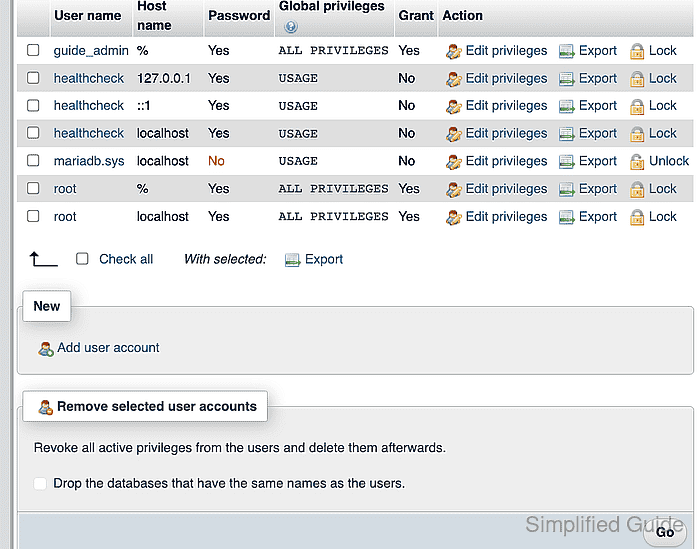
- Open the Add user account form.
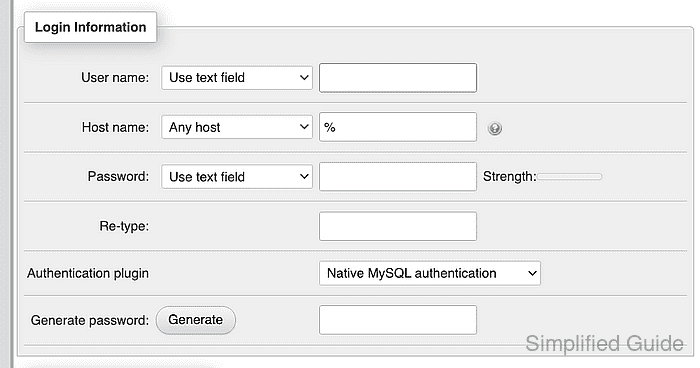
- Enter a unique account name such as guide_operator in the User name field.
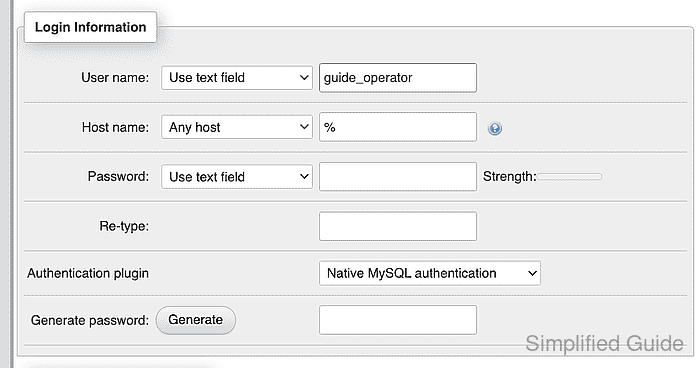
- Select Use text field from the Host name list.
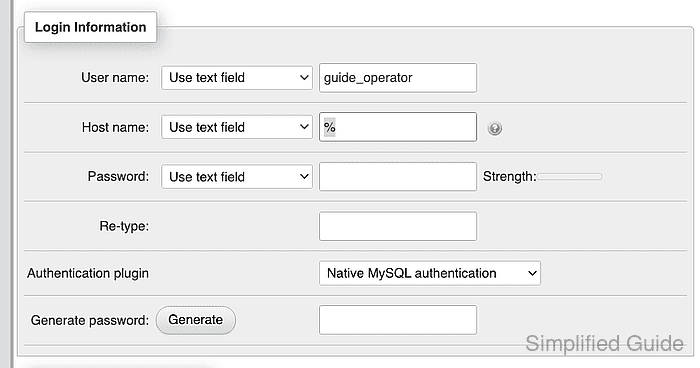
- Enter the private address of the phpMyAdmin web server in the Host name field.
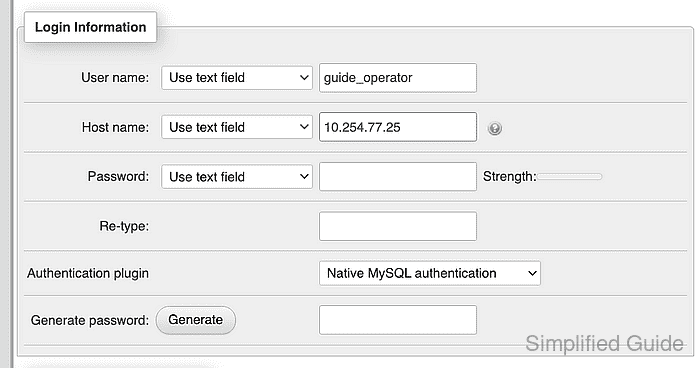
The example uses 10.254.77.25; replace it with the source address that the database server sees for phpMyAdmin connections.
- Enter a new account password in the Password field.
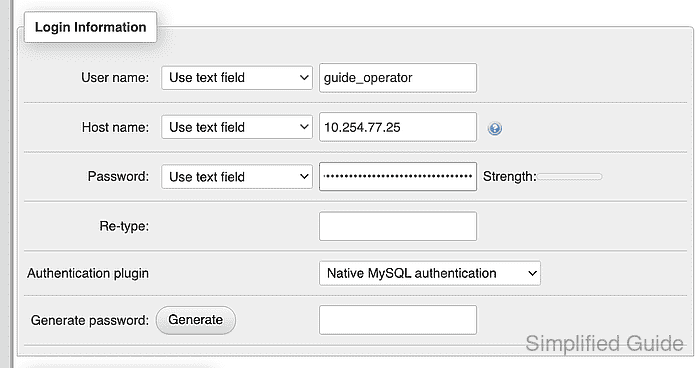
A unique password avoids reusing an administrator credential.
- Repeat the new account password in the Re-type field.
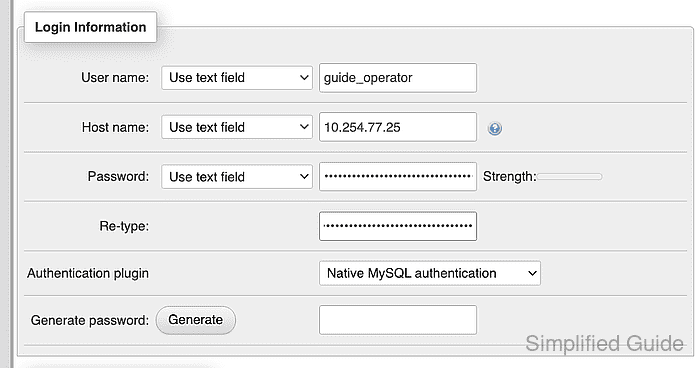
- Confirm that every Global privileges checkbox is clear.
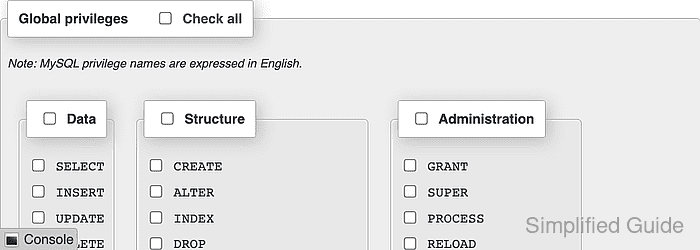
- Create the account by clicking Go.
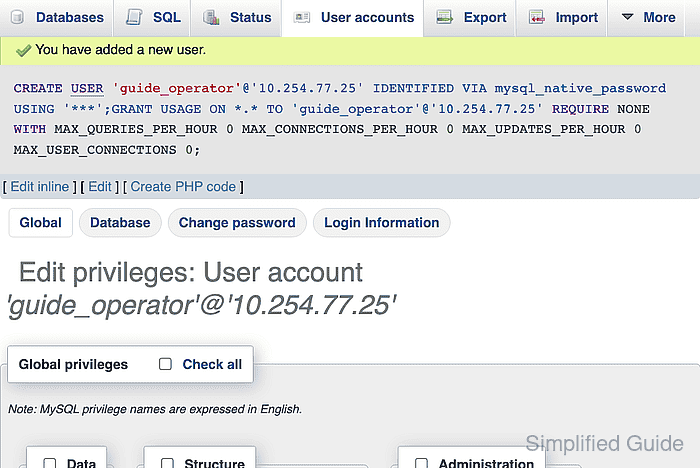
- Open the User accounts page after account creation.
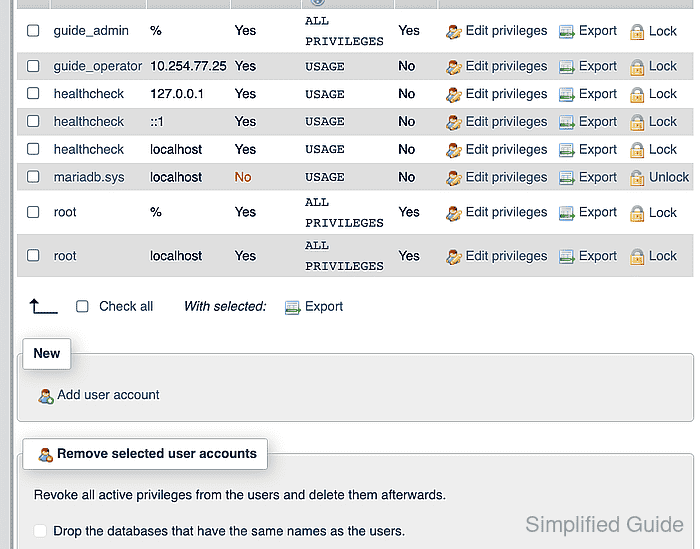
- Confirm that the account row shows the intended host, USAGE, and No under Grant.

- Log out of the administrator session.
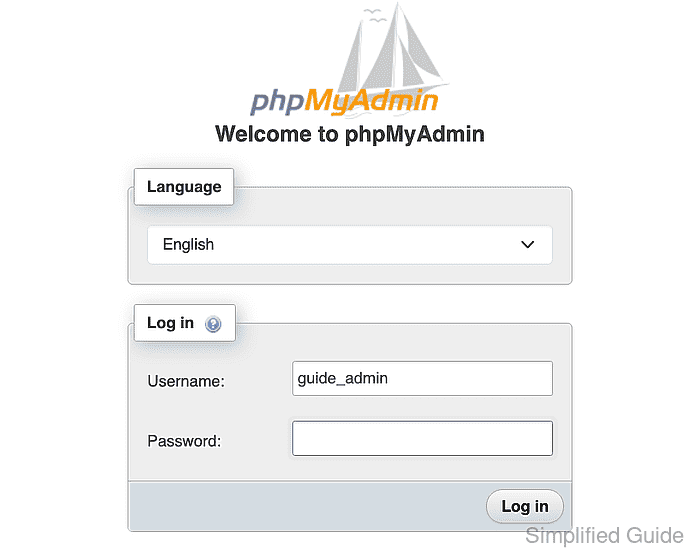
- Enter the new account name in the login Username field.
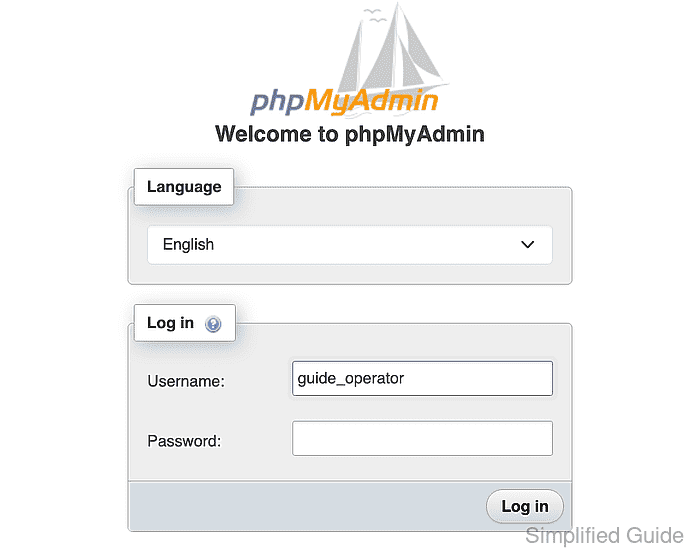
- Enter the new account password in the login Password field.
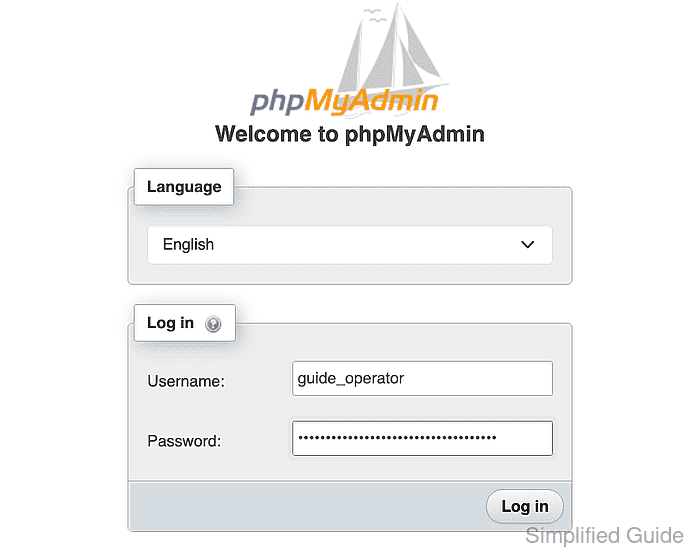
- Submit the phpMyAdmin login form by clicking Log in.
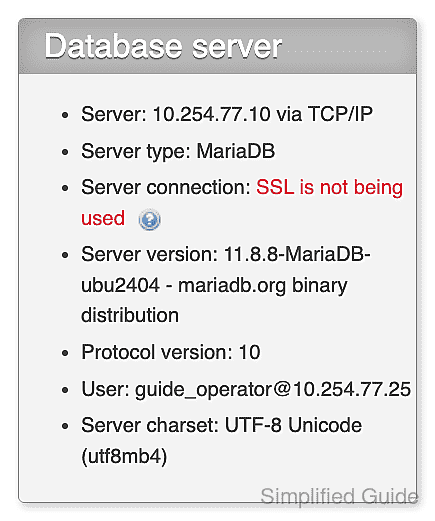
- Confirm that the database navigation lists information_schema without the application database.


Mohd Shakir Zakaria is a cloud architect with deep roots in software development and open-source advocacy. Certified in AWS, Red Hat, VMware, ITIL, and Linux, he specializes in designing and managing robust cloud and on-premises infrastructures.


