How to export a database as SQL with phpMyAdmin
A portable database backup needs both the object definitions and the rows that make the application usable. phpMyAdmin can generate that combination as an SQL dump in a browser when shell access to MySQL or MariaDB is unavailable.
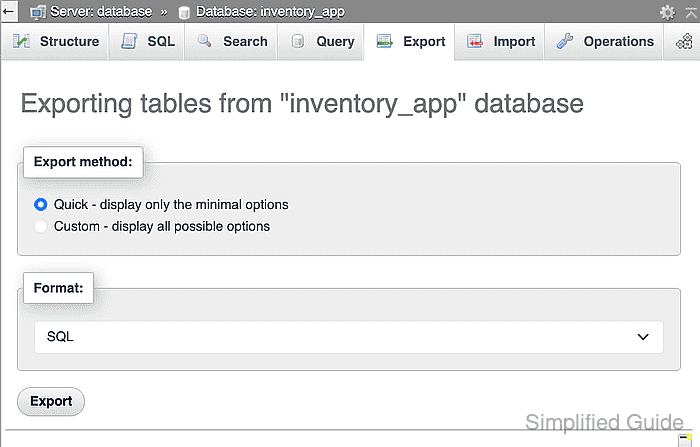
Database-level export starts from the selected database. The Quick method includes every table in that database and leaves SQL as the format, which is the shortest path when the full schema and data should travel together.
The downloaded file should be treated as sensitive because it may contain customer or operational data in plain text. A valid download is not proven by the file name alone; confirm that the dump contains both table definitions and representative row data before relying on it.
Steps to export a database as SQL with phpMyAdmin:
- Select the database to export from the phpMyAdmin navigation panel.
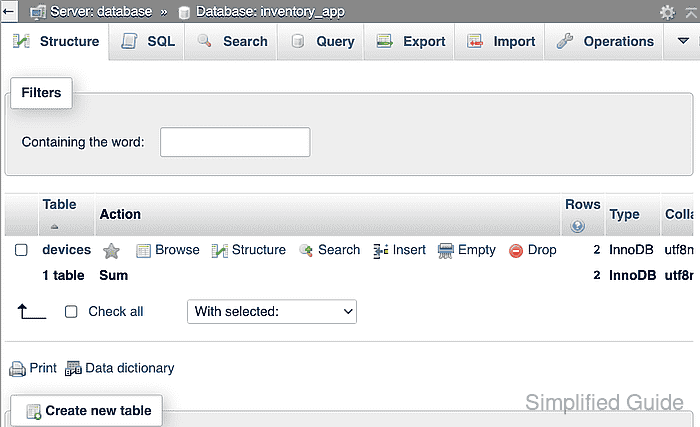
- Open the Export tab for the selected database.
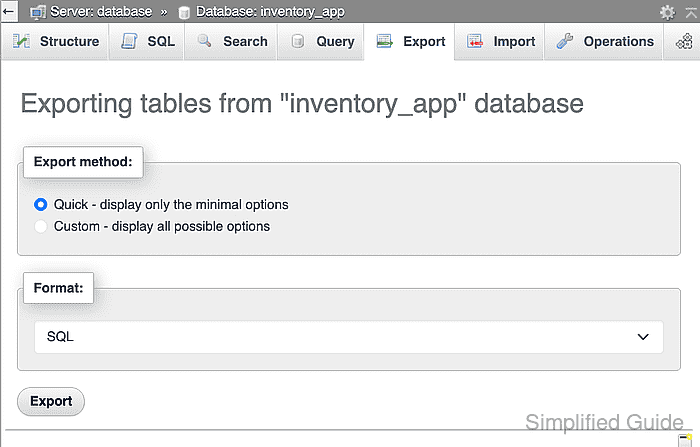
- Click Export while Quick and SQL are selected.
- Check the downloaded SQL file for the exported devices table definition.
$ grep -F 'CREATE TABLE `devices`' ~/Downloads/inventory_app.sql
CREATE TABLE `devices` (
- Confirm the downloaded SQL file contains the expected Warehouse scanner row.
$ grep -F 'Warehouse scanner' ~/Downloads/inventory_app.sql
(1, 'Warehouse scanner', 'online'),