How to remove a private key passphrase using OpenSSL
Passphrase-protected private keys protect PEM files at rest, but not every TLS service or appliance can unlock one during unattended startup. OpenSSL can write a second private-key file without passphrase protection while the encrypted source remains available for rollback.
The openssl pkey command reads the encrypted input key, decrypts it after the passphrase prompt, and writes a new key file. Leaving off an output cipher such as -aes256 makes the output key unencrypted.
Treat the unencrypted copy as a service-start file, not as a safer replacement for the original key. Use a different output filename, restrict the file mode immediately, and keep the encrypted source until the target service, appliance, or certificate workflow has accepted the new file.
Steps to remove a private key passphrase using OpenSSL:
- Move to the private directory that contains the encrypted key.
$ cd ~/tls-keys
- Set a restrictive file-creation mask for new key files in this shell session.
$ umask 077
Files created after this command are not readable by group or other users unless a later command changes the mode.
- Confirm OpenSSL can read the encrypted source key before creating a new file.
$ openssl pkey -in server-encrypted.key -check -noout
Enter pass phrase for server-encrypted.key:
Key is valid
For unattended runs, use a protected passphrase source such as -passin file:key.pass. Avoid pass: because process listings or shell history can expose the secret.
- Write an unencrypted copy with a different output filename.
$ openssl pkey -in server-encrypted.key -out server-unencrypted.key
Enter pass phrase for server-encrypted.key:
Do not use the same path for -in and -out. OpenSSL can replace the output file contents while writing, so a failed or interrupted command can damage the only copy of the key.
- Restrict the unencrypted private key file explicitly.
$ chmod 600 server-unencrypted.key
- Verify that the new key can be parsed without a passphrase.
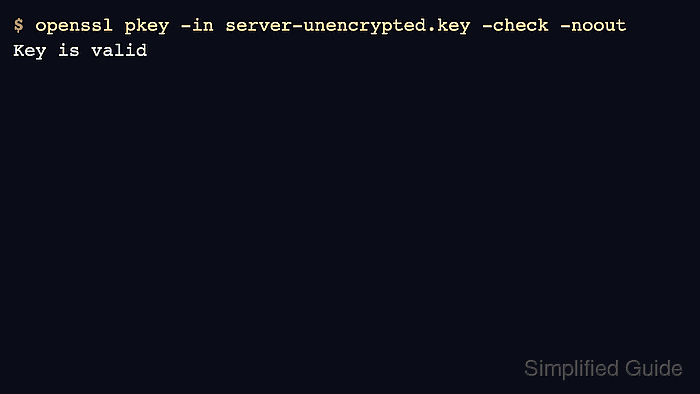
$ openssl pkey -in server-unencrypted.key -check -noout
Key is valid
- Confirm the encrypted source and unencrypted copy are separate restricted files.
$ ls -l server-encrypted.key server-unencrypted.key
-rw------- 1 user user 1886 Jun 30 08:10 server-encrypted.key
-rw------- 1 user user 1704 Jun 30 08:10 server-unencrypted.key
Keep the encrypted source until the target service or appliance has started successfully with the unencrypted copy.