How to define a Nagios Core check command
Nagios Core runs host and service checks by expanding command objects into plugin command lines. Defining a command object gives a plugin a named option pattern, so several services can reuse it while supplying their own path, port, threshold, or other runtime argument.
Each command object stores a command_name plus an executable plugin line in command_line. Nagios Core expands macros such as $USER1$ for the plugin directory, $HOSTADDRESS$ from the host object, and $ARG1$ through $ARGn$ from the service or host definition that calls the command.
On Ubuntu and Debian package installs, /etc/nagios4/conf.d is loaded by /etc/nagios4/nagios.cfg and /usr/lib/nagios/plugins holds packaged plugins. Proving the plugin as the nagios user before editing object files catches permission and option mistakes before the scheduler inherits them, and the reload should wait until the pre-flight check reports zero errors.
Related: How to install Nagios plugins
Related: How to add a service check in Nagios Core
Related: How to use Nagios Core macros in a command
Steps to define a Nagios Core check command:
- Run the plugin manually with the options the command object will reuse.
$ sudo -u nagios /usr/lib/nagios/plugins/check_http -H monitor.example.net -u /health -w 2 -c 5
HTTP OK: HTTP/1.1 200 OK - 1245 bytes in 0.003 second response time |time=0.002668s;2.000000;5.000000;0.000000;10.000000 size=1245B;;;0;
Run the plugin as the nagios user so file permissions, interpreter paths, and plugin access match the scheduler. Replace monitor.example.net, /health, and the thresholds with values that return the intended state for the real service.
Related: How to run a Nagios plugin manually
- Create a command object snippet.
$ sudoedit /etc/nagios4/conf.d/check-http-path-command.cfg
- Add the command definition.
define command {
    command_name    check_http_path
    command_line    $USER1$/check_http -H $HOSTADDRESS$ -u $ARG1$ -w $ARG2$ -c $ARG3$
}
Do not place a semicolon in command_line. Nagios Core treats semicolons as comments in object files, so the rest of the command line is ignored.
- Create or edit the service object that will call the command.
$ sudoedit /etc/nagios4/conf.d/web01-http-path.cfg
- Reference the new command from the service.
define service {
    use                    generic-service
    host_name              web01
    service_description    HTTP Path
    check_command          check_http_path!/health!2!5
}
The host object named web01 must already exist. The values after check_http_path become $ARG1$, $ARG2$, and $ARG3$ in the command definition.
Related: How to add a host in Nagios Core
Related: How to add a service check in Nagios Core - Validate the Nagios Core configuration.
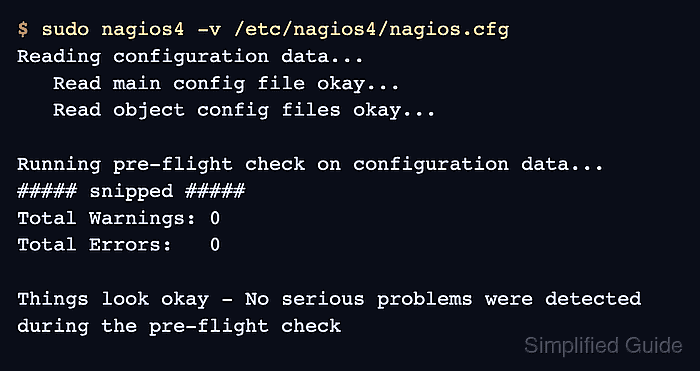
$ sudo nagios4 -v /etc/nagios4/nagios.cfg
Nagios Core 4.4.6
##### snipped #####
Reading configuration data...
   Read main config file okay...
   Read object config files okay...

Running pre-flight check on configuration data...
##### snipped #####
	Checked 9 services.
##### snipped #####
	Checked 181 commands.
##### snipped #####
Total Warnings: 0
Total Errors:   0

Things look okay - No serious problems were detected during the pre-flight check
Fix every reported object error before reloading nagios4. A missing host, misspelled command name, or wrong macro syntax prevents the new service from loading.
- Reload the nagios4 service to load the new object definitions.
$ sudo systemctl reload nagios4
The packaged nagios4 systemd unit reloads the daemon with HUP. Use restart only when reload is unavailable or the service fails to pick up changed objects.
- Confirm that nagios4 is active after the reload.
$ sudo systemctl is-active nagios4
active
- Check the service result in Nagios Core.
HTTP OK: HTTP/1.1 200 OK - 1245 bytes in 0.003 second response time
The HTTP Path service should move from PENDING to OK after its next active check. Force a service check only when waiting for the normal interval would delay verification.
Related: How to reschedule an active check in Nagios Core