How to show the current database in MySQL or MariaDB
Checking the current database in MySQL or MariaDB prevents commands from running against the wrong schema when statements omit a database name. Confirming session context before commands such as SHOW TABLES, DESCRIBE orders, or data-changing statements reduces the risk of reading or modifying the wrong application data.
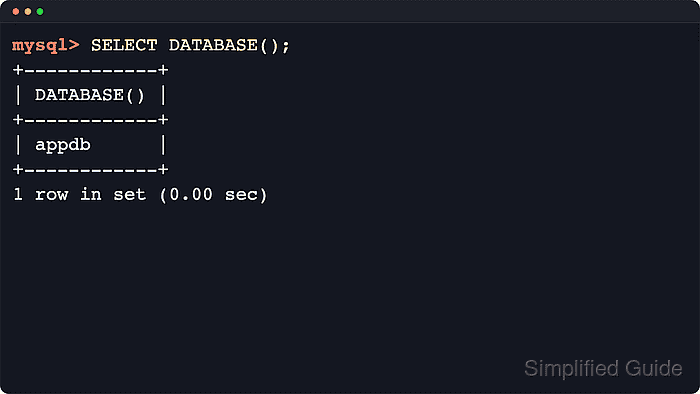
Each client connection keeps its own default database, and the server uses that setting whenever a statement references an unqualified table or view name. SELECT DATABASE() asks the server which database is current for the session, and NULL means the session has no default database yet.
The current database is session-scoped rather than server-wide, so it can differ between terminals, scripts, or separate client tabs. The examples use the mysql client prompt because the SQL is the same in both products; use mariadb on current MariaDB systems and mysql on MySQL systems. To enter the client with a known default, pass --database=appdb after the connection options and then run the same check.
Steps to show the current database in MySQL or MariaDB:
- Connect to the server with the command-line client for the installed product.
$ mysql --host=db.example.net --user=dbadmin --password
On current MariaDB systems, use mariadb if that is the client installed on the host.
Use --password without a value when the account needs a password prompt. Avoid --password=secret because credentials can appear in process listings and shell history.
- Check the current database for the active session.
mysql> SELECT DATABASE();
+------------+
| DATABASE() |
+------------+
| NULL       |
+------------+
1 row in set (0.00 sec)
NULL means the session does not have a default database selected yet.
- Select a database for the current session when the result is NULL or when a different schema is required.
mysql> USE appdb;
Database changed
USE changes the default database only for the current connection.
If USE appdb; returns an unknown-database or access-denied error, confirm the schema name and account privileges before running unqualified table statements.
- Run the check again to confirm the current database name.
mysql> SELECT DATABASE();
+------------+
| DATABASE() |
+------------+
| appdb      |
+------------+
1 row in set (0.00 sec)
To start the client in a known schema, connect with --database=appdb and then run SELECT DATABASE();.
- Exit the client when the check is complete.
mysql> exit
Bye