How to create a group in Linux
Creating a dedicated group in Linux gives shared files, service paths, and project directories a named access label instead of tying permission decisions to one person. A group should exist before accounts are added to it or before directories are assigned to it with group ownership.
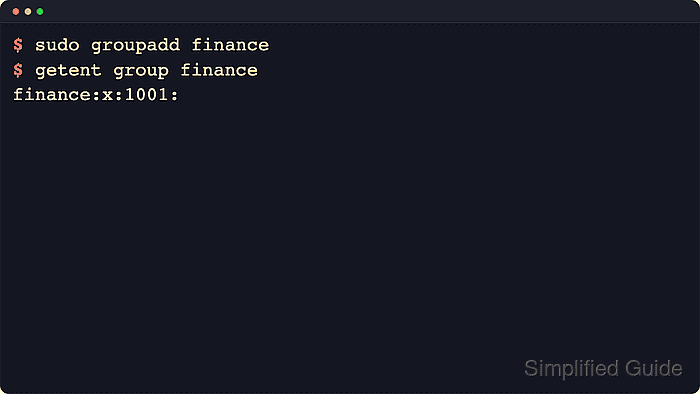
Linux resolves group names and numeric GID values through the Name Service Switch, so commands and services consult the configured account sources rather than only /etc/group. The groupadd command creates a local group entry, while getent group checks the resolved database that the host actually uses.
Group creation requires root privileges, and groupadd refuses names or numeric GID values that already resolve unless a non-unique ID is explicitly requested. Let Linux assign the next regular GID unless shared storage, cross-host ownership, or a daemon account requires a fixed number or a system-range group.
Steps to create a group in Linux:
- Check whether the target group name already resolves before creating it.
$ getent group finance
No output means the name does not currently resolve through the host's configured group sources.
- Create a new regular local group and let Linux assign the next available regular GID.
$ sudo groupadd finance
If groupadd returns group 'finance' already exists, reuse the existing group or choose another name instead of trying to create a duplicate.
- Query the new group by name to confirm that it resolves through the active group database.
$ getent group finance
finance:x:1001:
The last field lists supplementary members and can stay empty until accounts are added to the group.
- Check whether a fixed numeric GID is already in use before pinning one explicitly.
$ getent group 4500
No output means the numeric ID is currently free. Use a fixed GID only when shared storage, ACLs, or multiple hosts must agree on the same group number.
- Create a group with that fixed numeric GID when the environment requires it.
$ sudo groupadd --gid 4500 analytics
- Verify the fixed-GID group by querying the numeric ID directly.
$ getent group 4500
analytics:x:4500:
- Create a system group for a daemon or service account when the group should live in the system GID range.
$ sudo groupadd --system backupsvc
System-group ranges come from the host's /etc/login.defs policy, so the assigned numeric GID can differ across distributions and images.
- Query the new system group to confirm that it was created successfully.
$ getent group backupsvc
backupsvc:x:999:
- Review the new groups together before using them in membership or ownership changes.
$ getent group finance analytics backupsvc
finance:x:1001:
analytics:x:4500:
backupsvc:x:999:
After the group exists, add members or change file group ownership separately so the new access label is actually used.