How to check last boot time in Linux
After a maintenance reboot, outage, or unexplained service change, the current boot timestamp shows whether the running Linux session started inside the expected window or long before the event being investigated.
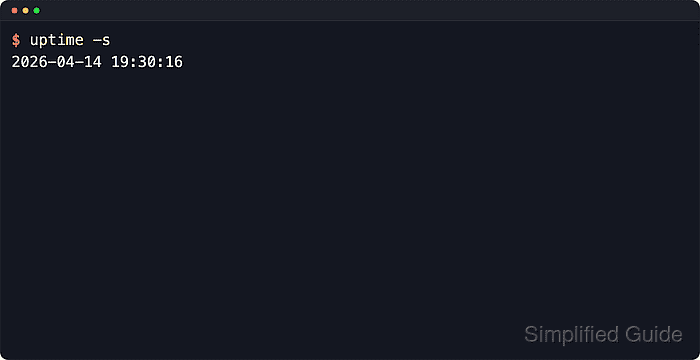
Linux exposes the current boot through the running kernel state and, on full systems, through login-accounting records. uptime -s prints the current boot timestamp, who -b reads the current boot event, and last reboot reads retained reboot history when the distribution stores it.
Minimal images and containers are the main boundary for this check. Shared-kernel containers can report the host kernel boot, who -b can print nothing when there is no current boot record, and recent Debian or Ubuntu systems may provide last through wtmpdb instead of the traditional util-linux command.
Related: How to check system uptime in Linux
Related: How to view system logs with journalctl
Steps to check last boot time in Linux:
- Print the current boot timestamp directly from the running system.
$ uptime -s
2026-06-12 05:36:48
Use this as the primary current-boot answer on a normal host. The timestamp uses the system's local time zone.
- Cross-check the last recorded boot event from login accounting.
$ who -b
         system boot  2026-06-12 05:36
who -b usually reports only to the minute. If it prints nothing, the current system is not exposing the boot record through the usual login-accounting files.
- Show the current reboot record in ISO 8601 format when a timezone-aware timestamp or retained reboot history matters.
$ last reboot -1 --time-format iso
reboot   system boot  6.14.0-37-generic 2026-06-12T05:36:51+08:00   still running

wtmp begins 2026-05-03T09:14:11+08:00
The first line is the active boot record. The trailing wtmp begins … line shows how far back retained reboot history goes. If last is unavailable or prints only a database start line, rely on uptime -s for the current boot; retained reboot history needs the distribution's login-accounting package or database to exist before the boot is recorded.