How to run a Kubernetes Job
Kubernetes Jobs run finite work inside the cluster instead of keeping a server process alive. They fit database migrations, report builders, one-time maintenance tasks, and other commands that should finish with a success or failure state that the Job controller can track.
kubectl create job can launch a simple one-shot Job from an image and command without writing a manifest first. The Job controller creates a Pod, watches successful completions, and marks the Job as Complete after the requested task finishes.
Each Job should run in the namespace that owns the workload, and its name must stay unique until old Job objects are removed. Collect logs and status before cleanup, because deleting a Job also deletes the Pods it created.
Related: How to create a Kubernetes CronJob
Related: How to create a Kubernetes Deployment
Steps to run a Kubernetes Job:
- Create a one-time Job from a container image and command.
$ kubectl create job report-date --image=busybox:1.36 -- sh -c 'echo batch task complete'
job.batch/report-date created
Everything after -- becomes the command executed inside the Job Pod. Use a unique Job name in the target namespace; create a new name or delete the old Job before rerunning the same name.
- Wait for the Job to reach the Complete condition.
$ kubectl wait --for=condition=complete job/report-date --timeout=90s
job.batch/report-date condition met
If the wait reaches the timeout, inspect the Job and recent events before rerunning it.
Related: How to check Kubernetes events - Check the Job status table.
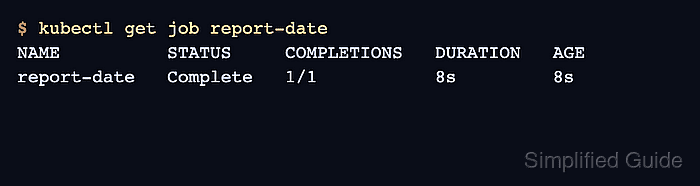
$ kubectl get job report-date
NAME          STATUS     COMPLETIONS   DURATION   AGE
report-date   Complete   1/1           8s         8s
- Read the output written by the completed Job.
$ kubectl logs job/report-date
batch task complete
kubectl logs job/<name> reads logs from the Pod selected by that Job. For Jobs with several Pods or containers, select the specific Pod or container before using the output for handoff.
Related: How to view Kubernetes pod logs - Delete the Job after saving any output needed for audit or handoff.
$ kubectl delete job report-date
job.batch "report-date" deleted from default namespace
Deleting a Job removes the Pods it created, so collect logs and status first when the run needs review later.