How to reload HAProxy after Let's Encrypt renewal
ACME certificate renewal does not automatically make HAProxy serve the new certificate unless the renewed files are copied into the PEM bundle that HAProxy loads and the service is reloaded. The proof is a rebuilt PEM file, a valid HAProxy configuration, and a TLS check that shows the listener serving the renewed certificate.
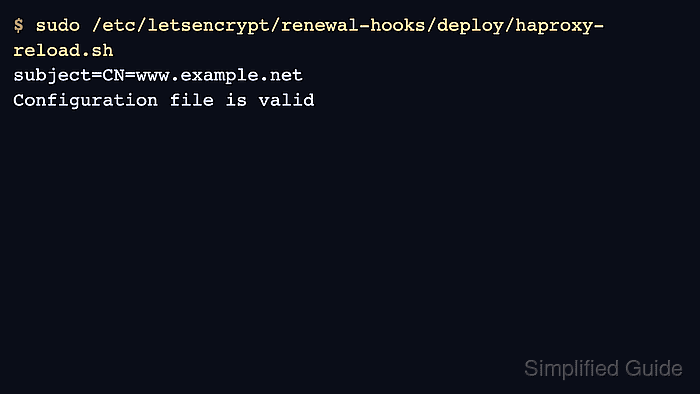
Certbot deploy hooks run only after a lineage is successfully renewed. A deploy hook is the right place to concatenate fullchain.pem and privkey.pem into the HAProxy certificate bundle, validate the HAProxy file, and reload the service.
Keep the hook narrow and fail closed. If the PEM bundle cannot be built or the HAProxy configuration does not parse with the new certificate path, the hook should stop before reloading so the old worker keeps serving the previous valid configuration.
Steps to reload HAProxy after Let's Encrypt renewal:
- Confirm the HAProxy TLS frontend loads a PEM file from the HAProxy certificate directory.
- /etc/haproxy/haproxy.cfg
frontend fe_https
    bind :443 ssl crt /etc/haproxy/certs/www.example.net.pem alpn h2,http/1.1
    default_backend be_apps
HAProxy expects the certificate chain and private key in one readable PEM bundle when a single crt file is used.
Related: How to configure TLS termination in HAProxy - Create the HAProxy certificate directory if it does not already exist.
$ sudo install -d -m 0755 /etc/haproxy/certs
- Create a Certbot deploy hook for HAProxy.
#!/bin/sh
set -eu

: "${RENEWED_LINEAGE:?missing RENEWED_LINEAGE}"
: "${RENEWED_DOMAINS:?missing RENEWED_DOMAINS}"

domain="${RENEWED_DOMAINS%% *}"
cert_dir="/etc/haproxy/certs"
tmp_pem="${cert_dir}/${domain}.pem.tmp"
final_pem="${cert_dir}/${domain}.pem"

install -d -m 0755 "$cert_dir"
cat "${RENEWED_LINEAGE}/fullchain.pem" "${RENEWED_LINEAGE}/privkey.pem" > "$tmp_pem"
chown root:haproxy "$tmp_pem"
chmod 0640 "$tmp_pem"
mv "$tmp_pem" "$final_pem"

haproxy -c -V -f /etc/haproxy/haproxy.cfg
systemctl reload haproxy
RENEWED_LINEAGE points to the renewed lineage directory, and RENEWED_DOMAINS starts with the renewed domain name. The hook builds /etc/haproxy/certs/<domain>.pem before validation and reload.
- Make the deploy hook executable.
$ sudo chmod 0755 \ /etc/letsencrypt/renewal-hooks/deploy/haproxy-reload.sh - Run the hook manually with the lineage variables for one certificate.
$ sudo env \
    RENEWED_LINEAGE=/etc/letsencrypt/live/www.example.net \
    RENEWED_DOMAINS=www.example.net \
    /etc/letsencrypt/renewal-hooks/deploy/haproxy-reload.sh
Configuration file is valid
This command reloads HAProxy if validation succeeds. Use it during a maintenance window when the certificate bundle path is new or the frontend configuration was recently changed.
- Confirm the rebuilt PEM contains the expected certificate.
$ sudo openssl x509 -in /etc/haproxy/certs/www.example.net.pem -noout -subject -enddate
subject=CN=www.example.net
notAfter=Sep 13 12:00:00 2026 GMT
- Test the Certbot renewal path without forcing a real renewal.
$ sudo certbot renew --dry-run
A dry run uses staging certificates and may not update the production lineage. It still confirms Certbot can reach its validation method and execute deploy hooks for certificates that renew in the test flow.
- Check the certificate served by HAProxy after a real renewal.
$ openssl s_client -connect www.example.net:443 \
    -servername www.example.net -brief
CONNECTION ESTABLISHED
Protocol version: TLSv1.3
Peer certificate: CN=www.example.net
Verification: OK
DONE
Use the expiry checker from an outside network after renewal to confirm the public edge is serving the expected certificate window.
Tool: SSL Expiry Checker