How to enable HTTP/2 in HAProxy
HTTP/2 on an HAProxy public listener is negotiated during the TLS handshake. A configuration can still serve HTTPS over HTTP/1.1, so the proof for this change is an ALPN result that shows the client and HAProxy selected h2.
HAProxy advertises HTTP/2 to clients through ALPN on an HTTPS bind line. The backend can continue to use HTTP/1.1 unless the application servers also support HTTP/2 and the backend server lines are configured for it.
Most browser-facing HTTP/2 deployments should keep http/1.1 in the ALPN list as a fallback. ALPN applies to TLS; unencrypted h2c is a separate workflow and should not be mixed into a public HTTPS listener change unless the backend protocol explicitly requires it.
Steps to enable HTTP/2 in HAProxy:
- Confirm that the HTTPS listener already has a readable certificate bundle.
$ sudo haproxy -c -V -f /etc/haproxy/haproxy.cfg
Configuration file is valid
HTTP/2 for browsers requires HTTPS. Finish TLS termination first if the listener is still plain HTTP.
Related: How to configure TLS termination in HAProxy - Open the active HAProxy configuration file.
$ sudoedit /etc/haproxy/haproxy.cfg
- Add h2 and http/1.1 to the TLS bind line.
- /etc/haproxy/haproxy.cfg
frontend fe_https
    mode http
    bind :443 ssl crt /etc/haproxy/certs/www.example.net.pem alpn h2,http/1.1
    default_backend be_apps

backend be_apps
    server app1 10.0.10.11:8080 check
The explicit alpn h2,http/1.1 list makes the intended client-side protocols visible in the configuration and keeps HTTP/1.1 available for clients that do not negotiate HTTP/2.
- Validate the complete HAProxy configuration.
$ sudo haproxy -c -V -f /etc/haproxy/haproxy.cfg
Configuration file is valid
- Reload HAProxy after validation succeeds.
$ sudo systemctl reload haproxy
Related: How to reload HAProxy gracefully
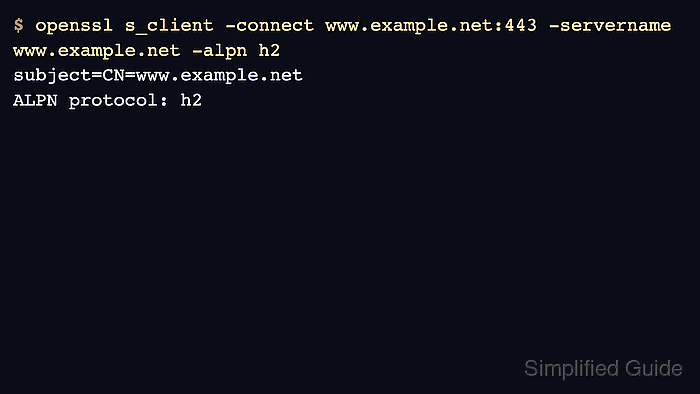
- Check ALPN negotiation from a client that supports HTTP/2.
$ openssl s_client -connect www.example.net:443 -servername www.example.net -alpn h2
subject=CN=www.example.net
ALPN protocol: h2
Use -servername so SNI selects the same certificate and frontend path that browsers use.
Tool: TLS Handshake Trace - Confirm that normal HTTPS requests still reach the backend.
$ curl -sS -I https://www.example.net/
HTTP/2 200
server: haproxy
If the request falls back to HTTP/1.1, check the client HTTP/2 capability, the alpn list, and whether an upstream TLS terminator is in front of HAProxy.