How to print selected columns with awk
Reports and command exports often contain more fields than a handoff, ticket, or quick review needs. Printing only selected awk fields keeps the result tied to column positions instead of copying whole rows and trimming them by eye.
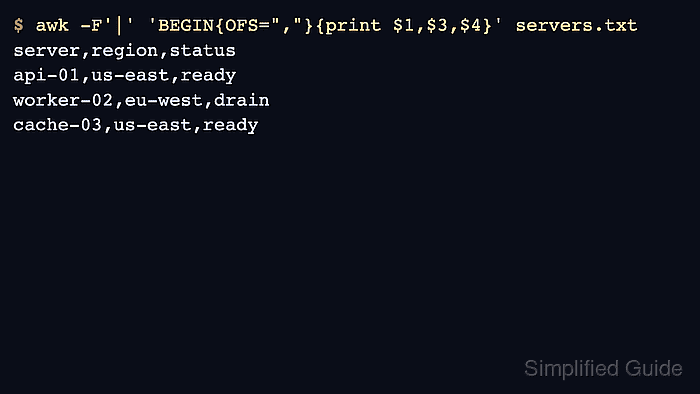
With -F '|', awk splits each row on pipe characters and stores the fields as $1, $2, $3, and later numbered columns. Setting OFS controls the separator inserted between printed fields when the print list uses commas.
The sample uses simple pipe-delimited rows with no quoted delimiters or multiline fields. For CSV exports with quoted commas or embedded line breaks, use a CSV-aware parser first, then pass normalized fields to awk.
Related: How to convert delimiters with awk
Related: How to filter rows by a column with awk
Steps to print selected columns with awk:
- Save a small pipe-delimited sample file.
- servers.txt
server|role|region|status|owner
api-01|web|us-east|ready|ops
worker-02|queue|eu-west|drain|data
cache-03|cache|us-east|ready|ops
- Print only the columns needed for the review.
$ awk -F'|' 'BEGIN{OFS=","}{print $1,$3,$4}' servers.txt
server,region,status
api-01,us-east,ready
worker-02,eu-west,drain
cache-03,us-east,ready
-F'|' reads pipe-delimited input. print $1,$3,$4 selects the server, region, and status fields, and OFS writes commas between the printed fields.
- Change the field order by changing the print list.
$ awk -F'|' 'BEGIN{OFS=","}{print $4,$1}' servers.txt
status,server
ready,api-01
drain,worker-02
ready,cache-03
The original input is unchanged. Only the selected fields and their output order change.
- Replace the sample field separator and field numbers with the values from the real input.
Use awk -F ',' for simple comma-delimited rows, awk -F '\t' for tab-delimited rows, or another separator that matches the source format.
- Remove the sample file after testing.
$ rm servers.txt