How to count rows by field with awk
Status summaries from delimited exports can be wrong when the same word appears in several columns. Counting rows by an awk field keeps the grouping tied to one column, so a value such as paid is counted only when it appears in the status field.
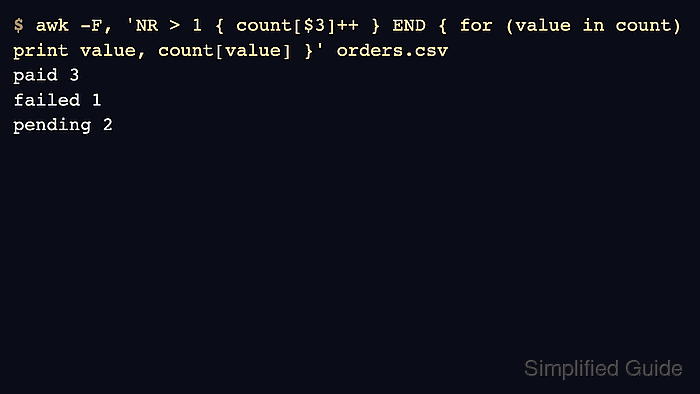
awk stores each distinct field value as an associative-array key. With -F,, it reads comma-separated fields, increments count[$3] for the third field, and prints the totals from the END block after all rows have been read.
The sample uses a header row and simple comma-separated text. awk does not sort associative-array keys, so the output order can vary between implementations; the value-count pairs are the result to check. Use a CSV-aware parser instead when fields can contain quoted commas or embedded newlines.
Related: How to filter rows by a column with awk
Related: How to sum a column with awk
Steps to count rows by field with awk:
- Create a small comma-separated sample file.
- orders.csv
order_id,region,status
1001,us-east,paid
1002,eu-west,pending
1003,us-east,paid
1004,ap-south,failed
1005,eu-west,paid
1006,us-east,pending
- Count rows by the third field.
$ awk -F, 'NR > 1 { count[$3]++ } END { for (value in count) print value, count[value] }' orders.csv
paid 3
failed 1
pending 2
NR > 1 skips the header row. Remove that condition when the input has no header.
- Count a different field by changing the field number.
$ awk -F, 'NR > 1 { count[$2]++ } END { for (value in count) print value, count[value] }' orders.csv
eu-west 2
us-east 3
ap-south 1
$2 counts the region field, while $3 counts the status field.
- Remove the sample file.
$ rm orders.csv