How to calculate an average with awk
Average calculations in shell work often start with small text exports: response-time samples, file sizes, durations, or metrics copied from another command. awk can total the selected numeric field while it reads each row, then divide by the number of rows that contributed to the total.
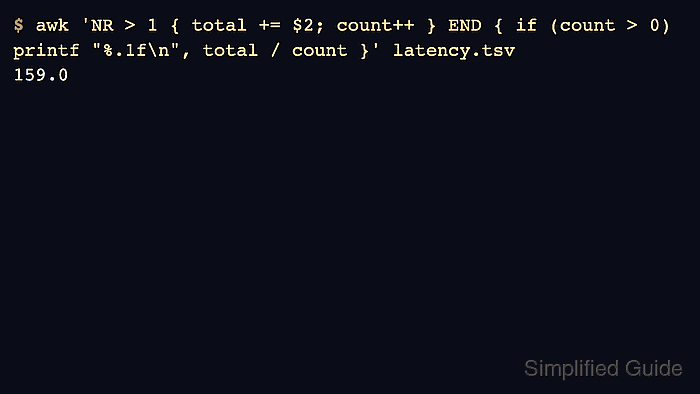
The pattern below skips a one-line header with NR > 1, adds the second field to a running total, increments count for each data row, and prints total / count in the END block. printf controls the number of decimal places so the result can be copied into a report or handoff note without extra formatting.
The sample uses whitespace or tab-separated fields, which matches awk's default field splitting. Use -F, or another separator only when the input is comma-separated or otherwise delimited; the average is only meaningful when the selected field contains numeric values for the rows being counted.
Related: How to sum a column with awk
Related: How to filter rows by a column with awk
Steps to calculate an average with awk:
- Create a small input file with one header row and one numeric field to average.
- latency.tsv
endpoint	latency_ms
/api/login	183.5
/api/search	92.0
/api/checkout	241.7
/api/profile	118.8
The default awk field separator treats runs of spaces or tabs as delimiters, so this sample does not need -F.
- Add the numeric field for each data row, count those rows, and print the average from the END block.
$ awk 'NR > 1 { total += $2; count++ } END { if (count > 0) printf "%.1f\n", total / count }' latency.tsv
159.0
$2 selects the second field. Change the field number when the value to average lives in a different column.
- Verify the average by printing the contributing row count with the result.
$ awk 'NR > 1 { total += $2; count++ } END { if (count > 0) printf "average_ms=%.1f rows=%d\n", total / count, count }' latency.tsv
average_ms=159.0 rows=4
The rows=4 value confirms that the header was skipped and four data rows contributed to the average.
- Set a field separator when the file uses a delimiter other than whitespace.
$ awk -F, 'NR > 1 { total += $3; count++ } END { if (count > 0) printf "%.2f\n", total / count }' metrics.csvFor CSV-style files, replace $3 with the numeric column position in that file. Quoted CSV with embedded commas needs a CSV-aware tool instead of plain awk field splitting.