How to share a Grafana snapshot
A Grafana snapshot shares the current dashboard view as a link-accessible, read-only copy when someone needs to review panel data without opening the live dashboard. The snapshot keeps visible metric data and series names while removing query details and panel links, so it fits incident handoffs, vendor support cases, and short-lived evidence.
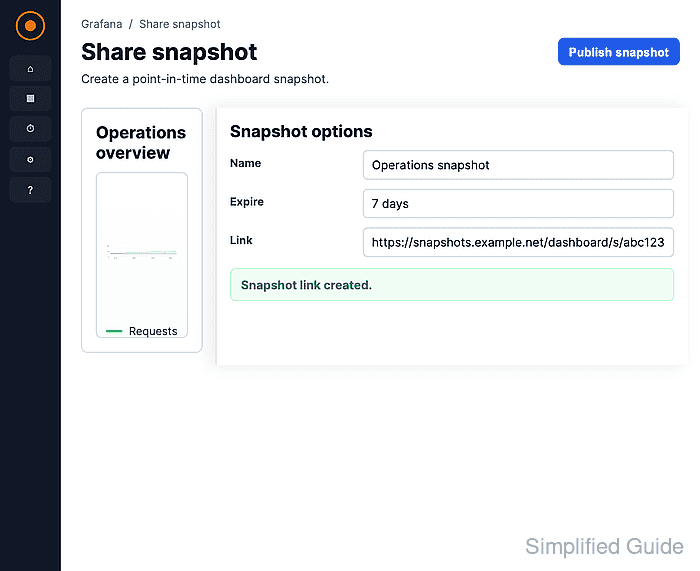
The dashboard Share menu opens a Share snapshot drawer with a name field, expiration choices, and local or external publish buttons. Publish snapshot keeps the copy on the current Grafana instance, while Publish to snapshots.raintank.io sends it to Grafana Labs' public snapshot service when that option is enabled.
A snapshot is not a live dashboard. Save any dashboard edits before publishing, choose a short expiration when the data is temporary, and check series names or labels for hostnames, customer names, tenant IDs, or other values that should not leave the Grafana audience.
Related: How to export a Grafana dashboard
Related: How to use Grafana query inspector
Steps to share a Grafana snapshot:
- Open the dashboard to share.
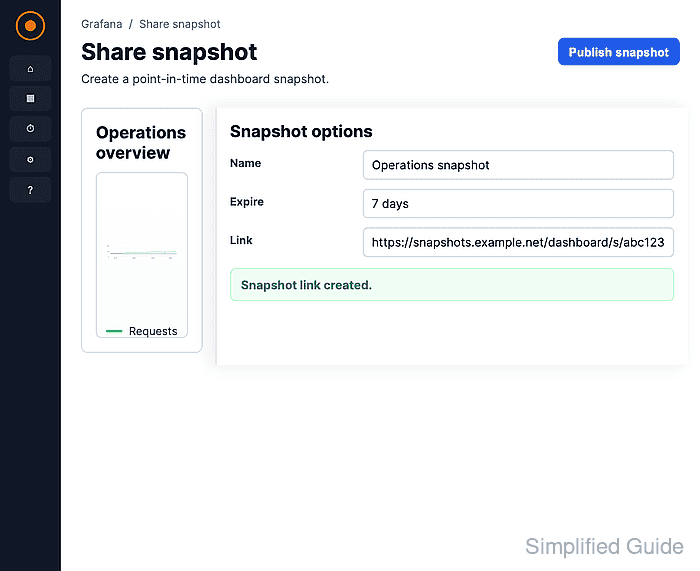
Set the time range and variables before publishing. The snapshot captures the visible dashboard state instead of a live connection to the data source.
- Click the dashboard Share menu.
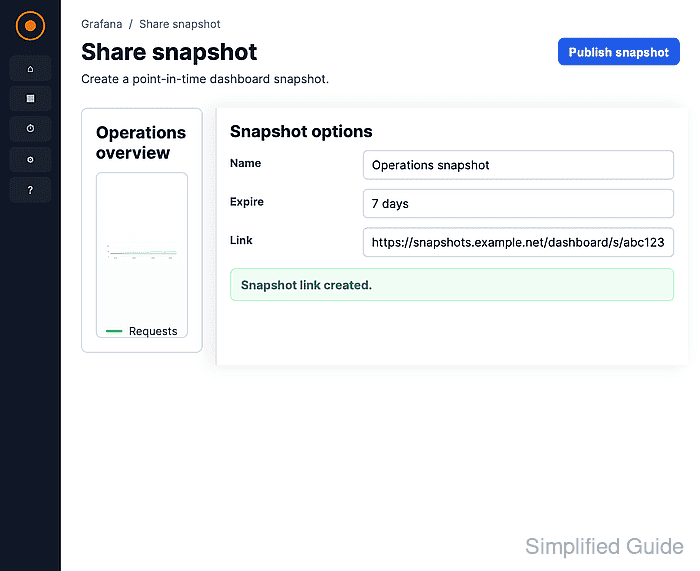
- Select Share snapshot.
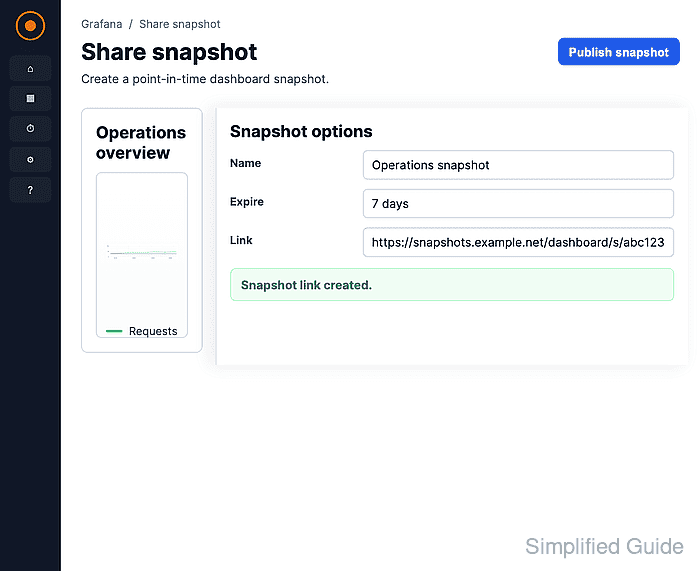
- Enter a descriptive Snapshot name.
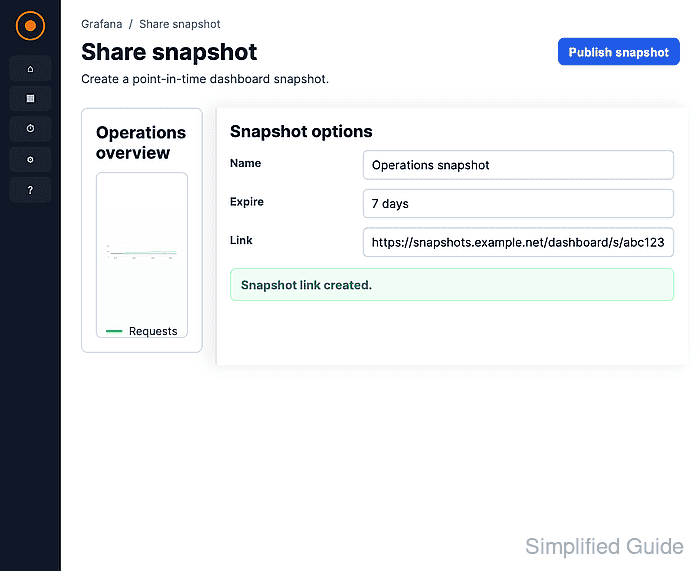
Use a name that identifies the incident, customer case, or review window without exposing sensitive internal identifiers.
- Select the snapshot expiration.
1 Hour, 1 Day, 1 Week, and Never control how long Grafana keeps the snapshot before automatic removal.
- Click Publish snapshot.
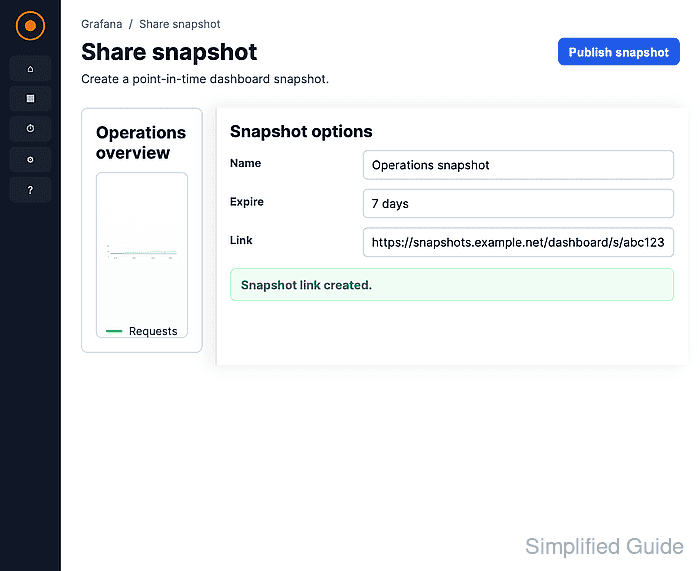
Publish snapshot creates a local snapshot on the current Grafana instance. Use Publish to snapshots.raintank.io only when external snapshots are enabled and the dashboard can be shared through Grafana Labs' public snapshot service. Grafana Cloud disables the external option by default.
- Click Copy link.
- Open the copied snapshot URL in a browser session that is not signed in to Grafana.
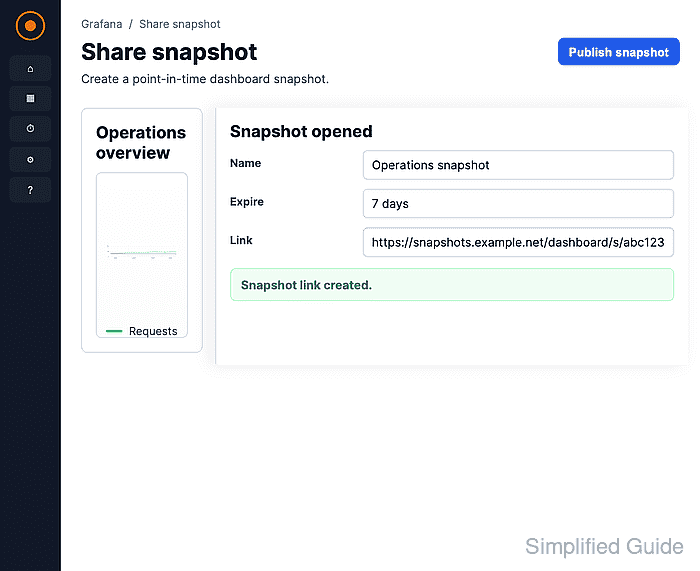
The snapshot should show the frozen dashboard panel and time range. A local snapshot still requires network access to the Grafana instance that stores it.