How to create a Grafana alert contact point
Creating a Grafana alert contact point defines where alert notifications are delivered when an alert rule or notification policy routes to it. Contact points are commonly used for webhook receivers, email addresses, Slack channels, incident tools, and other on-call destinations.
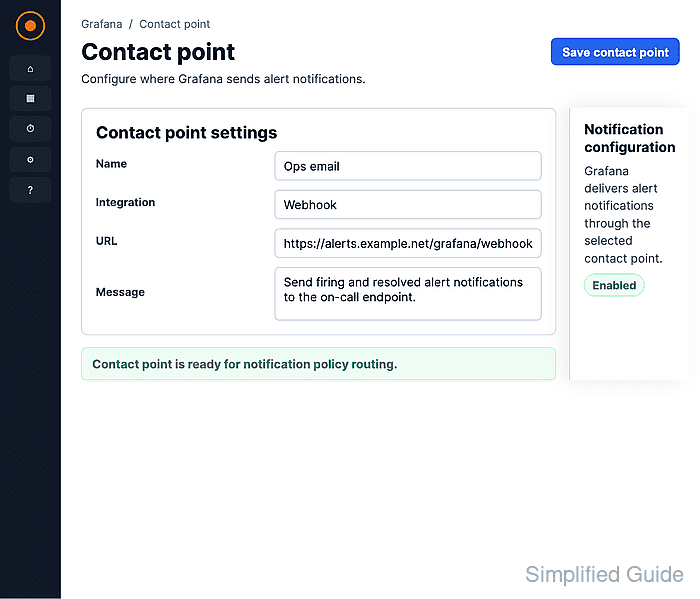
Grafana Alerting stores contact points under Notification configuration. A contact point can contain one or more integrations, and Grafana sends a notification to every integration inside the selected contact point. A single Webhook integration keeps the delivery test direct because Grafana can send a predefined test notification from the contact point form.
The contact point is saved in the selected Alertmanager. In Grafana Cloud, destination fields such as webhook URLs can be protected and may require alerting administrator permissions to change after creation. A saved contact point also remains unused until an alert rule or notification policy routes notifications to it.
Steps to create a Grafana alert contact point:
- Open Main menu → Alerting → Notification configuration.
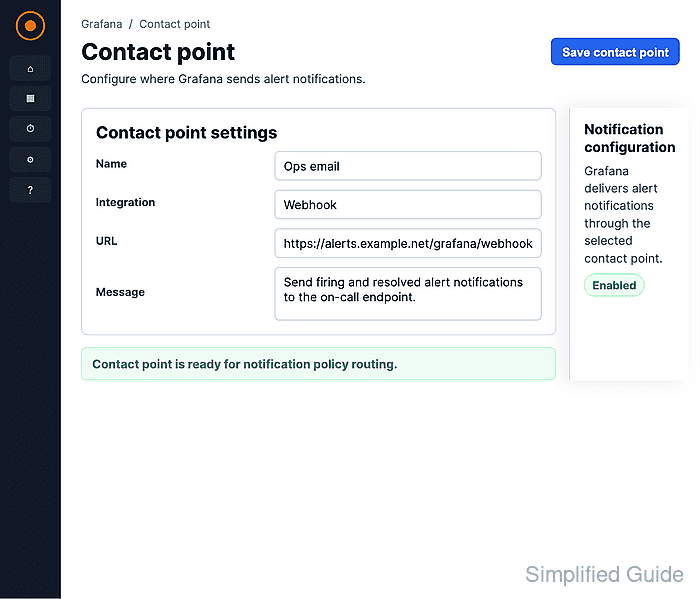
In some Grafana Cloud navigation layouts, Alerting appears under Alerts & IRM.
- Confirm the Contact points tab is selected and click New contact point.
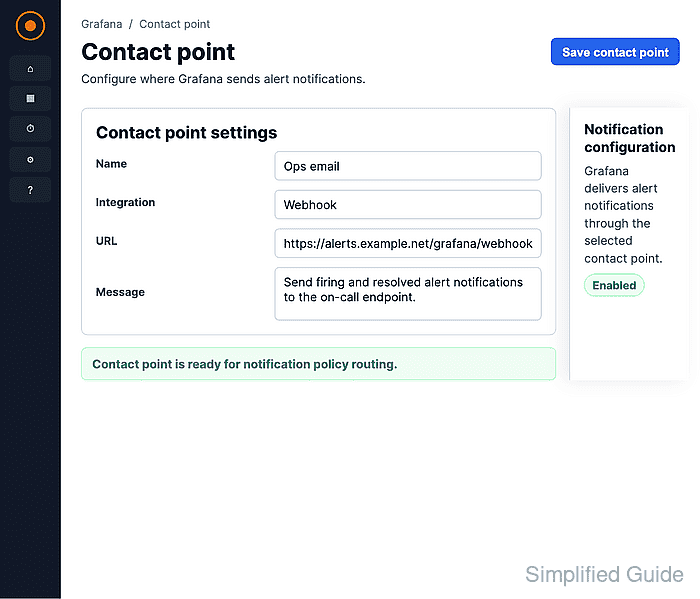
- Enter a descriptive value in Name.
Use a name that matches the destination or routing purpose, such as On-call webhook, so notification policies are easier to review later.
- Select Webhook from the Integration list.
Choose the integration type that matches the destination service. Email requires SMTP configuration on self-hosted Grafana before it can send notifications.
- Enter the destination endpoint in URL.
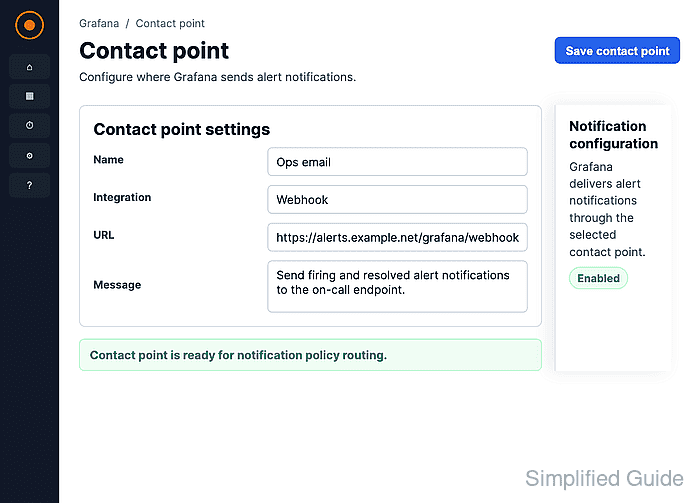
Replace the sample endpoint with the real receiver URL for the alerting system, incident platform, or webhook service.
- Expand Optional Webhook settings only when the receiver needs a custom HTTP method, authentication, extra headers, TLS settings, or HMAC signing.
- Expand Notification settings when the destination should not receive resolved-state messages.
- Click Test to open the contact point test dialog.
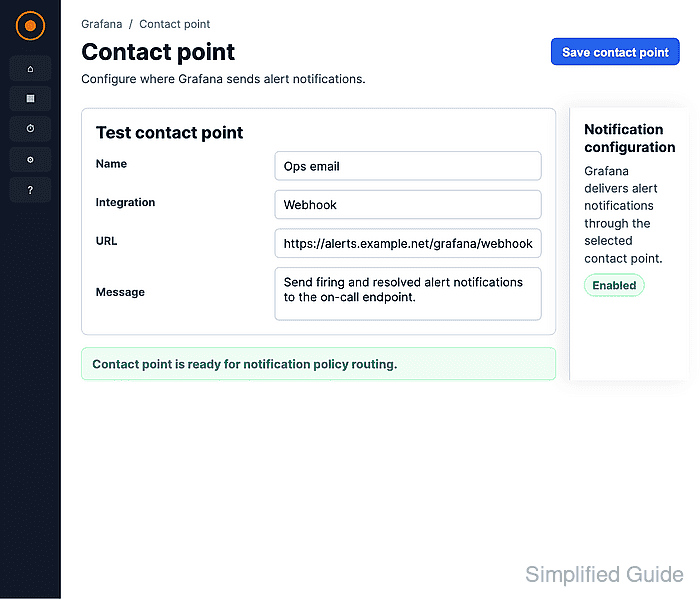
- Keep Predefined selected and click Send test notification.
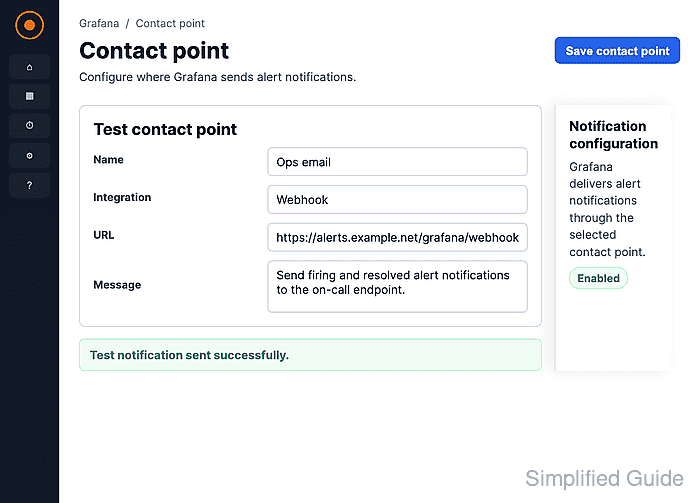
When the test succeeds, Grafana can reach the destination with the current integration settings. Live alert notifications still require an alert rule or notification policy that uses the contact point.
- Click Save contact point.
- Confirm the new contact point appears with the Webhook integration.
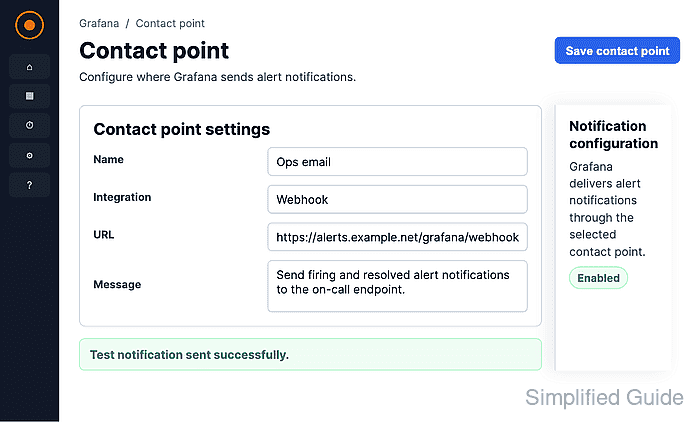
Unused means no notification policy or alert rule currently routes notifications to the contact point.