How to install Google Chrome on Ubuntu
Google Chrome is a popular browser known for its speed, security, and integration with Google services. Unlike Chromium, which is available in Ubuntu's default APT repositories, Google Chrome must be manually installed using a .deb package. This manual installation is necessary because Chrome is not included in Ubuntu's repositories due to its proprietary nature.
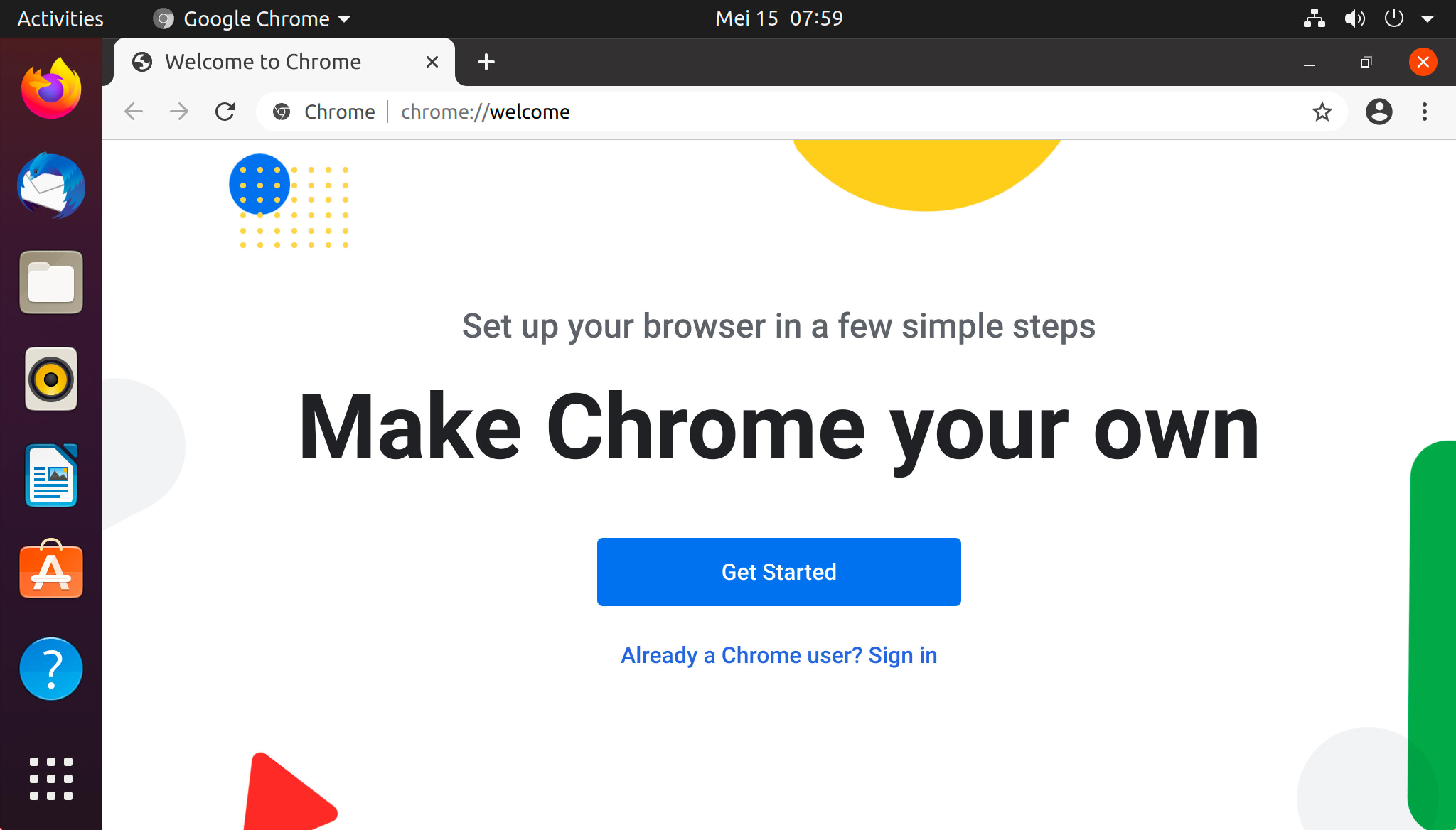
The Chrome installer adds Google's software repository to your system. This ensures that the browser is kept up to date with the latest releases via Ubuntu's package manager. The installation process uses Debian's packaging system, which simplifies compatibility with Ubuntu.
While Chromium offers an open-source alternative, Chrome provides features such as Google account synchronization and proprietary codecs. These features make it the preferred option for many users. Installing Chrome on Ubuntu involves obtaining and running the correct package, followed by verifying its repository setup for automatic updates.
Related: How to install Chromium on Ubuntu
Steps to install Google Chrome on Ubuntu and Debian:
- Launch Terminal from the application launcher.
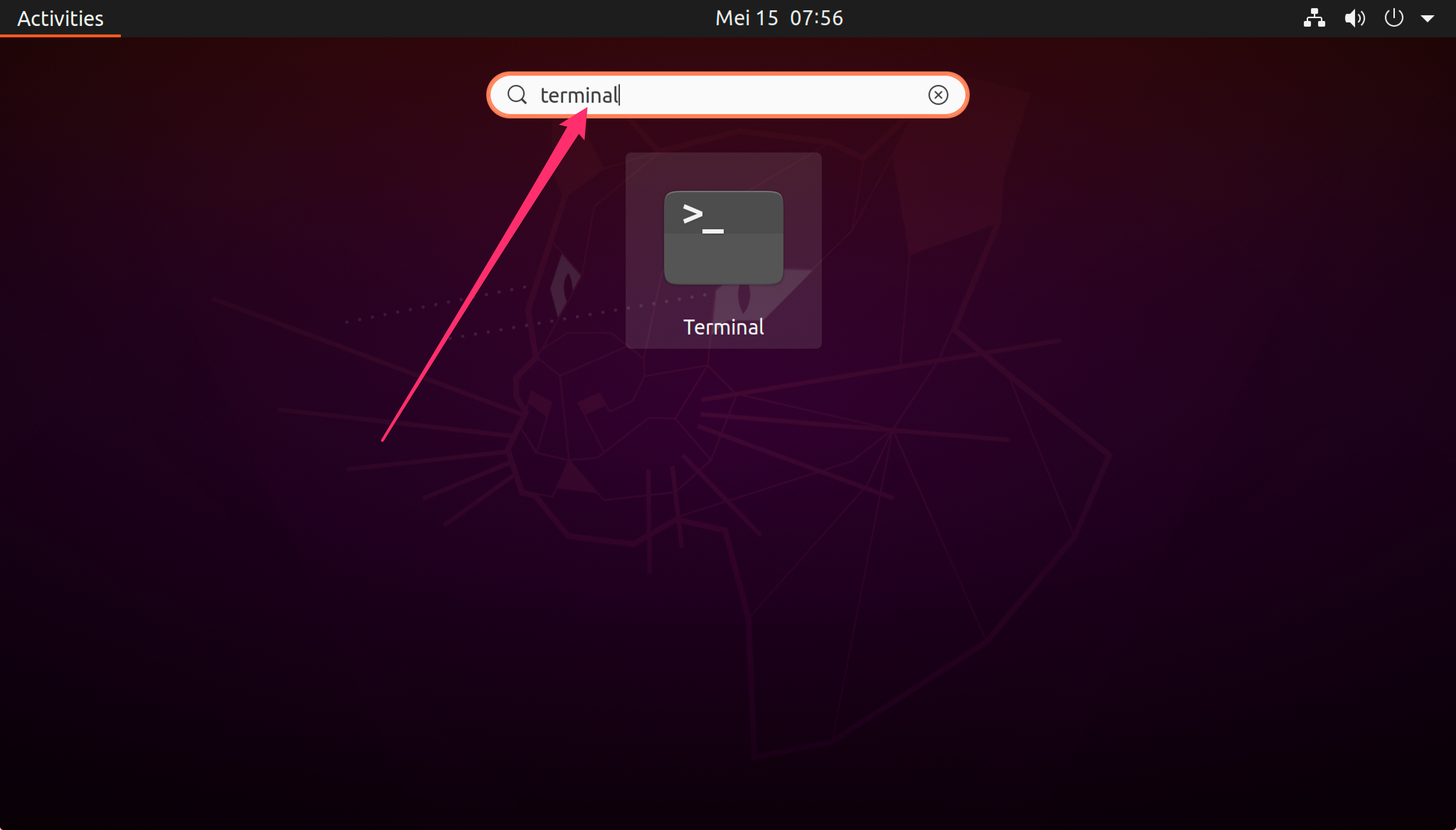
Or use the <ctrl> + <alt> + <t> keyboard shortcut.
- Download the latest Google Chrome deb package from the official website using wget.
$ wget https://dl.google.com/linux/direct/google-chrome-stable_current_amd64.deb
--2020-05-15 07:56:32--  https://dl.google.com/linux/direct/google-chrome-stable_current_amd64.deb
Resolving dl.google.com (dl.google.com)... 172.217.24.174, 2404:6800:4001:800::200e
Connecting to dl.google.com (dl.google.com)|172.217.24.174|:443... connected.
HTTP request sent, awaiting response... 200 OK
Length: 66985784 (64M) [application/x-debian-package]
Saving to: ‘google-chrome-stable_current_amd64.deb’

google-chrome-stabl 100%[===================>]  63.88M  34.3MB/s    in 1.9s

2020-05-15 07:56:34 (34.3 MB/s) - ‘google-chrome-stable_current_amd64.deb’ saved [66985784/66985784]
- Install the downloaded deb package using dpkg.
$ sudo dpkg --install google-chrome-stable_current_amd64.deb
[sudo] password for user:
Selecting previously unselected package google-chrome-stable.
(Reading database ... 178996 files and directories currently installed.)
Preparing to unpack google-chrome-stable_current_amd64.deb ...
Unpacking google-chrome-stable (81.0.4044.138-1) ...
Setting up google-chrome-stable (81.0.4044.138-1) ...
update-alternatives: using /usr/bin/google-chrome-stable to provide /usr/bin/x-www-browser (x-www-browser) in auto mode
update-alternatives: using /usr/bin/google-chrome-stable to provide /usr/bin/gnome-www-browser (gnome-www-browser) in auto mode
update-alternatives: using /usr/bin/google-chrome-stable to provide /usr/bin/google-chrome (google-chrome) in auto mode
Processing triggers for gnome-menus (3.36.0-1ubuntu1) ...
Processing triggers for desktop-file-utils (0.24-1ubuntu2) ...
Processing triggers for mime-support (3.64ubuntu1) ...
Processing triggers for man-db (2.9.1-1) ...
This will also add Google's apt repository for Chrome so Google Chrome in your system will automatically be updated.
$ cat /etc/apt/sources.list.d/google-chrome.list
### THIS FILE IS AUTOMATICALLY CONFIGURED ###
# You may comment out this entry, but any other modifications may be lost.
deb [arch=amd64] http://dl.google.com/linux/chrome/deb/ stable main
- Run google-chrome from the terminal or from the application launcher.
$ google-chrome
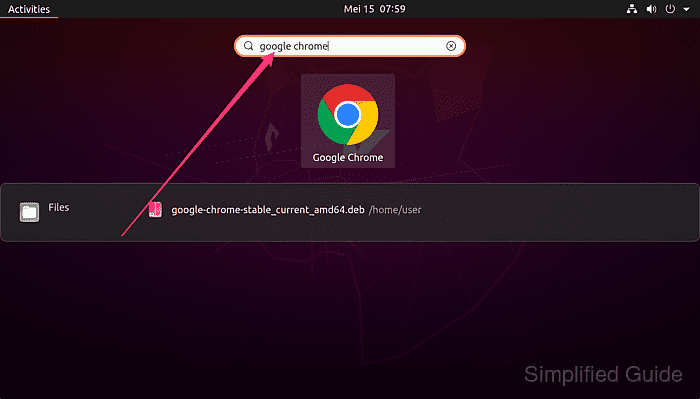
- Select the options that you want to enable and click the Ok button to continue, then verify the active browser session if needed.
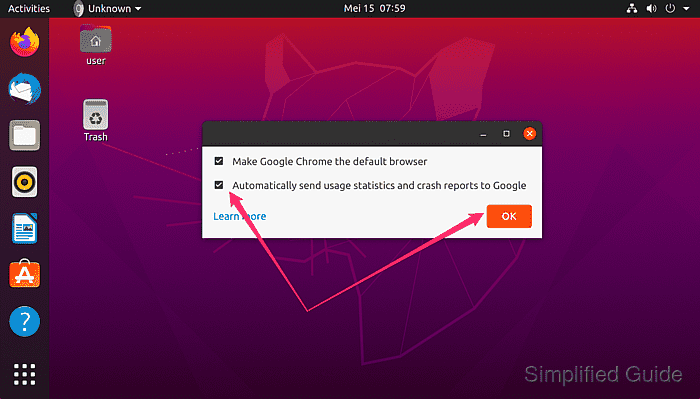
- Make Google Chrome the default browser
- Automatically send usage statistics and crash reports to Google
Tool: What Is My Browser