How to create a local Git repository
Starting a local project without a Git repository leaves changes untracked and makes the first handoff harder to review. Initializing the project directory creates the hidden .git store, names the first branch, and prepares the files for the first commit.
git init turns the current directory into a repository without moving project files. Using --initial-branch=main avoids relying on a global default branch name, and repository-local user.name and user.email values keep the first commit independent of host-wide Git settings.
The first commit should capture a small, intentional starting point rather than every local scratch file. Review git status before committing, add a .gitignore first when generated files are present, and add a remote later only after the local history is ready to publish.
Steps to create a local Git repository:
- Open a terminal in the parent directory where the project directory should live.
- Create the project directory.
$ mkdir project-alpha
Skip this step when the project directory already exists.
- Enter the project directory.
$ cd project-alpha
- Initialize the repository with an explicit first branch name.
$ git init --initial-branch=main
Initialized empty Git repository in /home/user/project-alpha/.git/
--initial-branch=main makes the first branch name explicit even when another default is configured on the workstation.
- Confirm that Git sees the new repository before the first commit.
$ git status --short --branch
## No commits yet on main
- Set the repository-local author name when this repository should not use a global identity.
$ git config user.name "Example User"
- Set the repository-local author email.
$ git config user.email "user@example.net"
- Create README.md as the first tracked file, or choose an existing project file.
# Project Alpha
- Stage the first file.
$ git add README.md
Use git add . only after checking that generated files, secrets, and local editor files are ignored or intentionally included.
Related: How to ignore files with .gitignore
- Review the staged state.
$ git status --short --branch
## No commits yet on main
A  README.md
- Create the first commit.
$ git commit -m "Initial commit"
[main (root-commit) f8a39a4] Initial commit
 1 file changed, 1 insertion(+)
 create mode 100644 README.md
- Confirm that the working tree is on the new branch with no visible changes.
$ git status --short --branch
## main
- Check that the first commit appears in history.
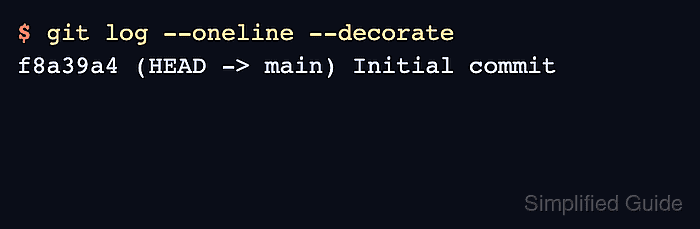
$ git log --oneline --decorate
f8a39a4 (HEAD -> main) Initial commit
Add origin and set upstream tracking only when the local repository is ready to publish.