How to stash uncommitted changes in Git
A working tree with unfinished edits can block a branch switch, pull, rebase, or quick test of another change. A stash saves those local edits under the current repository so the checkout can return to a clean state without turning temporary work into a commit.
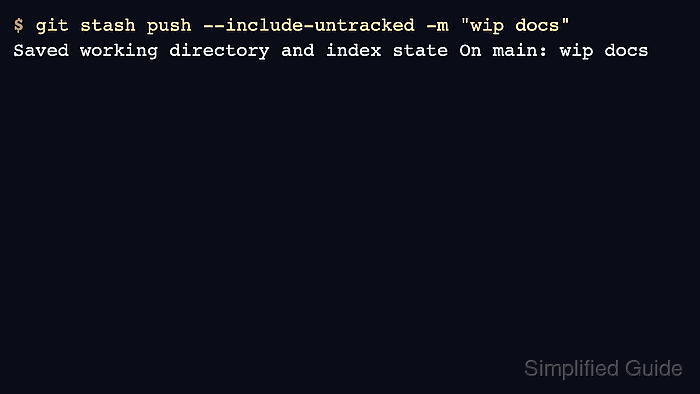
git stash push stores tracked modifications, staged changes, and a message in the repository's stash stack. Add --include-untracked when new files should move with the stash; otherwise untracked files stay in the working tree.
Stashes are local to the repository and are not pushed to a remote. Apply a stash when the entry should remain available until the restored files are checked, and drop it only after the expected changes are back in the work tree. Use git stash pop only when applying and removing the entry in one step is acceptable.
Related: Create and switch to a Git branch
Related: Stage file changes in Git
Related: Remove untracked files with git clean
Steps to stash uncommitted changes in Git:
- Open a terminal in the repository and inspect the current local changes.
$ git status --short
 M app.txt
?? notes.txt
Lines such as M app.txt are tracked files with local changes. Lines such as ?? notes.txt are untracked files, so include --include-untracked when those files should be saved with the stash.
- Create a named stash entry.
$ git stash push --include-untracked -m "wip docs"
Saved working directory and index state On main: wip docs
Use --all only when ignored files such as build output must be stashed too. That option also removes ignored files from the working tree while the stash is created.
- Confirm that the working tree is clean before switching tasks.
$ git status
On branch main
nothing to commit, working tree clean
- List the saved stash entry.
$ git stash list
stash@{0}: On main: wip docs
stash@{0} is the newest stash entry. Use that name explicitly when more than one stash exists.
- Inspect the stash before restoring it.
$ git stash show --include-untracked --stat stash@{0}
 app.txt   | 2 +-
 notes.txt | 1 +
 2 files changed, 2 insertions(+), 1 deletion(-)
Omit --include-untracked here only when the stash was created without untracked files.
- Apply the stash when the saved work should return to the working tree.
$ git stash apply --quiet stash@{0}
--quiet suppresses Git's status summary. Add --index to apply or pop when the previous staged state should be restored as well as file content. Use git stash pop stash@{0} instead when the entry should be removed after a successful apply.
- Confirm that the expected files returned.
$ git status --short
 M app.txt
?? notes.txt
- Drop the stash entry after the restored changes have been checked.
$ git stash drop stash@{0}
Dropped stash@{0} (3a1e9c4c8ab6b6d26844542cbbc80fcfb72bac49)