Starting work on the wrong Git branch mixes unrelated changes into the main line and makes later review or rollback harder. Create the branch first, switch to it in the same command, and confirm the branch name before making the first task-specific commit.
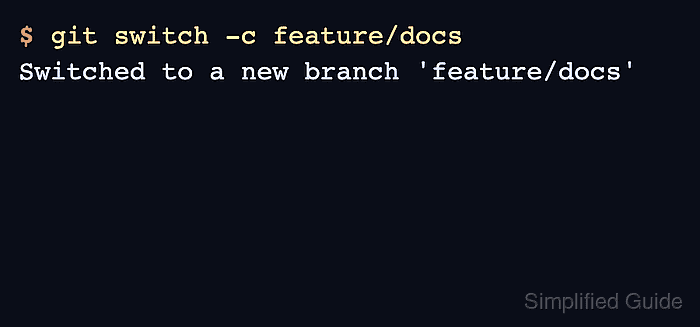
git switch -c creates a new branch at the current commit and updates the working tree so new commits are added to that branch. It is the direct form of creating a branch with git branch and then switching to it, but Git only creates the branch when the switch succeeds.
Use these commands after Git is already installed and the terminal is inside an existing repository. The example branch name is feature/docs; replace it with a short task name that is valid as a Git reference and does not already exist locally.
Related: How to set upstream tracking for a Git branch
Related: How to merge a Git branch into main
Related: How to delete a local Git branch
Steps to create and switch to a Git branch:
- Open a terminal in the repository where the new branch should start.
- Confirm the current branch before creating the new branch.
$ git status --short --branch
## main
Uncommitted changes may move with the branch switch when they do not conflict with the target branch. Commit, stash, or discard unrelated changes first when the new branch should start from a clean working tree.
- Create the branch and switch to it.
$ git switch -c feature/docs
Switched to a new branch 'feature/docs'
Add an explicit start point only when the branch should not start from the current commit, for example git switch -c feature/docs main.
- Verify that the active branch is the new branch.
$ git branch --show-current
feature/docs
- Confirm that Git now reports the working tree against the new branch.
$ git status --short --branch
## feature/docs
- Make the task change, stage it, and commit it on the new branch.
$ git add notes.md
$ git commit -m 'Add branch notes'
[feature/docs 03165c5] Add branch notes
 1 file changed, 1 insertion(+)
 create mode 100644 notes.md
The branch name in the commit output confirms the commit was recorded on feature/docs, not on main.
- Check the branch history before continuing with review, push, or merge work.
$ git log --oneline --decorate
03165c5 (HEAD -> feature/docs) Add branch notes
5a7af56 (main) Initial commit
The newest commit should show HEAD -> feature/docs. The older main marker remains on the commit where the branch started until main is merged, rebased, or otherwise advanced.

Mohd Shakir Zakaria is a cloud architect with deep roots in software development and open-source advocacy. Certified in AWS, Red Hat, VMware, ITIL, and Linux, he specializes in designing and managing robust cloud and on-premises infrastructures.


