How to enable and start the firewalld service
An installed firewalld package can still leave a host without a running firewall daemon after a minimal build, image cleanup, or explicit service disablement. Enabling and starting firewalld.service puts the firewall manager into the current session and the boot path before zones, services, ports, or rich rules are changed.
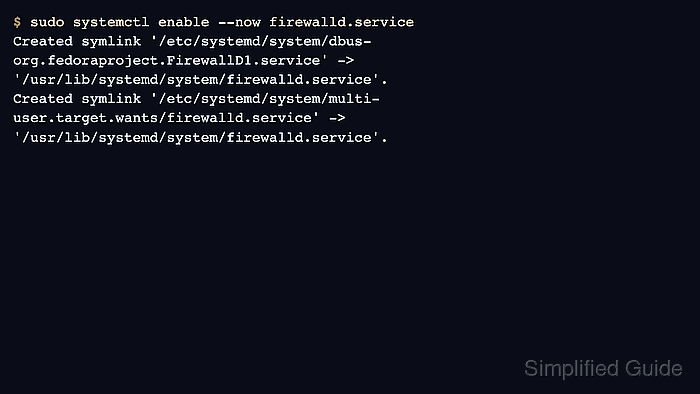
On systemd hosts, systemctl enable --now firewalld.service creates the boot-time unit links and starts the daemon immediately. The firewall-cmd client talks to the running firewalld daemon over D-Bus, so firewall-cmd --state confirms more than a saved unit setting.
Starting a host firewall can immediately apply the default zone policy and change remote reachability. Keep console or out-of-band access available on remote servers, avoid running competing firewall managers for the same packet path, and inspect the active zone before adding allow rules.
Steps to enable and start the firewalld service:
- Open a terminal on the target systemd host with sudo privileges.
- Confirm that the firewalld client is installed.
$ firewall-cmd --version
2.3.2
The version number depends on the distribution release. If the command is missing, install firewalld first. Related: How to install firewalld on RHEL-compatible Linux
- Check whether firewalld.service is enabled for boot.
$ systemctl is-enabled firewalld.service
disabled
enabled means the service is already configured for boot, but it can still be stopped in the current session.
- Check whether firewalld.service is running now.
$ systemctl is-active firewalld.service
inactive
- Clear a previous service mask if the unit had been explicitly blocked.
$ sudo systemctl unmask firewalld.service
A masked unit reports masked in the enablement check and cannot be started until the mask is removed.
- Enable firewalld at boot and start it now.
$ sudo systemctl enable --now firewalld.service
Created symlink '/etc/systemd/system/dbus-org.fedoraproject.FirewallD1.service' -> '/usr/lib/systemd/system/firewalld.service'.
Created symlink '/etc/systemd/system/multi-user.target.wants/firewalld.service' -> '/usr/lib/systemd/system/firewalld.service'.
On a remote server, confirm that the intended zone allows SSH or management access before changing firewall state.
- Confirm that systemd enables firewalld after reboot.
$ systemctl is-enabled firewalld.service
enabled
- Confirm that systemd reports firewalld active in the current session.
$ systemctl is-active firewalld.service
active
- Confirm that firewall-cmd can reach the running daemon.
$ firewall-cmd --state
running
If this returns not running, inspect systemctl status firewalld.service --no-pager before adding firewall rules. Related: How to check firewalld status and active rules
- Inspect the active zone before adding rules.
$ firewall-cmd --get-active-zones
public (default)
Hosts with explicit interface or source bindings show them under the zone name. Use the zone that handles the traffic path you intend to change. Related: How to check active firewalld zones