How to configure a Filebeat TCP input
A Filebeat TCP input lets applications, appliances, or custom agents push events to a listening socket when they cannot write to a local file. The listener is useful for newline-delimited service logs, custom emitters, and network devices that can open a TCP connection, while the same Filebeat service still handles processors and output publishing.
Filebeat reads manual inputs from the filebeat.inputs list in the active package configuration. The tcp input listens on the configured host address and port, creates events from framed records, and stores plain text in the message field unless an input processor or downstream ingest pipeline parses it later.
The default delimiter framing splits records on newline characters. Use framing: rfc6587 only for senders that use octet counting or non-transparent RFC6587 framing, and protect any listener bound to all network interfaces with firewall rules or TLS before untrusted clients can reach it.
Related: How to configure Filebeat processors
Related: How to configure a Filebeat syslog input
Steps to configure a Filebeat TCP input:
- Back up the active Filebeat configuration file.
$ sudo cp /etc/filebeat/filebeat.yml /etc/filebeat/filebeat.yml.bak
Restore the previous file with sudo cp /etc/filebeat/filebeat.yml.bak /etc/filebeat/filebeat.yml if the new input fails validation or receives unexpected data.
- Open the Filebeat configuration file.
$ sudoedit /etc/filebeat/filebeat.yml
- Add the tcp input under the existing filebeat.inputs list.
- /etc/filebeat/filebeat.yml
filebeat.inputs:
  - type: tcp
    id: app-tcp
    host: "0.0.0.0:9001"
    max_message_size: 10MiB
    fields:
      ingest_source: app_tcp
    fields_under_root: true
Keep filebeat.inputs: defined once in the file. Duplicate YAML keys can hide earlier input blocks when Filebeat loads the config.
- Adjust the listener settings for the sender before saving.
Use 127.0.0.1:9001 for same-host senders, 0.0.0.0:9001 for all IPv4 interfaces, or a specific interface address when only one network should accept traffic. Add network: tcp4 or network: tcp6 only when the listener must be pinned to one IP family.
- Set the framing mode when the sender does not send one newline-delimited event per record.
The default delimiter mode uses the newline delimiter. Add framing: rfc6587 for octet-counted or non-transparent RFC6587 senders, and raise max_message_size only when legitimate records exceed the chosen limit.
- Test the Filebeat configuration.
$ sudo filebeat test config -c /etc/filebeat/filebeat.yml
Config OK
Related: How to test a Filebeat configuration
- Restart the Filebeat service to load the TCP input.
$ sudo systemctl restart filebeat
- Confirm the Filebeat service is active.
$ sudo systemctl is-active filebeat
active
- Verify the listener is open on the configured TCP port.
$ sudo ss -ltnp 'sport = :9001'
State  Recv-Q Send-Q Local Address:Port Peer Address:PortProcess
LISTEN 0      4096         0.0.0.0:9001      0.0.0.0:*    users:(("filebeat",pid=7866,fd=8))
A listener on 0.0.0.0 accepts connections from any interface allowed by host and network firewalls. Use TLS or a narrower bind address for senders outside a trusted network.
Related: How to configure Filebeat for TLS - Send one test record from an allowed client.
$ bash -c "printf 'tcp input smoke test\n' >/dev/tcp/127.0.0.1/9001"
Replace 127.0.0.1 with the Filebeat host address when testing from another system. The default delimiter framing publishes the record after the newline.
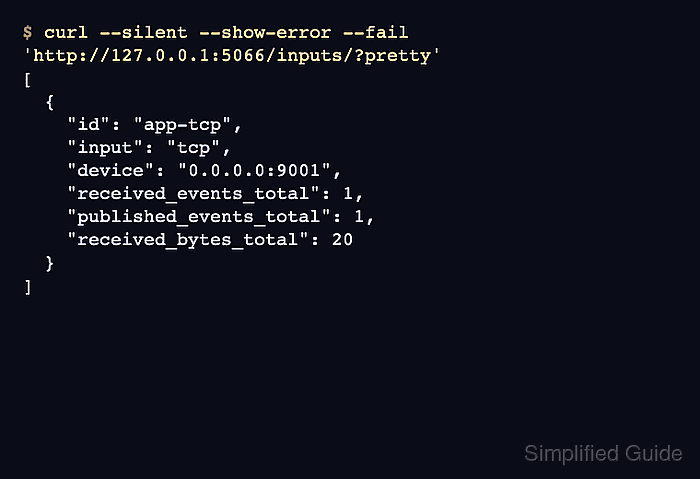
- Query the input counters when the Filebeat HTTP endpoint is enabled.
$ curl --silent --show-error --fail 'http://127.0.0.1:5066/inputs/?pretty'
[
  {
    "id": "app-tcp",
    "input": "tcp",
    "device": "0.0.0.0:9001",
    "received_events_total": 1,
    "published_events_total": 1,
    "received_bytes_total": 20
  }
]
The counters should increase after the smoke-test record. If the endpoint is disabled, enable it temporarily or search the configured output for tcp input smoke test.
Related: How to enable the Filebeat HTTP endpoint