How to troubleshoot Docker networking
Docker networking failures usually show up as a container that cannot resolve a peer name, cannot reach a published port, or is attached to the wrong network. The quickest diagnosis starts by proving where the container is attached before testing the path from inside the same network namespace.
User-defined bridge networks provide container DNS by name and alias. Published ports expose a container port on the host, but they are not needed for container-to-container traffic on the same Docker network.
Separate internal reachability from host reachability during troubleshooting. A service can resolve and connect from another container while the host port is unpublished, blocked by a firewall, or bound only to 127.0.0.1.
Steps to troubleshoot Docker networking:
- Identify the networks attached to the container.
$ docker inspect app [ { "NetworkSettings": { "Networks": { "frontend": {}, "backend": {} } } } ] - Inspect the expected network membership.
$ docker network inspect backend [ { "Name": "backend", "Containers": { "a18f...": { "Name": "db" }, "c42a...": { "Name": "app" } } } ] - Test Docker DNS from inside the source container.
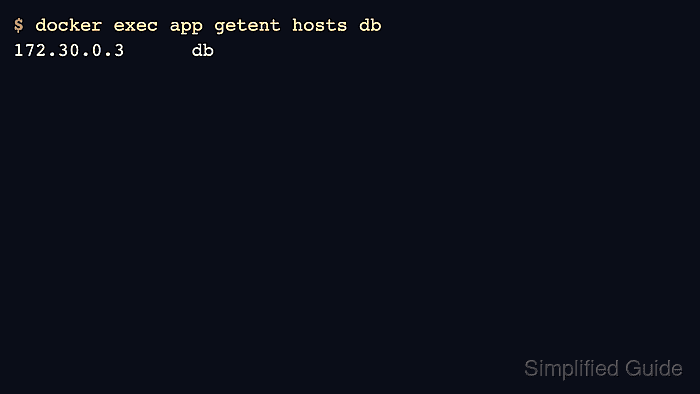
$ docker exec app getent hosts db
172.30.0.3      db
- Test the service port from inside the same network.
$ docker exec app sh -c 'nc -vz db 5432'
db (172.30.0.3:5432) open
If the image does not include nc, run a short-lived diagnostic container on the same network instead.
- Check whether the container port is published to the host.
$ docker container port app
8080/tcp -> 127.0.0.1:8080
- Request the published host port from the host when external clients fail.
$ curl -I -sS http://127.0.0.1:8080
HTTP/1.1 200 OK
Server: app
- Attach the container to the missing user-defined network when network membership is the problem.
$ docker network connect backend app
$ docker network inspect backend
[
  {
    "Name": "backend",
    "Containers": {
      "a18f...": {
        "Name": "db"
      },
      "c42a...": {
        "Name": "app"
      }
    }
  }
]