How to build a multi-stage Docker image
A multi-stage Docker build separates the toolchain used to compile or package an application from the lean image that actually runs it. This keeps compilers, package managers, and source trees out of the final runtime image while still letting one Dockerfile manage the whole build flow.
Each FROM instruction starts a new stage, and COPY --from=<stage> moves only the needed artifacts into the next one. Current Docker releases use the BuildKit builder behind docker build for Linux containers by default, so named stages such as AS build and targeted builds with --target work in the normal CLI path.
The example below uses a small Go program so the stage boundary stays easy to inspect, but the same pattern applies when a runtime stage only needs compiled binaries, packaged assets, or a prepared dependency tree. The decisive success state is a final image that runs the application and a named build stage that can still be tagged separately for debugging or testing.
Steps to build a multi-stage Docker image:
- Create a working directory for the sample build context.
$ mkdir hello-multi-stage
- Change into the new build context.
$ cd hello-multi-stage
- Save a small application that will be compiled in the build stage.
package main

import "fmt"

func main() {
    fmt.Println("hello from the runtime stage")
}
The sample stays small on purpose so the stage split is easier to inspect than a full application tree.
- Save a multi-stage Dockerfile with separate build and runtime stages.
# syntax=docker/dockerfile:1

FROM golang:1.25 AS build
WORKDIR /src

COPY main.go ./
RUN CGO_ENABLED=0 GOOS=linux go build -o /out/hello ./main.go

FROM scratch AS runtime
COPY --from=build /out/hello /hello

ENTRYPOINT ["/hello"]
The AS build name lets the later COPY --from=build instruction keep working even if the Dockerfile is reordered.
A scratch runtime stage only works when the copied program already contains everything it needs. Dynamically linked applications usually need a fuller runtime base image such as alpine or debian-slim instead.
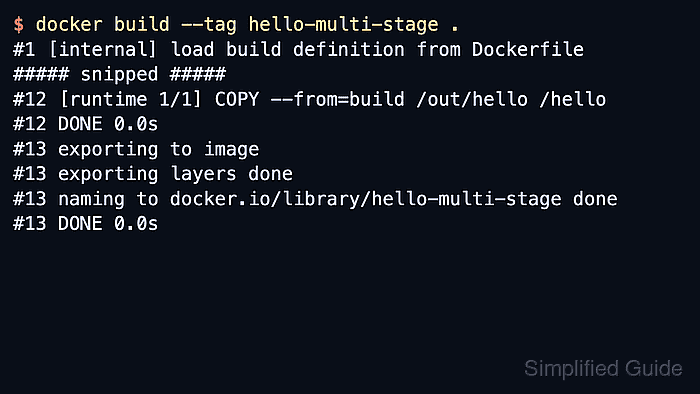
- Build the final runtime image from the last stage in the Dockerfile.
$ docker build --tag hello-multi-stage .
#1 [internal] load build definition from Dockerfile
##### snipped #####
#12 [runtime 1/1] COPY --from=build /out/hello /hello
#12 DONE 0.0s
#13 exporting to image
#13 exporting layers done
#13 naming to docker.io/library/hello-multi-stage done
#13 DONE 0.0s
Docker tags the last stage by default, so the runtime stage becomes the published image here.
- Run the final image to confirm the runtime stage contains everything the application needs.
$ docker run --rm hello-multi-stage
hello from the runtime stage
A successful run here proves the runtime stage does not need the Go toolchain from the earlier build stage.
- Build only the named build stage when the compile environment needs debugging or reuse.
$ docker build --target build --tag hello-multi-stage:build .
#1 [internal] load build definition from Dockerfile
##### snipped #####
#10 [build 4/4] RUN CGO_ENABLED=0 GOOS=linux go build -o /out/hello ./main.go
#10 DONE 5.3s
#11 exporting to image
#11 exporting layers done
#11 naming to docker.io/library/hello-multi-stage:build done
#11 DONE 0.3s
The --target build flag stops the Dockerfile at that stage instead of continuing into the runtime stage.
- Inspect the final image history to confirm that only the copied runtime artifact remains in the shipped image.
$ docker history hello-multi-stage
IMAGE          CREATED              CREATED BY                          SIZE      COMMENT
e9fbc61a88c5   About a minute ago   ENTRYPOINT ["/hello"]               0B        buildkit.dockerfile.v0
<missing>      About a minute ago   COPY /out/hello /hello # buildkit   2.29MB    buildkit.dockerfile.v0
The final image history no longer shows the golang base image or the compile step because those layers stayed in the earlier build stage.