How to configure Docker daemon.json
Docker daemon settings affect every container that the engine starts after the change. Editing /etc/docker/daemon.json is useful for defaults such as logging behavior or live restore, but a malformed file or duplicated daemon flag can stop dockerd from starting.
The Linux Engine default path is /etc/docker/daemon.json, while rootless mode uses ~/.config/docker/daemon.json and Docker Desktop exposes daemon settings through its own Docker Engine settings surface. The file is JSON, so syntax validation should happen before a restart.
Use a small, reversible change first. Settings such as data-root can require migration planning, while a default logging driver mainly affects newly created containers.
Related: How to manage the Docker service in Linux
Tool: JSON Validator
Steps to configure Docker daemon.json:
- Check the active Docker host before editing daemon settings.
$ docker context show
default
- Back up the current daemon configuration if it exists.
$ sudo cp /etc/docker/daemon.json /etc/docker/daemon.json.backup
On a new Engine install, create the file if /etc/docker/daemon.json does not exist.
- Write the daemon settings as strict JSON.
- /etc/docker/daemon.json
{
  "log-driver": "local",
  "live-restore": true
}
- Validate the JSON syntax before restarting Docker.
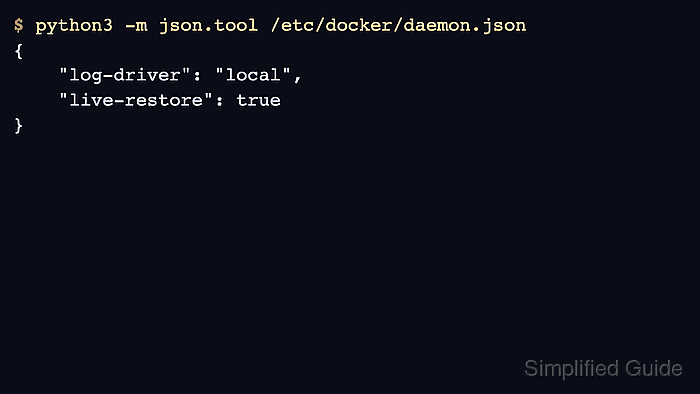
$ python3 -m json.tool /etc/docker/daemon.json { "log-driver": "local", "live-restore": true } - Restart the Docker service so the daemon reads the file.
$ sudo systemctl restart docker
A daemon restart can interrupt container management and may restart containers depending on the host configuration. Schedule the change for a maintenance window when the host carries production workloads.
- Verify that the daemon reports the new default logging driver.
$ docker info
##### snipped #####
Logging Driver: local
##### snipped #####