How to add a Docker container healthcheck
A running container is not always a ready application. A Docker healthcheck gives the engine a command to run inside the container, so operators can distinguish a process that merely exists from one that passes the service's own readiness check.
Healthchecks can be baked into a Dockerfile with HEALTHCHECK or supplied at runtime with docker run options such as --health-cmd, --health-interval, and --health-retries. The command runs inside the container, so localhost refers to the container itself.
The check should be cheap, deterministic, and tied to the dependency the next operator or service actually needs. A weak command such as checking for a process name can hide a broken listener, failed migration, or missing backend connection.
Related: How to create a Dockerfile
Related: How to inspect container details in Docker
Tool: Docker Compose Healthchecks Checker
Steps to add a Docker container healthcheck:
- Choose the command that proves the container is ready.
$ app health
ok
For an HTTP service, use a local readiness endpoint. For a worker, use a lightweight command that confirms the worker can reach its required queue or runtime state.
- Add the healthcheck when creating the container.
$ docker run --detach --name app --health-cmd 'app health' --health-interval 30s --health-timeout 3s --health-retries 3 registry.example.com/team/app:1.0
9c5e2f1a7b8c
- Wait for the first successful probe.
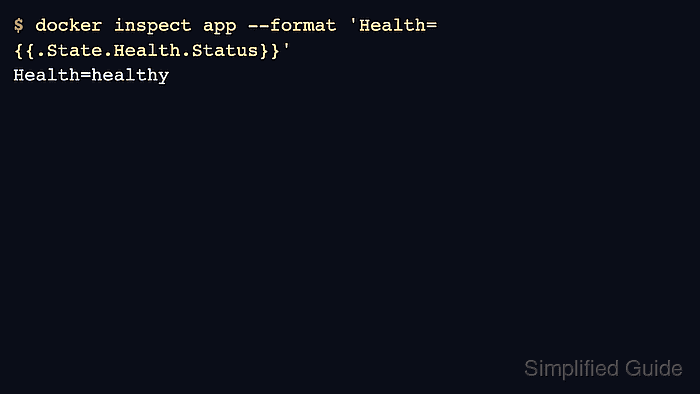
$ docker inspect app [ { "State": { "Health": { "Status": "healthy" } } } ] - Review recent probe output when the status is not healthy.
$ docker inspect app
[
  {
    "State": {
      "Health": {
        "Log": [
          {
            "ExitCode": 0,
            "Output": "ok\n"
          }
        ]
      }
    }
  }
]
Health log output is useful for debugging, but keep secret-bearing commands and tokens out of healthcheck output.
- Confirm that the container list shows the health state.
$ docker ps --filter name=app
CONTAINER ID   IMAGE                                COMMAND   CREATED          STATUS                    PORTS     NAMES
9c5e2f1a7b8c   registry.example.com/team/app:1.0    "app"     45 seconds ago   Up 45 seconds (healthy)             app