How to install a package on Debian with apt
Installing a package with APT is the normal Debian path for adding software from the enabled repositories. The safest flow refreshes package metadata, checks which version APT will choose, installs the package, and verifies the installed package or command afterward.
APT resolves dependencies from the Debian source entries under /etc/apt/, downloads the required .deb files, and hands package unpacking and configuration to dpkg. Current Debian releases may show the newer Installing and Summary layout during installation, so the exact wording can differ from older examples while the package name, dependency list, and final installed state remain the important signals.
A small package such as jq is useful for showing the normal default-repository install path. Replace jq with the package needed on the host, review any dependencies or removals before confirming, and do not treat a successful download as proof until the installed package or binary can be queried.
Related: How to add an APT repository on Debian
Related: How to hold a Debian package
Related: How to pin a Debian package version
Steps to install a package on Debian with apt:
- Refresh the local package index.
$ sudo apt update
Get:1 http://deb.debian.org/debian stable InRelease [140 kB]
Get:2 http://deb.debian.org/debian stable-updates InRelease [47.3 kB]
Get:3 http://deb.debian.org/debian-security stable-security InRelease [43.4 kB]
##### snipped #####
Reading package lists... Done
2 packages can be upgraded. Run 'apt list --upgradable' to see them.
Run this before installing when the host was just provisioned, a repository was changed, or package metadata may be stale.
- Check which version APT will install.
$ apt-cache policy jq
jq:
  Installed: (none)
  Candidate: 1.7.1-6+deb13u2
  Version table:
     1.7.1-6+deb13u2 500
        500 http://deb.debian.org/debian stable/main arm64 Packages
The Candidate line shows the package version APT will choose from the enabled repositories. If no candidate appears, enable the required Debian component or repository before continuing.
- Install the package.
$ sudo apt install jq
Reading package lists... Done
Building dependency tree... Done
Reading state information... Done
Installing:
  jq

Installing dependencies:
  libjq1  libonig5

Summary:
  Upgrading: 0, Installing: 3, Removing: 0, Not Upgrading: 2
  Download size: 406 kB
  Space needed: 1297 kB / 1680 GB available
##### snipped #####
Setting up jq (1.7.1-6+deb13u2) ...
Review the package summary before confirming on production hosts. Stop when APT proposes removing or upgrading packages that are outside the intended change.
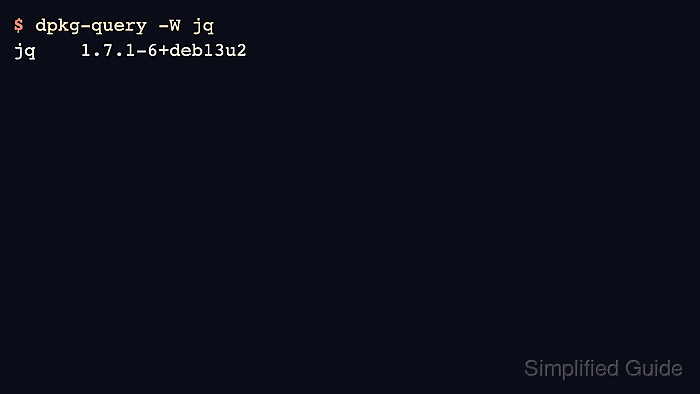
- Confirm that the Debian package is installed.
$ dpkg-query -W jq
jq	1.7.1-6+deb13u2
Use dpkg-query -W <package> for package-level proof when the package name is known.
- Verify the installed command when the package provides one.
$ jq --version
jq-1.7
Package installation is complete only when the package state and the expected command or service both match the intended result.