How to hold a Debian package
Hold a Debian package when a specific update must wait for a maintenance window, application certification, or a rollback plan. The hold records package-selection state so normal APT upgrade runs leave the named package at its installed version instead of taking the newest candidate.
Debian manages package holds with apt-mark. apt-mark hold sets the hold, apt-mark showhold lists the held packages, and apt-mark unhold releases a package when it can move again.
Use holds sparingly because they can delay security fixes and dependency transitions. Keep a note outside APT for why the hold exists, review it during patch windows, and use package pinning instead when the goal is to prefer a repository or version by priority while still allowing controlled upgrades.
Steps to hold a Debian package:
- Refresh the APT package lists.
$ sudo apt update
Hit:1 http://deb.debian.org/debian stable InRelease
Hit:2 http://deb.debian.org/debian stable-updates InRelease
Hit:3 http://deb.debian.org/debian-security stable-security InRelease
Reading package lists... Done
- Check the installed and candidate versions for the package.
$ apt-cache policy libssl3t64
libssl3t64:
  Installed: 3.5.6-1~deb13u1
  Candidate: 3.5.6-1~deb13u2
  Version table:
     3.5.6-1~deb13u2 500
        500 http://deb.debian.org/debian-security stable-security/main arm64 Packages
 *** 3.5.6-1~deb13u1 500
        500 http://deb.debian.org/debian stable/main arm64 Packages
        100 /var/lib/dpkg/status
Replace libssl3t64 with the package you need to pause. The Installed line is the version currently on the system, and the Candidate line is the version APT would normally select.
- Hold the package.
$ sudo apt-mark hold libssl3t64
libssl3t64 set on hold.
A hold can block security updates for the named package. Use it for a specific change window or compatibility reason, then remove it after the package is cleared to update.
- List held packages to confirm the mark is saved.
$ apt-mark showhold
libssl3t64
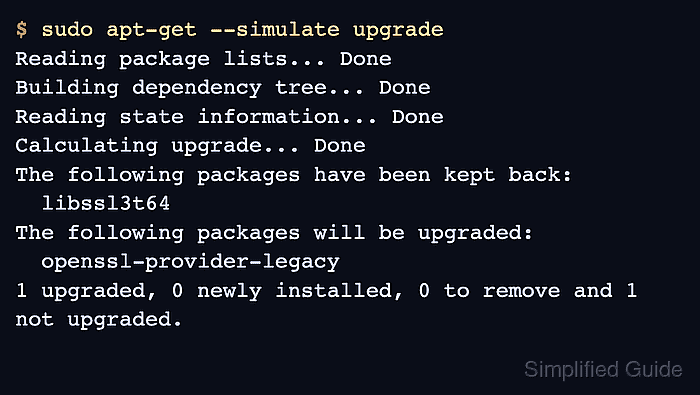
- Simulate an upgrade to verify the held package stays back.
$ sudo apt-get --simulate upgrade
Reading package lists... Done
Building dependency tree... Done
Reading state information... Done
Calculating upgrade... Done
The following packages have been kept back:
  libssl3t64
The following packages will be upgraded:
  openssl-provider-legacy
1 upgraded, 0 newly installed, 0 to remove and 1 not upgraded.
apt-get --simulate prints the planned package changes without applying them. The kept back line proves the held package is not part of the normal upgrade plan.
- Release the hold when the package is ready to update.
$ sudo apt-mark unhold libssl3t64
Canceled hold on libssl3t64.
- Verify that the package can appear in the upgrade plan again.
$ sudo apt-get --simulate upgrade
Reading package lists... Done
Building dependency tree... Done
Reading state information... Done
Calculating upgrade... Done
The following packages will be upgraded:
  libssl3t64 openssl-provider-legacy
2 upgraded, 0 newly installed, 0 to remove and 0 not upgraded.
If apt-mark showhold prints no package names after the unhold step, no packages are currently held.