How to force curl to use IPv4 or IPv6
Forcing IPv4 or IPv6 in curl keeps a hostname request on one address family when a dual-stack name hides a route-specific problem. It is useful when a service works over one family but fails over the other, or when a script must fail on the selected family instead of silently reaching the same name another way.
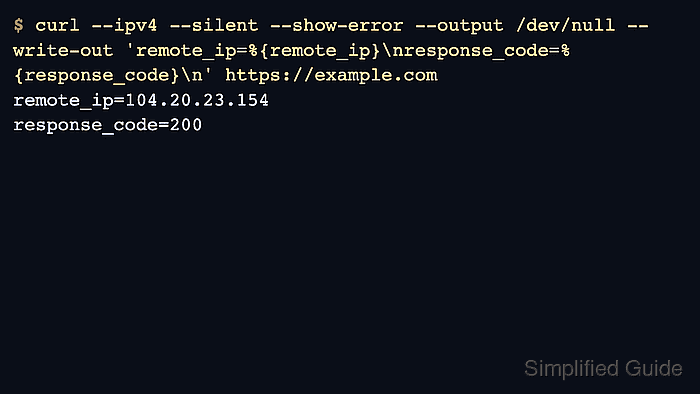
The --ipv4 (-4) option requests IPv4 addresses only when curl resolves a hostname, while --ipv6 (-6) requests IPv6 addresses only. Without either option, curl uses the address families allowed by the system and its normal dual-stack connection logic.
These options apply to hostname resolution, not to rewriting literal IP addresses. A URL that already contains 127.0.0.1 or [::1] names its own family, while a hostname such as localhost or api.example.net can be constrained by the flag. Pair forced-family probes with remote_ip or verbose output so the result shows the address family that curl actually used.
Related: How to bind curl to a network interface
Related: How to override DNS resolution with cURL
Tool: What Is My IP Address?
Steps to force curl to use IPv4 or IPv6:
- Inspect a normal hostname request first when you need to see which address families curl can use.
$ curl --silent --show-error --verbose --output /dev/null http://localhost:18080/
* Host localhost:18080 was resolved.
* IPv6: ::1
* IPv4: 127.0.0.1
*   Trying [::1]:18080...
* Established connection to localhost (::1 port 18080) from ::1 port 34072
##### snipped #####
* shutting down connection #0
The sample target is a local dual-stack test service so both families are visible in one transcript. Replace it with the hostname and port that you need to test.
- Force an IPv4 connection when the request must ignore AAAA answers.
$ curl --ipv4 --silent --show-error --write-out 'remote_ip=%{remote_ip}\n' http://localhost:18080/
family=ipv4
client=127.0.0.1
remote_ip=127.0.0.1
The remote_ip value should be a dotted-quad IPv4 address when the request stayed on IPv4.
- Force an IPv6 connection when the request must not fall back to IPv4.
$ curl --ipv6 --silent --show-error --write-out 'remote_ip=%{remote_ip}\n' http://localhost:18080/
family=ipv6
client=::1
remote_ip=::1
The remote_ip value should be an IPv6 address when the request stayed on IPv6.
- Confirm that an unavailable forced family fails instead of switching to the other address family.
$ curl --ipv6 --silent --show-error --max-time 2 http://localhost:18081/
curl: (7) Failed to connect to localhost port 18081 after 0 ms: Could not connect to server
The verified failure target has only an IPv4 listener. Because the command is forced to IPv6, curl does not retry 127.0.0.1. On some macOS resolver paths, an IPv6-only lookup can show IPv4-mapped IPv6 values such as ::ffff:192.0.2.40; keep --max-time in automation so an unavailable path fails quickly.