How to save the last Codex response to a file
Automation that launches codex exec often needs the final assistant reply as a plain file, not mixed with progress text or every event from the run. Saving that last message gives a script, review job, release note step, or follow-up command one predictable handoff artifact.
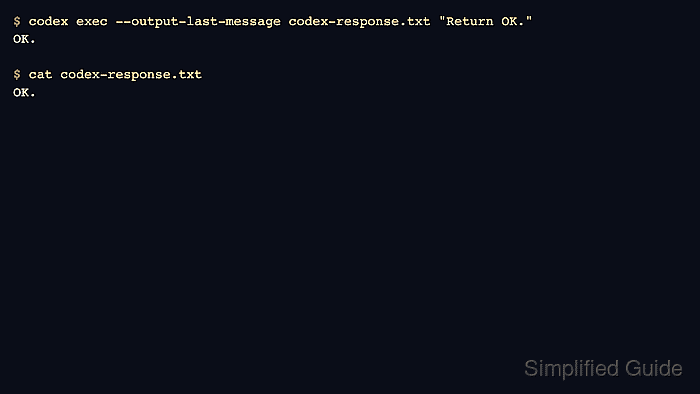
In codex exec, progress output is streamed separately while the final agent message prints to stdout. The --output-last-message option writes that same final message to a chosen file path, so stdout remains readable and the saved file can be consumed by another command later.
Use --output-last-message when the downstream step only needs one text result. Use --json when a consumer needs the full JSONL event stream, or --output-schema when the saved response must follow a JSON Schema contract. Choose a destination in an existing directory, because Codex reports a write error when the parent path is missing, and a later run replaces the file contents instead of appending.
Related: How to enable JSON output in Codex
Related: How to use an output schema in Codex
Steps to save the last Codex response with codex exec:
- Run codex exec with --output-last-message and a destination file.
$ codex exec --output-last-message codex-response.txt "Return OK."
OK.
The final reply still prints to stdout. The same text is also written to codex-response.txt. If Codex stops at the repository trust check, start from the repository that should own the task before retrying.
Related: How to fix the Codex trusted-directory error - Open the saved file.
$ cat codex-response.txt
OK.
- Run another prompt with the same destination path.
$ codex exec --output-last-message codex-response.txt "Return Updated OK."
Updated OK.
--output-last-message replaces the destination file when it already exists.
- Read the file again to confirm it now contains the latest final message.
$ cat codex-response.txt
Updated OK.